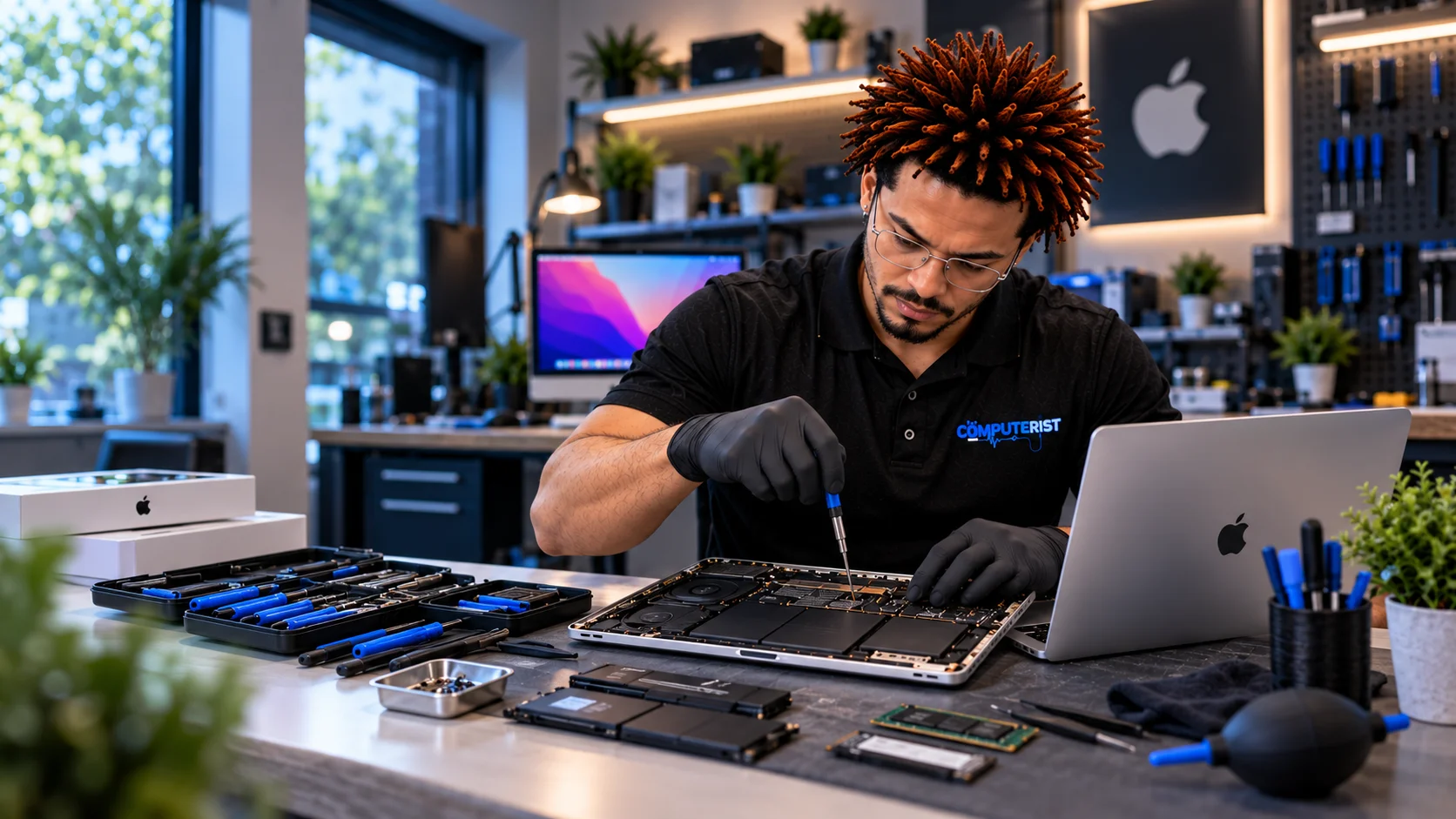
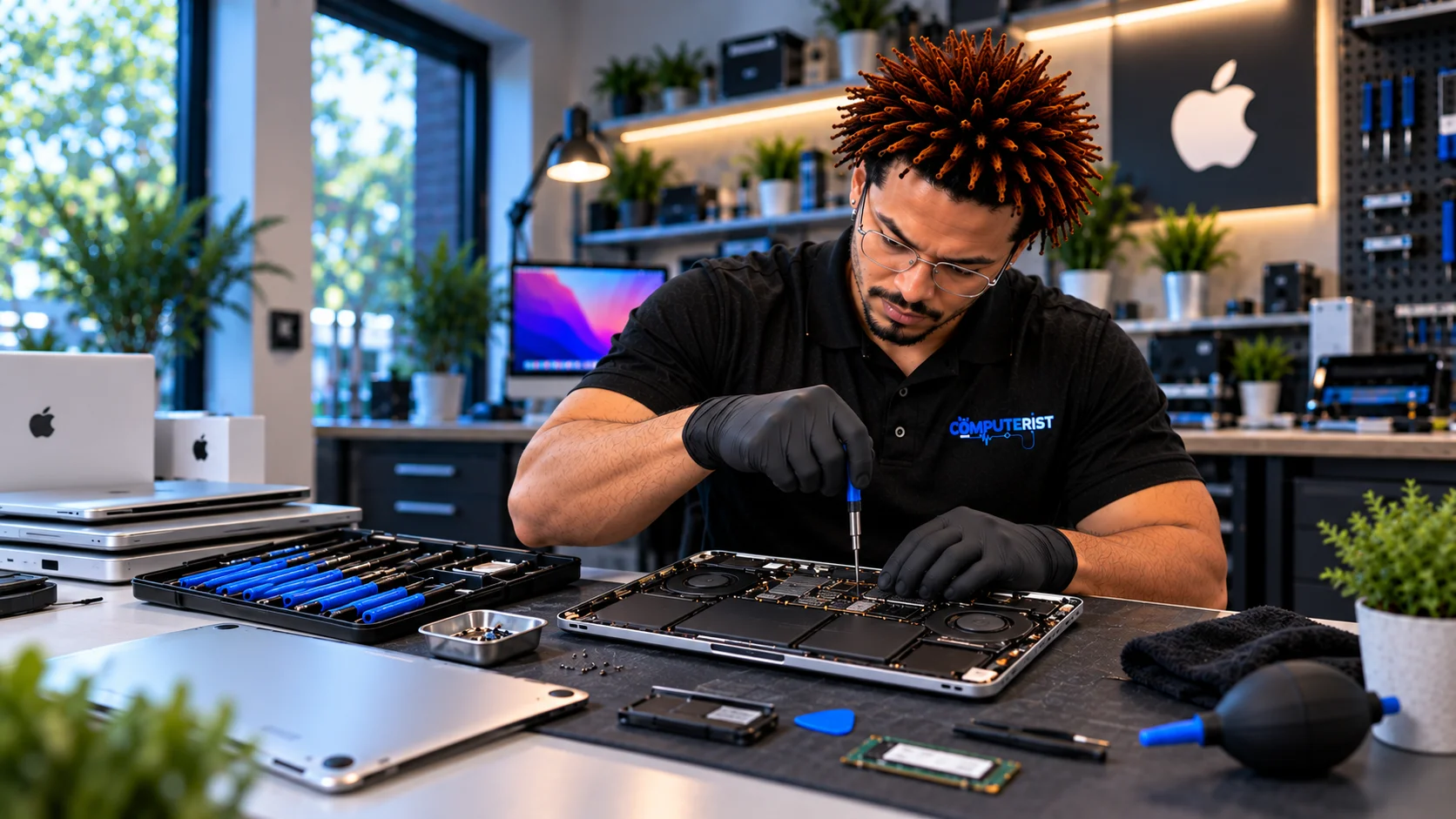
Mac Repair That Starts With Finding the Real Problems
We diagnose the problem before recommending a repair, upgrade or replacement. When your MacBook, iMac or Mac desktop starts behaving strangely, it can be difficult to know whether you’re dealing with a software problem, failing hardware or something that needs specialist attention.A Mac that won’t start, keeps crashing, runs slowly, overheats or refuses to install an update doesn’t automatically mean it’s time for a new computer.Computerist provides Mac repair, troubleshooting and support for home users, professionals and small businesses across Melbourne’s south-east.We’ll investigate the problem, explain what we’ve found and help you decide whether repair, recovery, an upgrade or replacement makes the most sense.
A MacBook might suddenly stop charging. An iMac may power on but show nothing on the screen. macOS might repeatedly crash or refuse to complete an update. Your Mac could be running painfully slowly despite appearing to have plenty of storage. Computerist can help investigate a wide range of Mac hardware and software problems.
Common Mac problems include:
MacBook won’t turn on
Mac won’t boot
Mac stuck on the Apple logo
MacBook running slowly
MacOS crashes or freezes
MacOS update problems
MacBook overheating
Battery draining quickly
MacBook not charging
Faulty charging or power problems
Screen and display problems
Keyboard problems
Trackpad problems
Wi-Fi problems
Bluetooth problems
Storage problems
SSD issues
Startup disk problems
Application crashes
Unwanted software or malware
Data recovery
Accidental file deletion
External drive problems
General Mac troubleshooting
You don’t need to know what’s causing the problem.
Tell us what your Mac is doing, and we’ll investigate.
MacBook Repair
MacBooks differ from traditional desktops and Windows laptops.Depending on the model, components can be highly integrated, and some repairs or upgrades that were once straightforward may no longer be possible.That’s why the first step should always be proper diagnosis.
We can investigate problems involving:
MacBook startup
macOS
Battery performance
Charging
Storage
Display
Keyboard
Trackpad
Connectivity
Performance
Software
Data
If a repair requires specialised parts, equipment or an Apple-specific service pathway, we’ll explain that rather than pretending every problem can be handled in the same way.
MacBook Won’t Turn On
A MacBook that appears completely dead can have several possible causes.It could involve:
Battery
Charger
Charging connection
Power circuitry
Logic board
Display
Internal hardware
Software or startup problems
The first thing to establish is whether the Mac is actually receiving power and what happens when you attempt to start it.If your Mac contains important data, avoid repeatedly attempting complicated recovery procedures before the problem has been assessed.
Mac Stuck On The Apple Logo
A Mac that reaches the Apple logo and then stops can be experiencing a startup or operating-system problem.Possible causes include:
macOS problems
Failed updates
Storage issues
File-system problems
Hardware faults
Peripheral conflicts
Other startup-related issues
The correct solution depends on the underlying cause.A forced restart may occasionally solve a temporary problem, but repeatedly restarting a Mac that has a serious storage or hardware fault can make matters worse. If the Mac contains important files, data preservation should be considered before attempting more invasive repairs.
Slow Mac Repair
Older Macs can gradually become slower, but age alone isn’t always the explanation.
A slow Mac may be affected by:
Insufficient available storage
Storage problems
Background applications
macOS issues
Startup applications
Hardware limitations
Excessive system load
Failing components
Software conflicts
We’ll investigate the cause rather than automatically recommending a new Mac.Sometimes the solution is straightforward.Sometimes the hardware has simply reached its practical limits.We’ll help you understand the difference.
macOS Troubleshooting & Support
Software problems can be just as frustrating as hardware failures.Computerist can investigate common macOS issues involving:
Startup
System updates
Application crashes
System freezes
User accounts
Storage
Network connectivity
External devices
Performance
Configuration problems
Where appropriate, we’ll also consider whether the problem is caused by hardware rather than macOS itself. For official guidance on troubleshooting and using Mac computers, see Apple Support.
MacBook Battery Problems
Mac batteries naturally lose capacity over time.You may notice:
Battery draining much faster than it used to
Unexpected shutdowns
MacBook only working reliably on the charger
Battery health warnings
Reduced operating time
Charging problems
A battery issue doesn’t necessarily mean the entire MacBook needs replacing. We’ll assess the symptoms and explain the available options.
MacBook Not Charging?
A MacBook that won’t charge can have several possible causes.The problem might involve:
Power adapter
Charging cable
Charging port
Battery
Internal power circuitry
Software or system behaviour
Before purchasing a replacement MacBook or expensive accessories, it’s worth identifying the actual cause.
Mac Storage & SSD Problems
Storage is one of the most important components in a Mac. A storage problem can result in:
Slow performance
Startup failures
Missing files
Application crashes
Unexpected errors
macOS installation problems
Data loss
If you suspect the storage is failing and the data is important, stop using the Mac unnecessarily.The more a failing storage device is used, the more complicated recovery can become.Computerist can assess the situation and explain what should happen next.
For many people, the most valuable thing inside a Mac isn’t the computer.It’s the information.Photos, documents, business files, creative projects, emails and personal records can be irreplaceable.
If your Mac has:
Failed to start
Experienced storage failure
Had files accidentally deleted
Been damaged
Developed file-system problems
Experienced an unexpected failure,your data may still be recoverable.
If the data matters, don’t experiment.
Avoid repeatedly reinstalling macOS, formatting the drive or installing recovery software onto the affected storage without understanding the risk.Computerist can assess the problem and help determine the safest next step.
Macs are increasingly common in professional environments.
A business Mac may depend on:
Microsoft 365
Email
Cloud storage
Business applications
Wi-Fi
Printers
Security controls
User accounts
Shared resources
When a Mac stops working properly, the problem may extend beyond the computer itself.Computerist can assist with Mac troubleshooting within a wider business IT environment and help determine whether the problem lies with the Mac, network,Microsoft 365 or another service.
Using a Mac doesn’t mean you have to use a completely different business technology environment.Many businesses use Macs alongside:
Microsoft 365
Outlook
Teams
OneDrive
SharePoint
Microsoft Entra ID
Windows devices
Business networks
If you’re having trouble accessing Microsoft 365 services from your Mac, the problem may involve the Mac, the application, the account or the wider Microsoft 365 environment.Computerist can help investigate the problem.
An older Mac isn’t automatically ready for replacement. We look at its condition, performance, storage, battery, operating system, hardware faults and the likely repair cost before recommending what to do next. Sometimes repair makes sense. Sometimes an upgrade is the better option. And sometimes replacement is the most sensible choice.
We’ll consider:
The age of the Mac
A relatively recent Mac may have plenty of useful life remaining.
The nature of the fault
A software problem is very different from a major hardware failure.
Repair availability
Some modern Mac components are highly integrated, which can affect repair options.
Your actual requirements
A computer used for email and browsing has very different requirements from one used for video production or professional design.
The cost
If the repair approaches the cost of a suitable replacement, we’ll tell you.Our goal isn’t to keep an old computer alive at any cost.It’s to help you make a sensible decision.
Mac Repair for Home Users
Your Mac may contain years of photographs, documents, correspondence and personal information.When something goes wrong, you shouldn’t have to understand macOS internals or hardware diagnostics to get help.
Tell us:What happened?What changed?What does the Mac do now?We’ll take it from there.
Mac Support for Professionals & Small Businesses
For professionals and small businesses, a Mac problem can quickly become a productivity problem.Computerist can assist with:
Mac troubleshooting
Microsoft 365
Email
Wi-Fi
Network connectivity
Business applications
Data
Security
User support
We can also help determine whether the problem is actually with the Mac or with another part of the business environment.
What Happens During a Mac Repair?
We keep the process straightforward.
1. Tell us what happened
Describe the problem in normal language.You don’t need to know whether it’s macOS, the SSD or the logic board.
2. We diagnose the problem
We’ll investigate the symptoms and determine whether the issue appears to be hardware, software or a combination of both.
3. We explain what we’ve found
We’ll explain the problem and the available options.
4. We consider your data
If your Mac contains important files, we’ll consider data preservation before undertaking work that could affect them.
5. You decide
If the repair makes sense, we’ll proceed once you’ve approved it.If replacing the Mac makes more sense, we’ll tell you that.
6. We complete and test the work
Once the approved work is completed, we’ll test the Mac as appropriate before returning it to you.
How Much Does Mac Repair Cost?
There isn’t one price for Mac repair.The cost depends on what is actually wrong and what type of Mac you have.Factors can include:
Mac model
Age
Hardware fault
Software problem
Required parts
Labour
Data recovery
Availability of components
Whether repair is economically worthwhile
We prefer to diagnose the problem first rather than quote an unrealistic price before knowing what has failed.
Why Choose Computerist? Real-World IT Experience
Straightforward Explanations
Practical Advice, Not Unnecessary Upgrades
A Mac isn’t always the source of a problem.Your Mac could appear to have an issue when the real cause is:
Wi-Fi
DNS
Microsoft 365
Network configuration
Cloud services
Security software
Another device
An external drive
Our broader IT experience allows us to look beyond the obvious.
We explain technology in plain English
You shouldn’t need to be an IT professional to understand what is happening to your computer.We’ll explain:What’s wrong.What can be done.What it is likely to cost.Whether it’s worth doing.
We don’t automatically recommend replacement
Sometimes replacement is the right answer.Sometimes a repair makes far more sense.We’ll give you an honest assessment rather than assuming the most expensive option is the best one.
No Fix, No Fee
Where applicable, Computerist operates a No Fix, No Fee approach.The exact conditions depend on the nature of the work, so we’ll explain them before proceeding.
Don’t replace your Mac before finding out what’s actually wrong. Whether your Mac is running slowly, refusing to start, overheating, crashing, having charging or battery problems, or experiencing another hardware or software issue, Computerist can help diagnose the cause and explain the most sensible next step.
We charge an hourly rate for the time spent working on your technology. If we’re unable to resolve the problem, you won’t be charged for the diagnostic or travel component.
*Some exclusions and conditions may apply. We’ll explain applicable charges before work begins.
We can diagnose the problem. A Mac that won’t turn on may have a battery, charging, power, display, logic-board, storage or other hardware/software issue.
Potentially. Data recovery depends on the condition of the storage and the nature of the failure. If the data is important, avoid repeatedly attempting repairs or reinstallations before getting the storage assessed.
We can diagnose many iMac hardware and software problems. Repair options depend on the model, the component involved, and the availability of appropriate parts or service pathways.
Yes. Computerist can assist with Microsoft 365 applications and account-related problems on Mac systems, including Outlook, Teams, OneDrive and other Microsoft 365 services.
Depending on the problem, on-site, remote, workshop or pickup options may be available. Some hardware repairs are better performed in a controlled environment.












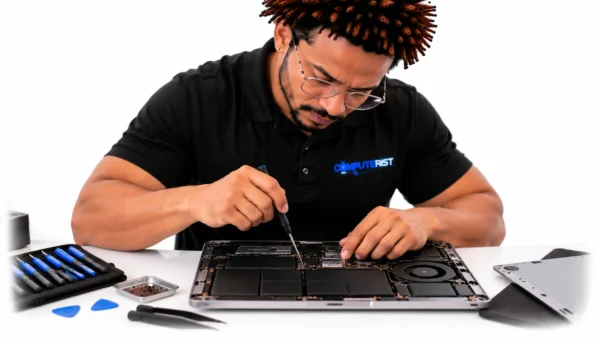


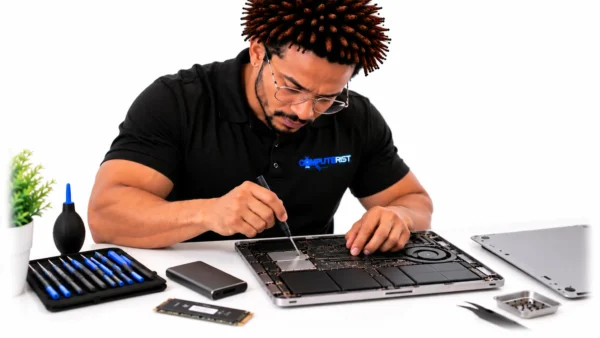









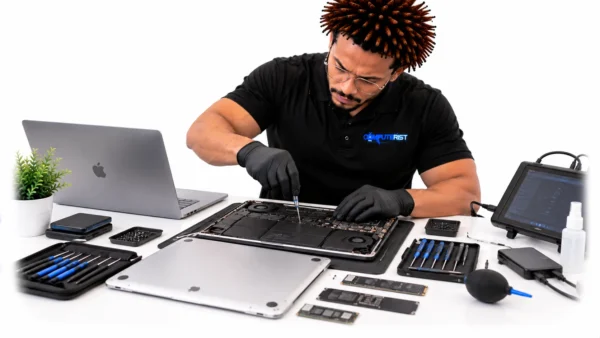











 MacBook won’t turn on