Laptop Repair That Starts With Finding the Real Problem
Laptop Repair
Laptop Repair
A slow laptop, one that overheats, refuses to start, or constantly crashes, doesn’t necessarily need to be replaced.
Sometimes it’s a failing component. Sometimes Windows has become unstable. Sometimes the problem is surprisingly simple. And sometimes the repair isn’t worth the money.
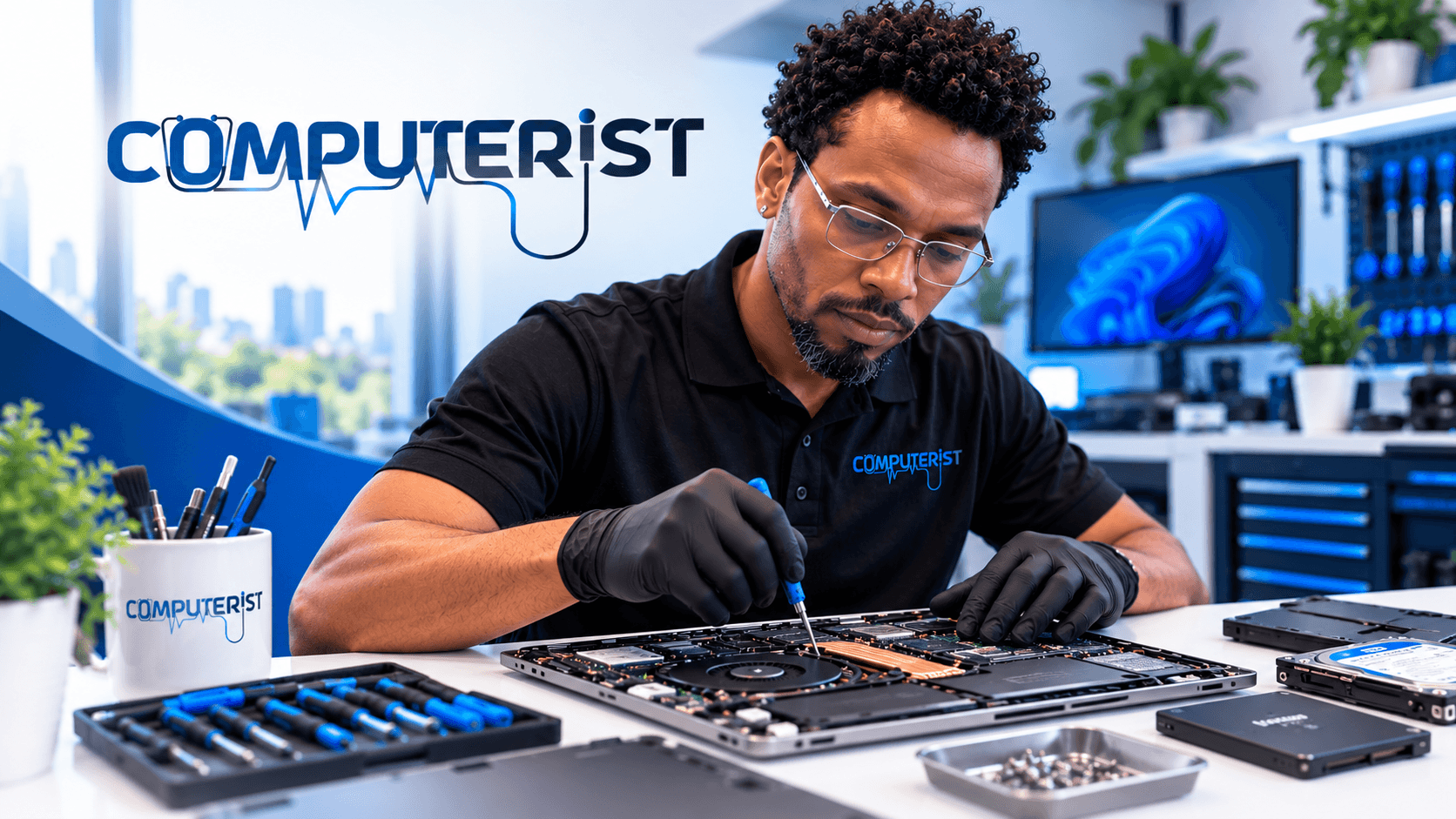
Computerist provides practical laptop repair and troubleshooting for home users, professionals and small businesses across Melbourne’s south-east.
We diagnose the problem first, explain what we’ve found and give you a clear idea of your options before unnecessary work is carried out.
No confusing technical jargon. No pressure to replace a computer that can still be repaired.
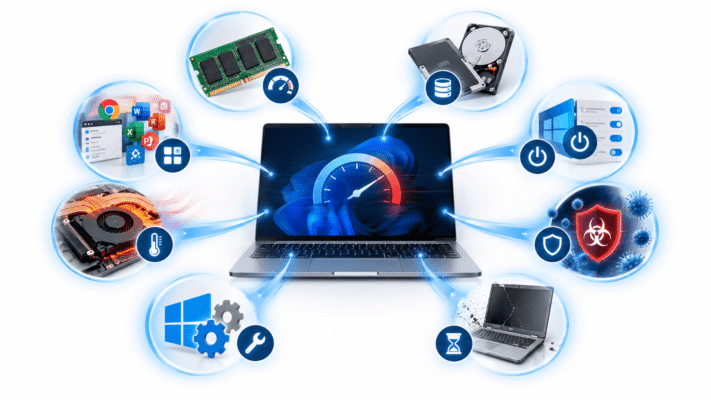
Laptop problems rarely arrive at a convenient time.You might be trying to finish work when Windows suddenly crashes. Your laptop may take several minutes to start. The battery might barely last an hour. The fan could be running constantly. Perhaps the screen has gone black, the keyboard has stopped responding or the laptop simply won’t turn on.Whatever the problem, the first step is finding out why it is happening.Computerist can diagnose and repair a wide range of laptop hardware and software problems.
Common laptop problems we help with
Laptop won’t turn on
Laptop won’t boot into Windows
Very slow laptop performance
Windows crashes or freezes
Blue screen errors
Laptop overheating
Loud or constantly running fan
Battery problems
Laptop charging problems
Damaged charging ports
Broken or damaged screens
Keyboard and touchpad problems
Faulty hard drives and SSDs
Low storage
Memory/RAM problems
Wi-Fi and Bluetooth problems
Malware and virus infections
Windows update problems
Software and driver problems
Data recovery
Accidental file deletion
General laptop troubleshooting
If you aren’t sure what’s wrong, that’s fine.You don’t need to diagnose it yourself.
Laptop Repair or Replacement?
This is one of the first questions people ask us.And the honest answer is:It depends.A laptop that’s several years old isn’t automatically bad.For example, a machine that feels painfully slow might need an SSD upgrade, additional memory, a Windows cleanup or attention to an underlying hardware problem.On the other hand, if a laptop has multiple failing components or the cost of repairing it approaches the cost of replacing it, spending more money on it may not make sense.
That’s why we diagnose before recommending.
We can look at:
The age and condition of the laptop
Processor and memory
Storage health
Battery condition
Operating system
Hardware faults
Overall performance
Repair costs
Upgrade possibilities
Then we’ll explain the practical options.If repairing it makes sense, we’ll tell you.If replacing it makes more sense, we’ll tell you that too.
Laptop Hardware Repairs
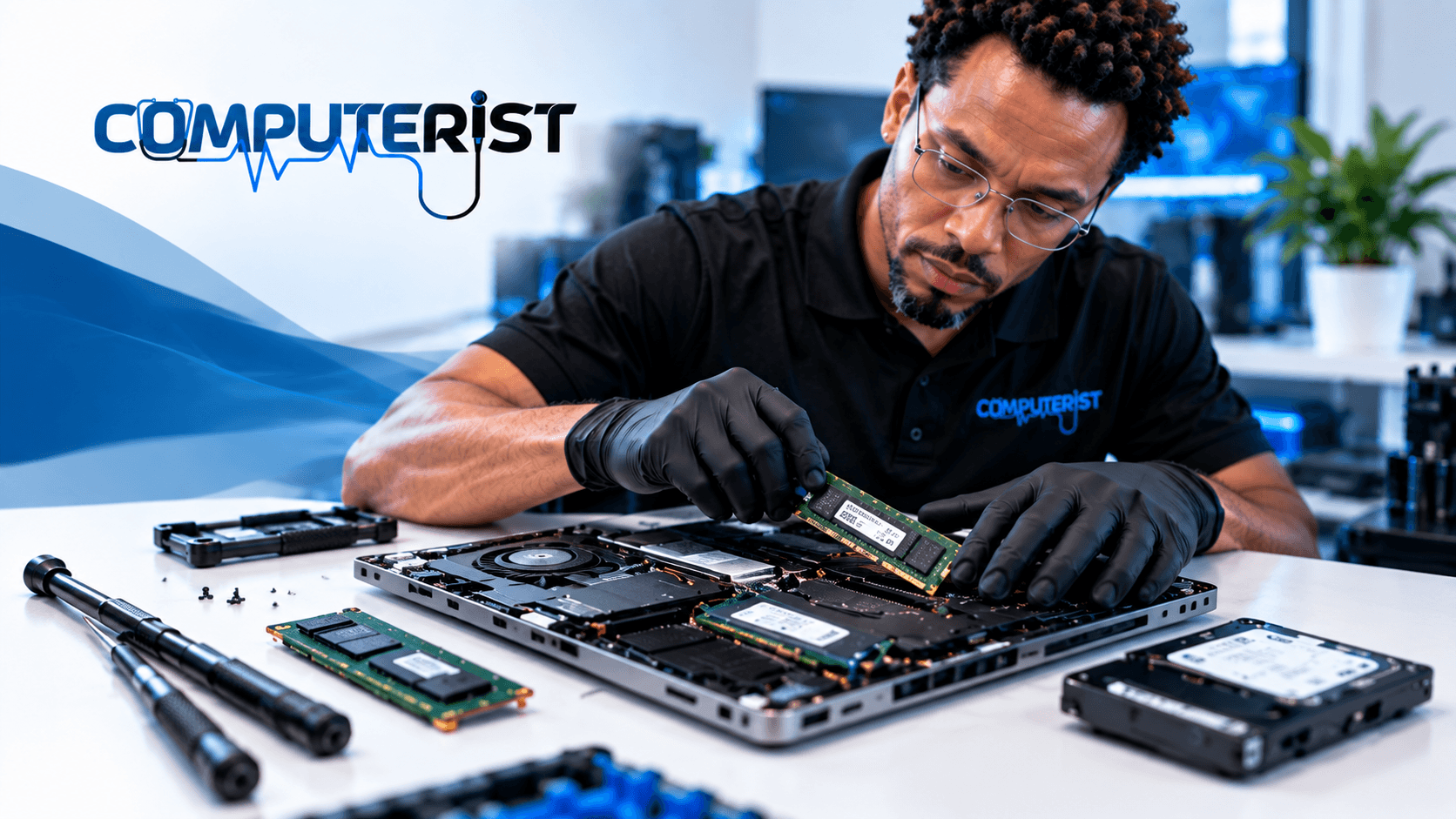
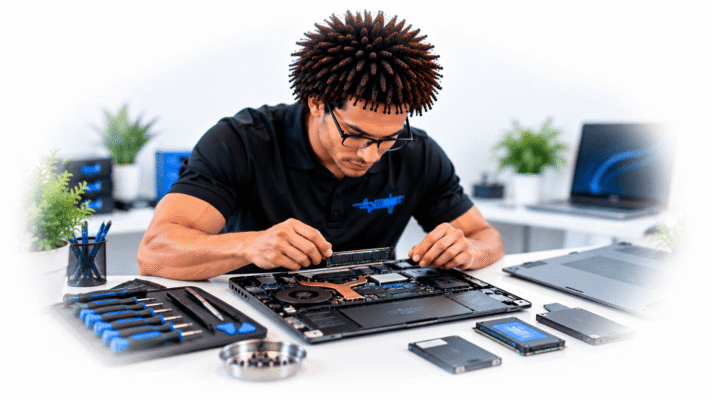
Laptop hardware is considerably more compact than desktop hardware, which can make repairs more complicated.A problem that looks like a software fault may actually be caused by failing hardware.We can investigate problems involving components such as:
SSDs and Hard Drives
A failing storage device can cause slow performance, crashes, boot failures and data loss.If your laptop is showing signs of storage failure, don’t keep using it unnecessarily. Continued use can make data recovery more difficult.
Memory / RAM
Insufficient or faulty memory can cause sluggish performance, application crashes and instability.Where the laptop supports an upgrade, adding RAM may significantly improve its usability.
Batteries
Laptop batteries naturally lose capacity over time.If your laptop suddenly shuts down, won’t hold a charge or only works reliably when connected to its charger, the battery may need attention.
Charging Problems
A laptop that won’t charge isn’t necessarily suffering from a dead battery.
The problem could involve:
Charger
Charging port
Power circuitry
Battery
Internal hardware
We can help determine where the problem lies.
Screens and Displays
Cracked screens, flickering displays, black screens and display faults can have several possible causes.We’ll determine whether the problem is the screen itself, graphics hardware, cable, software or another component.
Keyboard, Touchpad and Other Components
Individual laptop components can fail through normal wear, accidental damage or liquid exposure.We’ll assess the problem and explain whether repair or replacement is practical.
Laptop Software & Windows Problems
Not every laptop problem requires opening the machine.Windows and software problems can cause many of the symptoms people associate with hardware failure.
We can help investigate issues such as:
Windows failing to start
Slow startup
Frequent crashes
Blue screen errors
Windows update failures
Driver problems
Application crashes
Unwanted software
Malware
Browser problems
Excessive background processes
Performance problems
Storage running out
System configuration problems
Our approach is to identify the underlying cause rather than simply applying a quick fix and hoping the problem doesn’t return. For official Windows troubleshooting guidance, see Microsoft Support — Windows Help
Slow Laptop Repair
A slow laptop is one of the most common problems we see.But “slow” can mean many different things.
Your laptop could be slow because of:
A failing hard drive
Insufficient RAM
An ageing processor
Too many startup applications
Malware
Windows problems
Low storage space
Overheating
Background applications
Failing hardware
An unsuitable software configuration
Don’t assume you need a new laptop.
A laptop with an old mechanical hard drive, for example, can feel dramatically faster after moving to a suitable SSD. We’ll assess your laptop and tell you whether an upgrade, repair, software fix or replacement is the sensible option.
Laptop SSD Upgrades
If your laptop still meets your needs but feels painfully slow, an SSD upgrade may be one of the most worthwhile improvements available.
Replacing an ageing mechanical hard drive with an SSD can significantly improve:
Windows startup
Application loading
File access
General responsiveness
Everyday productivity
Before recommending an upgrade, we’ll check whether your laptop supports it and what type of storage it uses.If your existing drive contains important files, we’ll also consider the safest way to transfer your data.
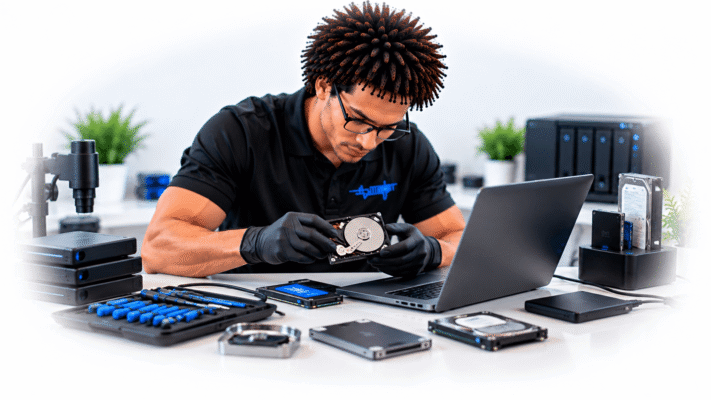
A laptop failure can become much more serious when important files are involved.Photos, documents, business files and other personal data can sometimes remain recoverable even when Windows will no longer start.
If your laptop has:
Stopped booting
Developed a failing drive
Been accidentally damaged
Had files deleted
Been affected by a storage failure,stop using it if the data is important.Continuing to operate a failing storage device can make recovery more difficult.Computerist can assess the situation and advise you on the safest next step.
A laptop that suddenly behaves strangely may have more than a performance problem.
Warning signs can include:
Unexpected pop-ups
Browser redirects
Unknown applications
Unusual advertisements
Security warnings
Slow performance
Unusual network activity
Accounts behaving unexpectedly
Files being modified or encrypted.
Malware removal isn’t simply a matter of running one antivirus scan.The underlying infection, persistence mechanisms and potential impact on your accounts and data need to be considered.
Computerist can help diagnose and clean up many common malware and security problems.
Does your laptop fan seem to run constantly?Does the machine become extremely hot?Does it shut down unexpectedly when you’re working or using demanding applications?
Overheating can be caused by:
Dust and restricted airflow
Blocked cooling vents
A failing fan
Thermal issues
Heavy background processes
Hardware problems
Age-related deterioration
Persistent overheating shouldn’t simply be ignored.Excessive heat can affect performance and contribute to hardware failure.We’ll investigate the cause rather than simply telling you to “use a cooling pad”.
Laptop Repair for Home Users
Your laptop may be the centre of your home life.It’s where you keep photographs, personal documents, finances, correspondence and years of important information.When something goes wrong, you shouldn’t need to understand processors, drivers, BIOS settings or storage interfaces to get help.Tell us what the laptop is doing.We’ll work out what’s going on.Computerist can assist with laptop problems for home users throughout Melbourne’s south-east.
Laptop Support for Professionals & Small Businesses
For a business, a laptop problem isn’t simply an inconvenience.
It can mean:
Lost productivity
Missed appointments
Delayed work
Inaccessible files
Email problems
Microsoft 365 access issues
Security concerns
Computerist can assist businesses with laptop troubleshooting, configuration, software problems, connectivity, Microsoft 365 access and general endpoint support.Where appropriate, we can also look beyond the individual laptop to determine whether the problem is actually related to your business network, Microsoft 365 environment or another system.
You don’t need to know the technical cause.Simply explain what you’ve noticed.
2. We diagnose the problem
We’ll investigate the laptop’s hardware and software to determine what is actually causing the problem.
3. We explain what we’ve found
We’ll explain the problem in plain English and discuss the available options.
4. You decide what happens next
If the repair makes sense, we’ll proceed once you’ve approved the work.If it doesn’t make financial sense, we’ll tell you.
5. We get your laptop working properly
Once the repair is approved, we’ll carry out the appropriate work and test the laptop afterwards.
How Much Does Laptop Repair Cost?
There isn’t one honest price for laptop repair.A laptop that needs a software repair is very different from one that needs a replacement screen, failed SSD or motherboard repair.The final cost depends on:The type of problemRequired partsLabourData recovery requirementsLaptop modelAvailability of replacement componentsWhether an upgrade is appropriateRather than quoting an unrealistic “from $XX” price just to get you through the door, we prefer to diagnose the problem and explain the cost before significant repair work begins.If the repair isn’t economically sensible, we’ll tell you.
Why Choose Computerist
Computerist has experience across both everyday computer problems and professional IT environments.That means we don’t just look at the laptop in isolation.A laptop might be experiencing a hardware problem.
Don’t replace your laptop before finding out what’s actually wrong. Whether it’s slow, overheating, refusing to start, crashing, losing charge or experiencing another hardware or software problem, Computerist can help diagnose the cause and explain the most sensible next step.
Computerist IT Solutions
Laptop Repair & Practical IT Support
Need Help With Business Printer Setup & Support?
Whether you need help setting up a new business printer, connecting printers to your network, configuring printing for staff, troubleshooting an existing printer or choosing the right setup for your business, Computerist can help you understand what’s happening and work out the most sensible next step.
We charge an hourly rate for the time spent working on your technology. If we’re unable to resolve the problem, you won’t be charged for the diagnostic or travel component.
Some exclusions and conditions may apply. We’ll explain applicable charges before work begins.
Yes. A laptop that won’t turn on can have several possible causes, including power, battery, charging, motherboard, display or storage problems. The first step is diagnosis.
Sometimes it absolutely is. An SSD or memory upgrade can give an older laptop a new lease on life. However, if several major components are failing, replacement may make more financial sense. We’ll help you compare the options.
Potentially. A laptop failing to boot doesn’t necessarily mean the data is lost. If the files are important, avoid repeatedly attempting to start or repair the machine and have the storage assessed.
Often, yes. The cause needs to be identified first. Depending on the laptop, the solution could involve an SSD upgrade, additional memory, Windows troubleshooting, malware removal, cooling issues or another hardware/software problem.
We can investigate and clean up many common malware and virus infections. If we suspect that accounts or personal information may have been compromised, we’ll also explain the additional steps you should take.
If possible, yes. However, if the laptop is already failing or the data is particularly important, don’t keep using it simply to make a backup. Contact us first so we can determine the safest approach.
We can diagnose many Mac hardware and software problems. Where a repair requires specialised Apple parts, equipment or service arrangements, we’ll explain the available options.
Depending on the nature of the problem, onsite, remote, workshop or pickup options may be available. Some hardware repairs are better performed in a controlled workshop environment.
Computerist operates a No Fix, No Fee approach where applicable. The specific terms depend on the type of job, so we’ll explain them before proceeding.
Yes. We can investigate whether the slowdown is caused by Windows, software, malware, insufficient memory, storage, overheating or another hardware issue. We can then recommend repair, optimisation or an upgrade where appropriate.
Unnecessary startup programs, Windows issues, an ageing hard drive, insufficient resources, software problems or hardware faults can cause a slow startup. We can diagnose the cause rather than simply treating the symptom.
It depends on the laptop model. Some laptops allow memory upgrades, while others have memory permanently soldered to the motherboard. We can check compatibility and determine whether an upgrade is possible and worthwhile.
Yes. We can investigate possible causes such as dust accumulation, restricted airflow, cooling problems, excessive background activity or hardware issues. Appropriate cleaning or hardware attention may improve cooling.
A constantly running fan can be caused by high processor usage, background software, insufficient cooling, dust or other issues. We can investigate what's causing the increased workload or heat.
We can investigate laptops that won't power on or won't start correctly. The cause could involve the charger, battery, power circuitry, motherboard, storage or another component.
Yes. We can investigate suitable Windows boot problems and determine whether the issue is related to Windows, storage, boot configuration, drivers or hardware.
Yes. Repeated crashes can have many causes, including faulty memory, storage problems, overheating, drivers, Windows corruption or incompatible software. We'll investigate the underlying cause.
Frequent freezing can indicate a software, Windows or hardware problem. Avoid repeatedly forcing the computer to shut down if possible, particularly if you suspect the storage device is failing. We can diagnose the problem and recommend the appropriate next step.
We can investigate charging problems involving the charger, charging port, battery and related hardware. Depending on the fault, a replacement component or specialist repair may be required.
Where a suitable replacement battery is available and the laptop design allows it, we can assist with battery replacement or advise on the appropriate repair option.
Yes. We can investigate battery health, power settings, background applications and other factors affecting battery life. If the battery has significantly degraded, replacement may be the appropriate solution.
We can assess the damage and determine whether screen replacement is practical for the particular laptop. The availability and cost of replacement parts will influence whether repair is worthwhile.
Screen flickering can result from drivers, display settings, cables, the display panel or graphics hardware. We can investigate the cause and determine whether it is a software or hardware problem.
We can investigate keyboard problems and determine whether the cause is software, configuration or hardware. Physical keyboard replacement may be required for some faults.
Liquid damage can be serious because corrosion and electrical damage may continue after the initial spill. If liquid has entered the laptop, switch it off, disconnect the power and avoid turning it back on. We can assess the device and advise whether repair or data recovery is appropriate.
If the laptop itself has failed but the storage remains accessible, data may be recoverable. We can assess the situation and determine whether standard recovery or specialist data-recovery services may be required.
Yes. We can investigate malware, unwanted software, browser redirects, suspicious activity and other security-related problems and provide appropriate remediation.
Yes. We can assist with suitable Windows installation and configuration requirements. Before reinstalling Windows, we'll consider your existing data and applications.
Sometimes. Depending on the laptop, an SSD upgrade, additional RAM, software optimisation or other maintenance may improve performance. We'll assess whether an upgrade is worthwhile before recommending it.
That depends on the laptop's age, condition, fault, performance and repair cost. We'll help you compare the practical options rather than automatically recommending replacement.
We can troubleshoot laptops from a wide range of manufacturers. The availability of replacement parts and the design of the particular model can affect what repairs are practical.
Where appropriate and within our service area, we can provide onsite assistance. Some repairs may need to be performed in a suitable workshop environment depending on the equipment and fault.
We always aim to preserve your data where reasonably possible, but no repair should be treated as a guarantee that data cannot be lost. If your files are particularly important, tell us before any repair work begins so that data protection can be considered first.
Yes, if the laptop is still functioning and you have access to your important files, having a current backup is always recommended. If the laptop is already failing or the storage may be damaged, avoid unnecessary use and ask about data recovery first.
It depends on the problem. Software troubleshooting may be relatively straightforward, while hardware repairs may depend on diagnosis, parts availability and the complexity of the repair. We'll provide a realistic indication once the problem has been assessed.




 Is Your Laptop Giving You Trouble?



 The age and condition of the laptop
 Laptop Software & Windows Problems

 Laptop SSD Upgrades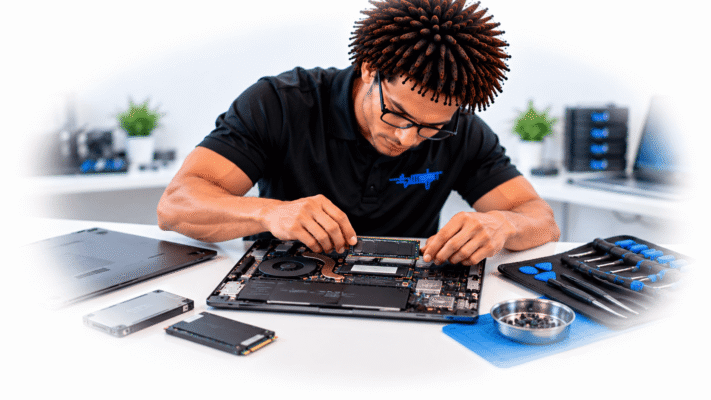

 Laptop Virus & Malware Removal
 Laptop Overheating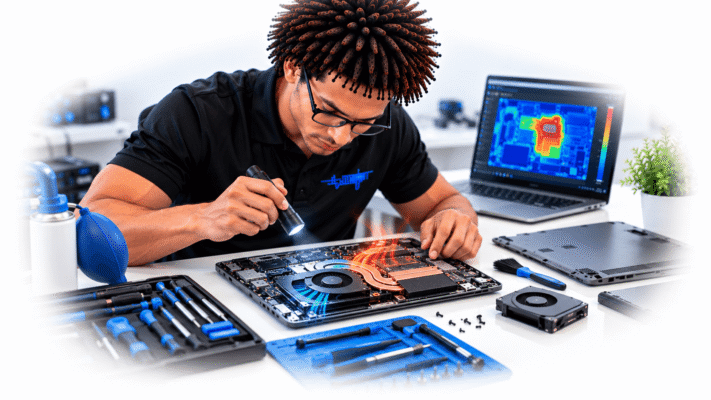
 Laptop Repair for Home Users