Practical IT Support for Businesses That Need Their Technology to Work
Business IT Support
Business IT Support
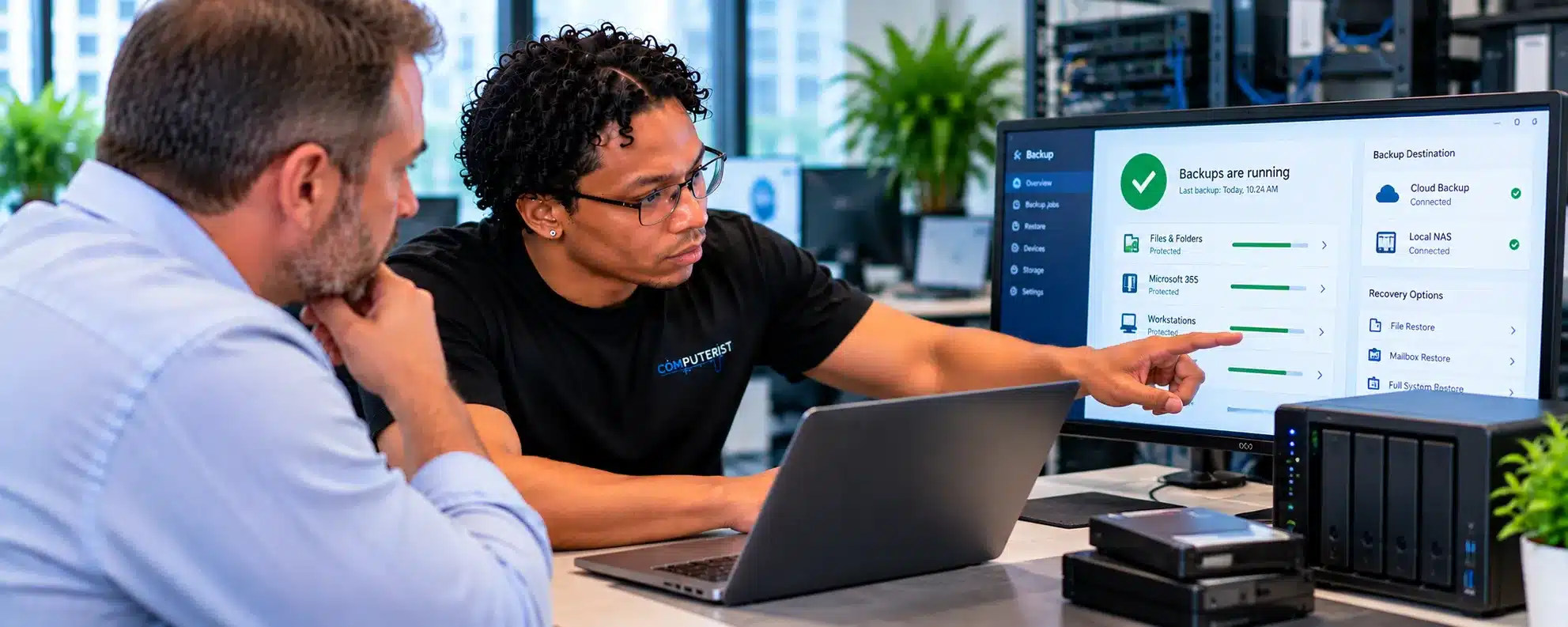
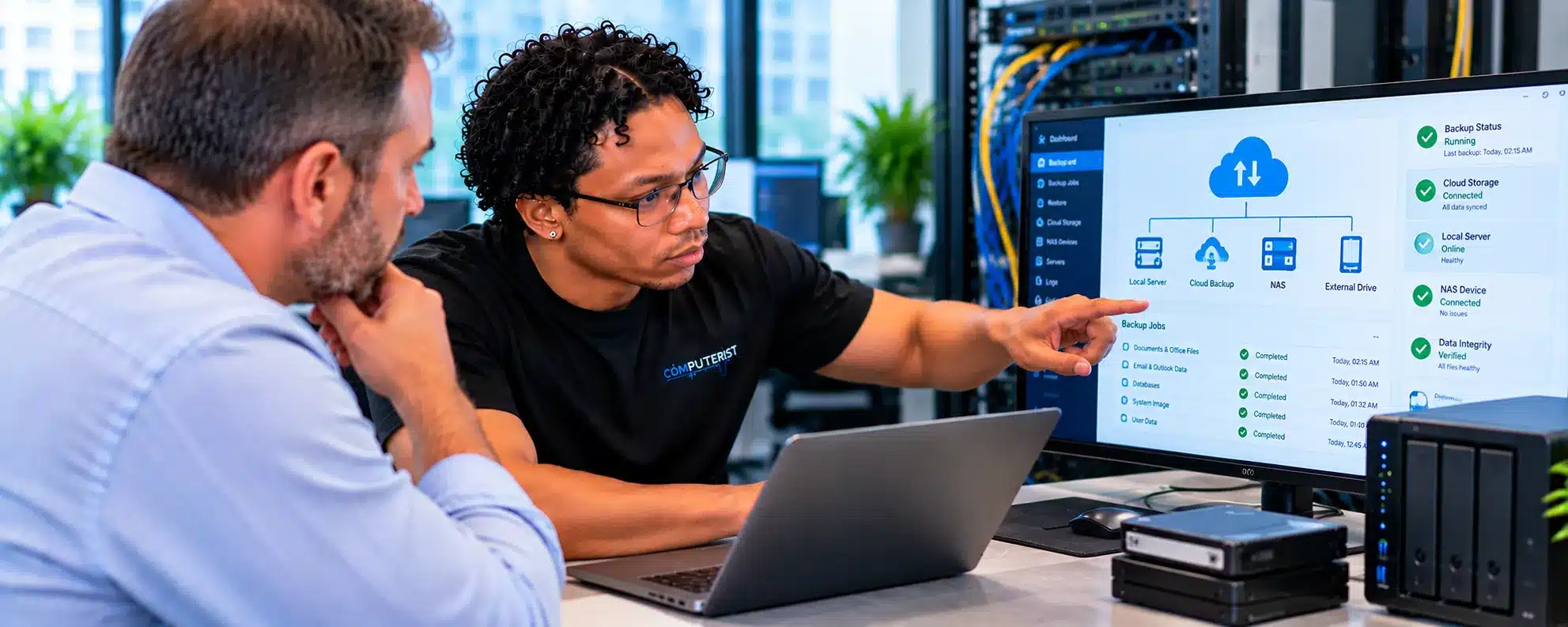
When your technology works, your staff can work.When it doesn’t, productivity stops.A computer won’t start. A user can’t access Microsoft 365. The network drops out. A printer disappears. A new employee needs a computer. A former employee still has access to company systems. A business application stops working.These may seem like small problems individually.For a business, they can quickly become expensive interruptions.Computerist provides practical Business IT Support for small and growing businesses across Melbourne’s south-east.We help businesses troubleshoot everyday technology problems, support users and devices, maintain IT environments and provide practical assistance when something goes wrong.
Your business should be focused on running the business — not fixing computers.
Poor Wi-Fi can make a business environment frustrating.
Problems may include:
Weak coverage
Dropouts
Slow speeds
Congestion
Poor access-point placement
Configuration problems
Roaming issues
Interference
Computerist can help investigate whether the problem lies with:
Internet service
Router
Wireless access point
Network configuration
Coverage
Client devices
The solution isn’t always “buy a more powerful router.”
Sometimes the network needs to be designed differently.
Business Printer & Peripheral Support
Printers may not be the most exciting part of IT, but when an important printer stops working, someone notices.
Computerist can assist with appropriate problems involving:
Network printers
USB printers
Drivers
Print queues
Connectivity
Computer-to-printer configuration
Scanning
Multifunction devices
We can also investigate whether a printer problem is actually caused by the network or computer configuration.
Business Application Support
Businesses often depend on applications that are critical to daily operations.
Problems may involve:
Installation
Configuration
Updates
Compatibility
User permissions
Windows
Network connectivity
Microsoft 365
Hardware
Computerist can troubleshoot the surrounding IT environment and determine whether the problem sits with the computer, network, operating system or application.
Where a specialist application vendor is required, we’ll identify that rather than pretending to be the application’s developer.
Remote IT Support
Many business IT problems can be resolved without sending a technician to your premises.
Remote support can be appropriate for:
Microsoft 365 problems
Windows issues
Software configuration
User account problems
Outlook
Application troubleshooting
Device configuration
General technical support
Remote assistance can reduce downtime and allow problems to be addressed quickly.
Onsite Business IT Support
Some problems are much easier to resolve onsite.
For example:
Network problems
Wi-Fi
Hardware
New equipment
Printers
Multiple affected devices
Physical infrastructure
Office moves
Computerist can provide on-site support for suitable business IT requirements within our local service area.
Multi-Factor Authentication
Good IT support isn’t only about responding when something breaks.
Businesses can benefit from proactively considering:
Updates
Backups
Security
User accounts
Hardware condition
Device inventory
Recurring problems
Network health
Documentation
Replacement planning
The objective is not to promise that nothing will ever go wrong.
That’s unrealistic.
The objective is to identify avoidable problems before they become disruptive.
IT Monitoring & Endpoint Management
For businesses with multiple computers, knowing what is happening across the environment becomes increasingly important.
Depending on the support arrangement, endpoint management and monitoring can help provide visibility into:
Device health
Updates
Software
Security status
Performance
Availability
Recurring problems
Computerist has practical experience working with endpoint monitoring and remote management technologies in business environments.
The appropriate tools depend on the organisation’s size and requirements.
Business IT Documentation
Good IT documentation can save considerable time when something goes wrong.
Useful documentation may include:
Device inventory
Network information
Microsoft 365 information
User accounts
Licences
Backup arrangements
Hardware
Applications
Infrastructure
Recovery information
Documentation also makes onboarding, troubleshooting and future technology projects easier.
Computerist places importance on clear technical documentation because the information needed to support an environment shouldn’t exist only in someone’s head.
IT Support for Growing Businesses
As a business grows, technology becomes increasingly difficult to manage informally.
You may go from:
3 employees → 10 → 25 → 50
and suddenly discover that:
User accounts are inconsistent
Computers aren’t standardised
Nobody knows what hardware exists
Former employees still have access
Backups aren’t documented
Microsoft 365 settings have grown organically
Network infrastructure needs attention
Growth is a good time to establish some structure.
Computerist can help businesses assess where they are and determine what needs attention next.
IT Support for Businesses Without an Internal IT Team
Not every small business needs a full-time IT employee.
Hiring internally can make sense at a certain size.
Before that point, businesses may need access to IT expertise without maintaining a dedicated internal department.
Computerist can provide external technical support for appropriate requirements.
This can include:
Everyday support
Microsoft 365
Devices
Networking
Security
Backups
Projects
Troubleshooting
The objective is to give your business access to technical capabilities when needed.
IT Support Alongside Your Existing IT Team
Computerist doesn’t necessarily have to replace an internal IT department.
We can also assist with specific requirements such as:
Projects
Hardware deployment
Microsoft 365 work
Migrations
Network projects
Troubleshooting
Overflow support
Specialist assistance
Where responsibilities overlap, we’ll establish what we’re responsible for before work begins.
IT Projects & Technology Changes
Sometimes the business isn’t experiencing a problem.
It simply needs to change something.
Examples include:
New office
New computers
Microsoft 365 migration
Network upgrade
Server replacement
Cloud migration
Security improvement
Business expansion
Office relocation
Computerist can assist with appropriate technology projects, from planning through implementation.
When Something Goes Wrong
Business IT support should have a clear process.
Identify
What is actually happening?
Prioritise
How many people are affected?
Is the business unable to operate?
Is data at risk?
Diagnose
Where does the problem originate?
Resolve
What needs to happen to restore normal operations?
Verify
Is the problem actually fixed?
Learn
Can something be changed to reduce the likelihood of recurrence?
That final step is often forgotten.
What Makes Computerist Different?
Practical experience
Computerist’s experience extends across:
Microsoft 365
Windows
Endpoint management
Networking
Cybersecurity
Hardware
Cloud services
Data
Business systems
That breadth matters because business IT problems rarely stay inside neat technical categories.
Real-world Microsoft 365 experience
Computerist has worked with Microsoft 365 environments involving substantial numbers of users and endpoints across multiple tenants.
Experience includes supporting users, deploying endpoints and assisting with Microsoft 365 migration projects.
That means the support is grounded in practical environments rather than simply theoretical knowledge.
We understand endpoints
The business may have cloud services, but employees still need a computer, phone or other device to access them.
Computerist understands the relationship between:
User → Device → Windows → Network → Identity → Microsoft 365 → Business Applications
That helps when troubleshooting problems that cross several layers.
We document what we do
Technical work should leave the environment easier to understand, not more mysterious.
Where appropriate, we document relevant configurations, changes and technical information.
We don’t sell complexity
A small business doesn’t automatically need enterprise infrastructure.
We’ll recommend technology based on:
What you need.
What you already have.
What your business is likely to need next.
Our Business IT Support Process
1. Understand your business
We first need to understand what technology you rely on and what problems you’re experiencing.
2. Assess the environment
Depending on the engagement, this may include users, devices, Microsoft 365, network and other relevant systems.
3. Identify priorities
Not everything needs to be fixed at once.
We’ll identify the most important issues.
4. Recommend a practical approach
We’ll explain what we believe should happen and why.
5. Implement
Once approved, we’ll carry out the agreed work.
6. Document
Relevant technical changes and information can be documented as appropriate.
7. Review
For ongoing support arrangements, recurring problems can be identified and addressed rather than repeatedly treated as isolated incidents.
Flexible Business IT Support
Every business is different.
Some need occasional assistance.
Some need regular support.
Some need help with a particular project.
Others want an external IT partner they can call when something goes wrong.
Computerist can discuss different support arrangements depending on:
Number of users
Number of devices
Microsoft 365 environment
Network
Business applications
Security requirements
Existing IT resources
Desired response and support model
We don’t believe every business needs the same IT package.
What Happens When You Contact Computerist?
1. Tell us what you’re trying to achieve
You don’t need to know which Microsoft 365 component is responsible.
For example:
“We want to move our business email to Microsoft 365.”
or:
“Our users keep getting Microsoft 365 login problems.”
or:
“We bought a domain and need business email.”
2. We understand your environment
We’ll establish what you’re currently using and what you need.
3. We identify the technical requirements
That may involve:
Tenant
Users
Domain
Email
Devices
Identity
Security
Data
Migration
4. We explain the options
We’ll tell you what needs to happen and why.
5. We implement the approved solution
Once you’ve agreed to proceed, we’ll carry out the appropriate configuration, migration or troubleshooting.
6. We test
We’ll verify that the relevant services and users are working correctly.
Business IT Support in Melbourne’s South-East
Serving Melbourne’s South-East
Computerist provides Business IT Support across Melbourne’s South-East, including Noble Park,Springvale, Dandenong, Clayton, Keysborough & Dandenong South. We may also support surrounding south-eastern suburbs where the service requirement is suitable.
Microsoft 365 is not an area we simply added to a service list.Computerist has hands-on experience supporting Microsoft 365 environments, users, endpoints and tenants.This includes experience with environments involving thousands of machines and users across numerous Microsoft 365 tenants, as well as migration and deployment work.
Migration experience
Computerist has assisted with Microsoft 365 migration projects, including moving businesses from traditional on-premises environments into Microsoft 365 and working within tenant-to-tenant migration scenarios.
That experience matters because migration is about much more than changing DNS records.
We understand the endpoint as well
Microsoft 365 doesn’t exist in isolation.
Users access it through:
Windows
Laptops
Desktops
Mobile devices
Outlook
Teams
Browsers
OneDrive
Computerist’s broader endpoint and IT-support experience means we can investigate problems across the environment.
Security isn’t an afterthought
A Microsoft 365 environment contains valuable business information.
We consider practical security measures such as:
MFA
Identity
Account management
Permissions
Email authentication
Device security
Data protection
We keep the explanation practical
You don’t need to understand every Microsoft 365 service.
We’ll explain:
What you have.
What you need.
What isn’t working.
What can be improved.
What the next step should be.
For practical guidance on protecting your business from cyber threats, visit Cyber.gov.au
We don’t automatically recommend changes
Sometimes change is the right answer.Sometimes a modification makes far more sense.We’ll give you an honest assessment rather than assuming the most expensive option is the best one.
Broad IT experience
Computerist’s experience extends beyond individual PC components into:
Windows
Microsoft 365
Networking
Cybersecurity
Cloud
Servers
Backup
That wider knowledge can be useful when the apparent PC problem is actually being caused elsewhere.
Clear explanations
You don’t need to understand what every Windows process, hardware or cloud component does.We’ll explain what matters and what doesn’t.
Your IT Problems Shouldn’t Become Your Business Problems
Technology is supposed to help your business operate.
When it doesn’t, you need someone who can:
Listen.
Investigate.
Explain.
Fix.
Document.
And help prevent the same problem from becoming a recurring disruption.
Computerist provides practical Business IT Support for small and growing businesses across Melbourne’s south-east.
Where applicable, Computerist operates a No Fix, No Fee approach.The exact conditions depend on the nature of the work, so we’ll explain them before proceeding.
We charge an hourly rate for the time spent working on your technology. If we’re unable to resolve the problem, you won’t be charged for the diagnostic or travel component.
*Some exclusions and conditions may apply. We’ll explain applicable charges before work begins.













 Windows configuration


 Wi-Fi Support for Businesses
 Business Printer & Peripheral Support
 Network printers
 Business Application Support
 Remote IT Support
 Microsoft 365 problems
 Onsite Business IT Support


 IT Monitoring & Endpoint Management
 Business IT Documentation

 IT Support Alongside Your Existing IT Team
 IT Projects & Technology Changes
 When Something Goes Wrong
 What Makes Computerist Different?
 Microsoft 365
 What you need.
 Our Business IT Support Process


 MFA
MFA