Business IT Support

Business IT For Melbourne’s South-East

Business IT Services in Melbourne’s South-East

Technology That Works for Your Business — Not the Other Way Around

Business IT Support

Computerist Business Brands We service

Technology problems rarely happen at a convenient time.

Business IT Support

computerist offline pin 16 Your business depends on technology.

computerist offline pin 16 Email needs to work.

computerist offline pin 16 Microsoft 365 needs to work.

computerist offline pin 16 Staff need access to their files and applications.

computerist offline pin 16 Computers need to stay productive.

computerist offline pin 16 Your network needs to be reliable.

computerist offline pin 16 Your data needs to be protected.

And when something goes wrong, you need someone who can understand the problem and help you resolve it without turning a simple issue into a major disruption.

Computerist provides practical Business IT support for small and growing businesses across Melbourne’s south-east.

From Microsoft 365 and business email to networks, cybersecurity, backups, cloud services and everyday IT support, we help businesses keep their technology working reliably.

Technology shouldn’t get in the way of running your business.

Computerist's IT Support That Puts People FirstBusiness IT Without the Corporate Complexity

Small businesses don’t necessarily need a huge IT department.

But they do need technology that works.

A business might have:

computerist dot point A handful of computers

computerist dot point Microsoft 365

computerist dot point Cloud applications

computerist dot point Wi-Fi

computerist dot point Printers

computerist dot point Business software

computerist dot point Online services

computerist dot point Customer data

computerist dot point Smartphones and tablets

computerist dot point Backups

computerist dot point Security requirements

icons8 tick 1 As the business grows, those systems become increasingly connected.

icons8 tick 1 A problem with one account can affect email.

icons8 tick 1 A compromised password can become a security incident.

icons8 tick 1 A failed computer can stop someone working.

icons8 tick 1 A network problem can affect an entire office.

That’s where practical IT support matters.

Computerist helps businesses understand, maintain and troubleshoot the technology they rely on every day.

What Business IT Services Do We Provide?

Our Business IT services are built around the areas that matter most to small and growing businesses.

Microsoft 365

Microsoft 365 can become the central platform for email, documents, collaboration, identity and productivity. We can assist with Microsoft 365 setup, support, administration, troubleshooting and migrations.

Email Setup & Support

Professional email setup and troubleshooting for Microsoft 365, Outlook, business and personal mailboxes. We help with account configuration, synchronisation, access issues and reliable email across your devices.

Business IT Support

When computers, users, applications or technology simply aren’t working as they should, you need somewhere to turn. We provide practical support for everyday business IT problems and ongoing technology requirements.

Cybersecurity

Security isn’t just about installing antivirus software. Modern business security involves identities, devices, email, networks, authentication, backups and user behaviour. We can help businesses improve their practical security posture.

Backup & Disaster Recovery

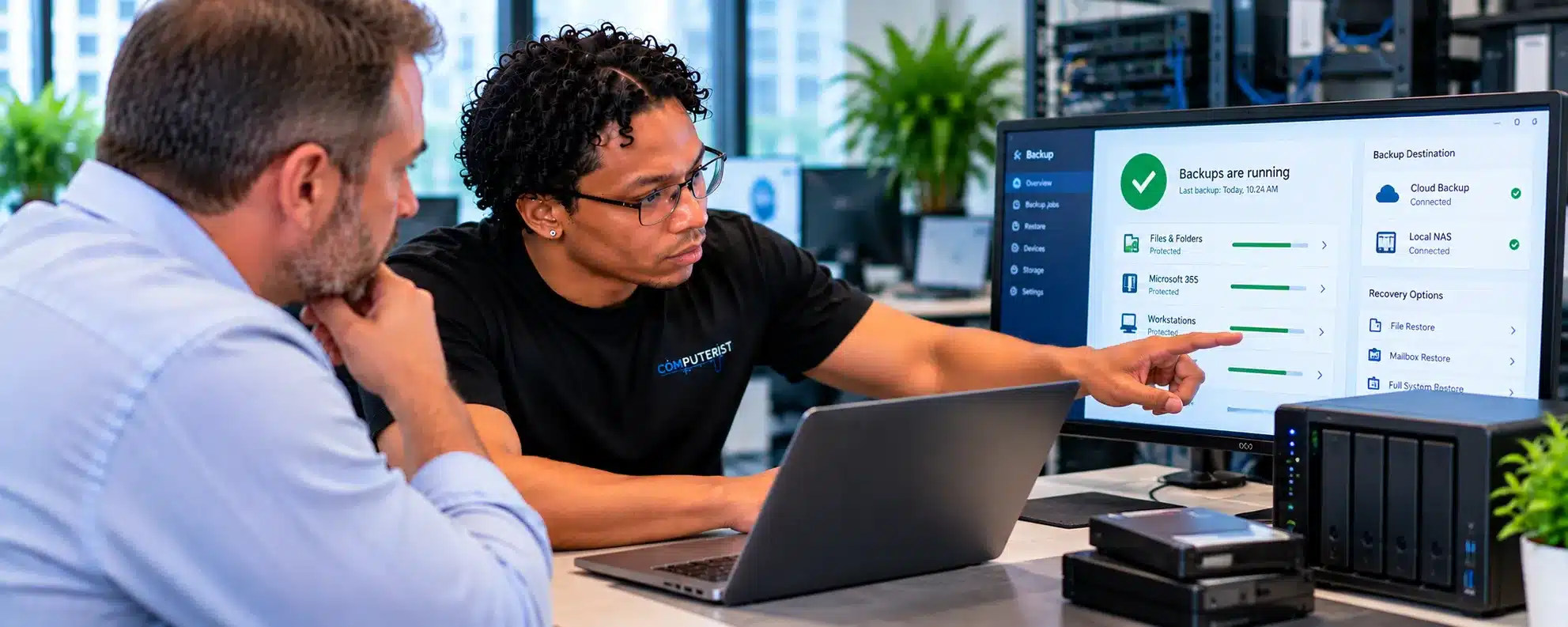
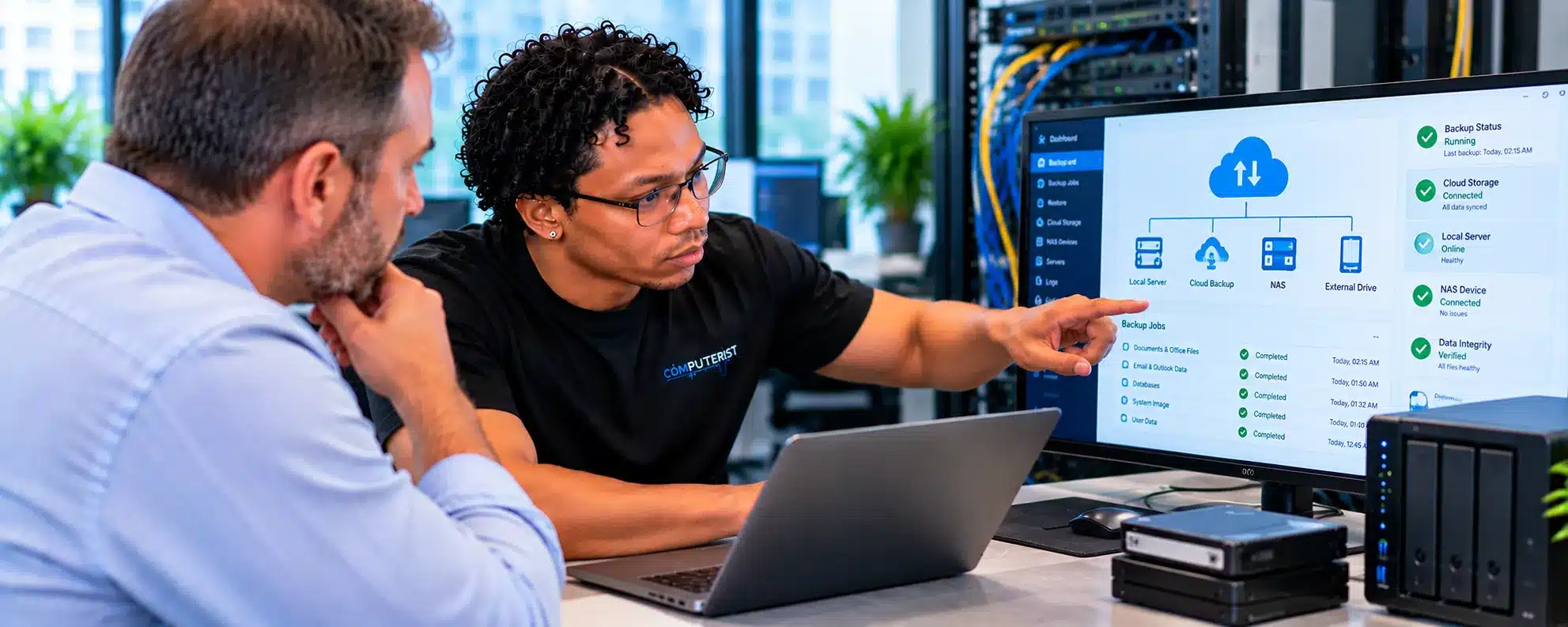
Protect your business from data loss, hardware failure, ransomware and unexpected disruption with practical backup and recovery solutions. We help ensure your important data and systems can be recovered.

Cloud Services

Practical cloud solutions for businesses, including cloud applications, storage, infrastructure, migration, backup and hybrid environments. We help you choose cloud technology that genuinely fits your business needs.

Network Support

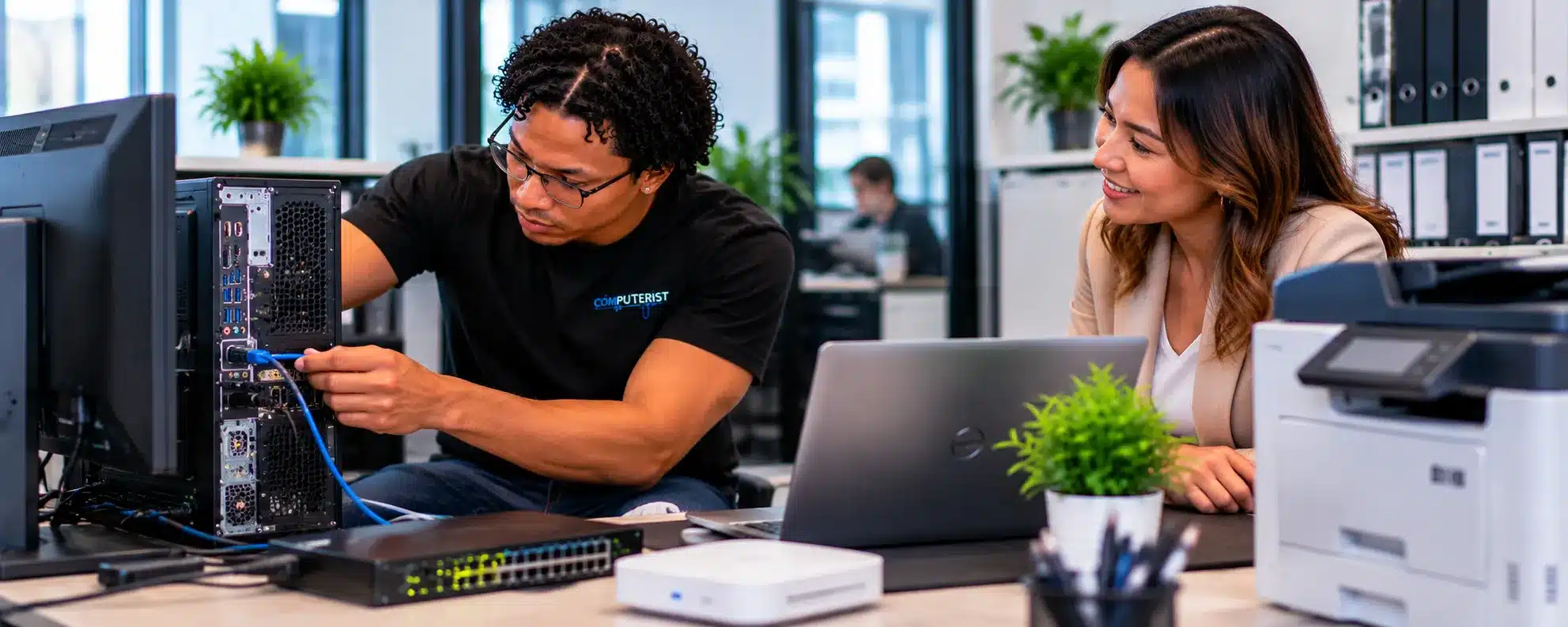
Your business network connects your people, computers, servers, cloud services and other devices. We can assist with wired and wireless networks, connectivity, network troubleshooting and infrastructure support.

Reliable support for physical and virtual servers, including Windows Server, Active Directory, file servers, storage, virtualisation and troubleshooting. We help keep your business servers stable, secure and available.

Remote IT Support

Get reliable IT assistance without waiting for an onsite visit. We provide remote troubleshooting and support for Windows, Microsoft 365, email, software, user accounts, configuration and everyday business technology issues.

Ongoing IT Maintenance

Keep your business technology running reliably with proactive IT maintenance. We help monitor system health, apply important updates, review security, check backups and address potential problems before they become costly disruptions.

Business System Setup

Setting up a new business, office or employee? We can configure computers, user accounts, Microsoft 365, email, software, printers, networks and essential security settings to help your technology work together from day one.

printer

Business Printer Setup & Support

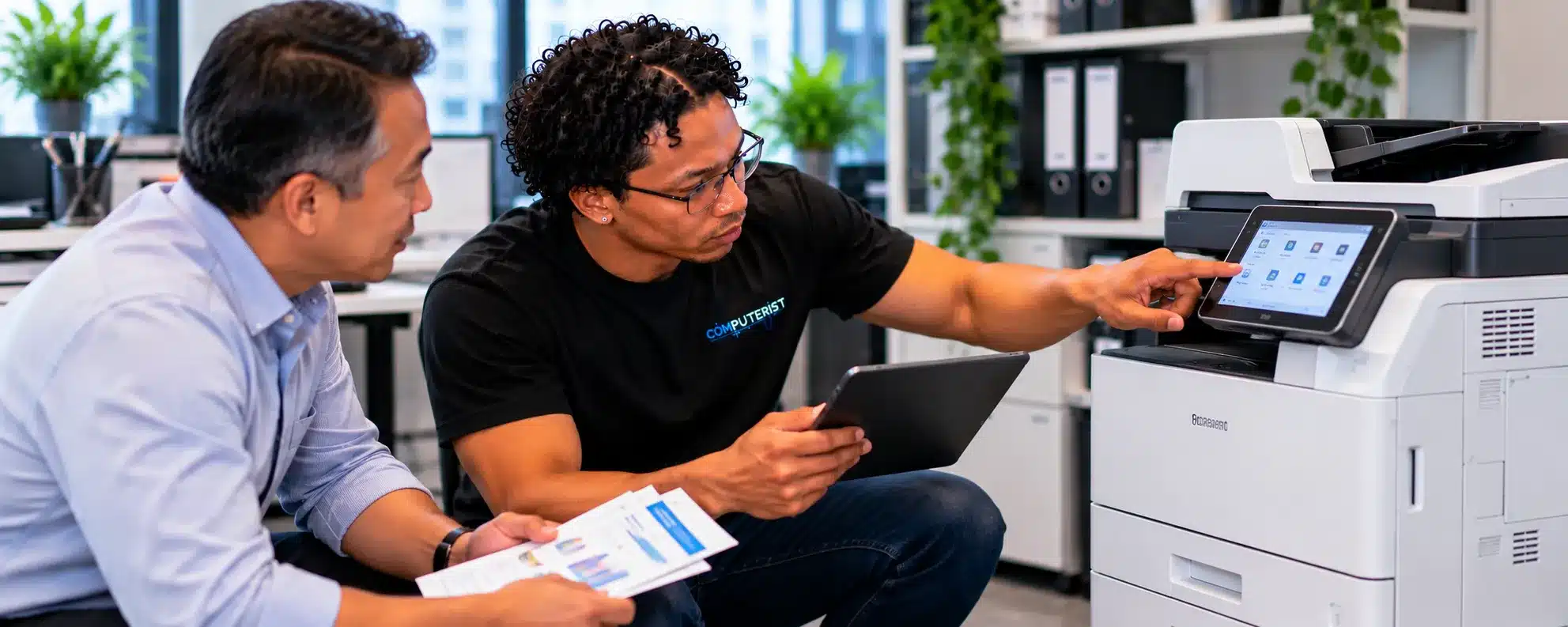
Keep your office printing without the frustration. We set up and troubleshoot business printers, scanners and multi-function devices, including network connectivity, drivers and user access.

Microsoft 365 Maintenance Microsoft 365 for Business

Microsoft 365 is much more than business email.

Depending on your subscription and configuration, it can form the foundation for:

icons8 check mark Email icons8 check mark Outlook OneDrive icons8 check mark SharePoint icons8 check mark Teams icons8 check mark Calendars icons8 check mark Contacts icons8 check mark Documents icons8 check mark Collaboration icons8 check mark Identity icons8 check mark Security icons8 check mark Device management

Getting the most from Microsoft 365 requires more than creating a few user accounts.

Business environments need appropriate consideration of:

icons8 check mark Identity icons8 check mark MFA icons8 check mark  Permissions icons8 check mark Devices icons8 check mark Data icons8 check mark Sharing icons8 check mark Security icons8 check mark User onboarding icons8 check mark Offboarding

Computerist can help businesses make Microsoft 365 a useful part of their wider IT environment.

Business Email SetupBusiness Email

Email remains fundamental to almost every business.

If your business email stops working, the consequences can go well beyond inconvenience.

You could lose:

icons8 tick 1 Customer enquiries

icons8 tick 1 Sales opportunities

icons8 tick 1 Supplier communication

icons8 tick 1 Invoices

icons8 tick 1 Internal communication

icons8 tick 1 Important documents

Computerist can assist with:

icons8 check mark Microsoft 365 email

icons8 check mark Outlook

icons8 check mark Domain email

icons8 check mark Mailboxes

icons8 check mark Email migration

icons8 check mark SPF

icons8 check mark DKIM

icons8 check mark DMARC

icons8 check mark Email troubleshooting

icons8 check mark Mobile email

Email Setup & Support: 

Get Your Business Technology Set Up Properly From Day OneBusiness IT Support

Sometimes you don’t need a complicated project. You just need someone to help when technology isn’t behaving.

Examples include:

computerist dot point Computer problems

computerist dot point Windows issues

computerist dot point User account problems

computerist dot point Outlook problems

computerist dot point Microsoft 365 issues

computerist dot point Printer problems

computerist dot point Network connectivity

computerist dot point Software installation

computerist dot point New computer setup

computerist dot point Device configuration

computerist dot point User onboarding

computerist dot point User offboarding

computerist dot point General troubleshooting

Computerist can provide practical assistance across these everyday requirements.

Network Support for BusinessesNetwork Support for Businesses

A reliable business network is infrastructure.

It supports:

computerist customer insight 16 Computers

computerist customer insight 16 Servers

computerist customer insight 16 Wi-Fi

computerist customer insight 16 Printers

computerist customer insight 16 Cloud applications

computerist customer insight 16 VoIP

computerist customer insight 16 Security systems

computerist customer insight 16 File access

computerist customer insight 16 Internet connectivity

Network problems can quickly become business problems.

Computerist can assist with:

computerist offline pin 16 Network troubleshooting

computerist offline pin 16 Wired networks

computerist offline pin 16 Wireless networks

computerist offline pin 16 Routers

computerist offline pin 16 Switches

computerist offline pin 16 Access points

computerist offline pin 16 Network configuration

computerist offline pin 16 Connectivity

computerist offline pin 16 Network upgrades

Where appropriate, we’ll look beyond the individual computer and investigate the network itself.

Security ConfigurationCybersecurity for Small Business

Small businesses are often targeted because they may have fewer resources dedicated to security.

But cybersecurity doesn’t have to mean implementing an enormous enterprise security architecture.

It starts with practical fundamentals.

Identity

Who can access your systems?

Authentication

Are important accounts protected by MFA?

Devices

Are computers maintained and appropriately protected?

Email

Are users protected against phishing and suspicious messages?

Data

What happens if files are deleted, encrypted or stolen?

Backups

Can critical information actually be restored?

Access

Do former employees still have access to systems they no longer need?

Awareness

Do staff know what suspicious activity looks like?

Computerist can help businesses identify practical improvements without turning security into an unnecessarily complicated exercise.

Backup & Disaster Recovery Backup & Disaster Recovery

Imagine your most important business computer fails tomorrow.

Or ransomware encrypts your shared files.

Or an employee accidentally deletes an important folder.

Or a server stops working.

The question isn’t:

“Do we have a backup?”

The more important question is:

“Can we recover?”

A practical backup and disaster-recovery strategy considers:

computerist data backup 16 Critical data

computerist data backup 16 Backup frequency

computerist data backup 16 Retention

computerist data backup 16 Multiple copies

computerist data backup 16 Offsite protection

computerist data backup 16 Cloud services

computerist data backup 16 Recovery procedures

computerist data backup 16 Testing

computerist data backup 16 Business priorities

Computerist can help review your current approach and identify weaknesses.

Cloud Services SetupCloud & Server Support

Not every business needs a physical server.

Not every business can eliminate them either.

Some organisations operate entirely through cloud services.

Others rely on:

icons8 check mark File servers

icons8 check mark Application servers

icons8 check mark Virtual machines

icons8 check mark Network storage

icons8 check mark Hybrid infrastructure

Computerist can assist with appropriate cloud and server requirements and help businesses determine whether existing infrastructure remains suitable.

Setup & Ongoing IT SupportNew Business IT Setup

Starting a business?

Technology decisions made early can affect the business for years.

We can help you think through areas such as:

computerist dot point Business email

computerist dot point Microsoft 365

computerist dot point Computers

computerist dot point User accounts

computerist dot point Wi-Fi

computerist dot point Networking

computerist dot point Printers

computerist dot point Cloud storage

computerist dot point Security

computerist dot point Backups

computerist dot point Domain configuration

You don’t need to purchase everything immediately.

The objective is to establish a sensible foundation that can grow with the business.

New Employee IT Setup Setting Up New Employees

When a new employee joins, someone needs to make sure they can actually work.

That may involve:

computerist dot point Computer

computerist dot point User account

computerist dot point Microsoft 365

computerist dot point Email

computerist dot point MFA

computerist dot point OneDrive

computerist dot point Teams

computerist dot point Applications

computerist dot point Network access

computerist dot point Printers

computerist dot point Security settings

A consistent onboarding process reduces delays and helps prevent security oversights. Computerist can assist businesses with appropriate user and device setup.

Employee OffboardingEmployee Offboarding

Removing a user is just as important as creating one. When an employee leaves, businesses should consider:

  • Account access
  • Microsoft 365
  • Email
  • Shared mailboxes
  • Files
  • OneDrive
  • Teams
  • Devices
  • Passwords
  • MFA
  • Applications
  • Remote access

A former employee should not retain unnecessary access to business systems. Computerist can assist with the technical aspects of appropriate offboarding.

Business Computer & Endpoint Support Business Computer & Endpoint Support

A business computer is more than a piece of hardware.

It’s a working environment containing:

icons8 check mark Applications

icons8 check mark User accounts

icons8 check mark Business data

icons8 check mark Email

icons8 check mark Documents

icons8 check mark Security controls

icons8 check mark Network access

Computerist can assist with:

icons8 check mark Windows computers

icons8 check mark Laptops

icons8 check mark Desktop PCs

icons8 check mark New device deployment

icons8 check mark Hardware upgrades

icons8 check mark Troubleshooting

icons8 check mark Software installation

icons8 check mark Endpoint configuration

icons8 check mark Device replacement

Where appropriate, we can also help businesses consider how their endpoints should be managed and secured as the organisation grows.

Microsoft 365 Maintenance Microsoft 365 & Business Security

A business Microsoft 365 environment should not be treated as simply:

“Email in the cloud.”

It can contain valuable business information and provide access to multiple services.

Practical security considerations can include:

computerist microsoft 365 16 MFA

computerist microsoft 365 16 Strong authentication

computerist microsoft 365 16 Appropriate permissions

computerist microsoft 365 16 Secure devices

computerist microsoft 365 16 Account management

computerist microsoft 365 16 Email protection

computerist microsoft 365 16 Data sharing

computerist microsoft 365 16 User offboarding

computerist microsoft 365 16 Recovery

Computerist can help businesses understand these considerations and implement appropriate improvements.

Technology Planning for Growing BusinessesTechnology Planning for Growing Businesses

The technology that works for a five-person business may not work as well when the company reaches twenty or fifty employees.

Growth can introduce:

computerist checklist 16 More users

computerist checklist 16 More devices

computerist checklist 16 More data

computerist checklist 16 More applications

computerist checklist 16 More security requirements

computerist checklist 16 More complexity

The answer isn’t necessarily to buy more technology.

It may be to simplify and standardise what you already have.

Computerist can help businesses assess their current environment and identify sensible next steps.

Computerist's IT Support That Puts People FirstDo You Need an MSP?

Not every business needs a traditional Managed Service Provider arrangement.

Some businesses need:

icons8 tick 1 Occasional technical support

icons8 tick 1 Project assistance

icons8 tick 1 Microsoft 365 help

icons8 tick 1 Network work

icons8 tick 1 Security improvements

icons8 tick 1 Backup assistance

icons8 tick 1 New computer setup

Others benefit from ongoing IT support.

The right model depends on your business.

Computerist can discuss your requirements and help determine what level of support makes sense.

Proactive IT vs Waiting for Something to Break Proactive IT vs Waiting for Something to Break

Reactive support is important.

But constantly waiting for technology to fail can become expensive.

A more proactive approach can include:

computerist offline pin 16 Keeping systems updated

computerist offline pin 16 Monitoring important devices

computerist offline pin 16 Reviewing backups

computerist offline pin 16 Managing user accounts

computerist offline pin 16 Checking security

computerist offline pin 16 Planning hardware replacement

computerist offline pin 16 Documenting infrastructure

computerist offline pin 16 Reviewing recurring problems

The objective isn’t to eliminate every possible IT problem.

That’s unrealistic.

The objective is to reduce avoidable problems and minimise disruption when something does happen.

Documentation MattersDocumentation Matters

Good IT support isn’t just about fixing things.

It’s also about knowing what exists.

Useful documentation can include:

computerist create document 16 Network information

computerist create document 16 Device inventory

computerist create document 16 User accounts

computerist create document 16 Microsoft 365 configuration

computerist create document 16 Licences

computerist create document 16 Backup arrangements

computerist create document 16 Hardware

computerist create document 16 Applications

computerist create document 16 Key contacts

computerist create document 16 Recovery information

Documentation becomes particularly valuable when a business grows or when another technician needs to understand the environment.

Data Protection Protect Your Important Data

Your computer may contain years of:

computerist user shield 16 Photos

computerist user shield 16 Documents

computerist user shield 16 Work files

computerist user shield 16 Financial records

computerist user shield 16 Emails

computerist user shield 16 Business information

computerist user shield 16 Hardware can fail.

computerist user shield 16 Files can be deleted.

computerist user shield 16 Malware can damage data.

That’s why backup should be considered before a problem occurs. If you’ve already lost access to important files, we can investigate whether suitable data recovery is possible.

Hardware ProblemsWhen Something Goes Wrong

Technology failures are inevitable.

What matters is how quickly and intelligently you respond.

A business IT problem might require:

Immediate troubleshooting

Get the affected user or system working again.

Root-cause investigation

Understand why the failure occurred.

Data protection

Make sure valuable information isn’t put at further risk.

Security assessment

Determine whether the incident has security implications.

Recovery

Restore normal operations.

Prevention

Identify what can be changed to reduce the chance of recurrence.

That’s the approach we aim to take.

cropped COMP FAV V2 01 Why Businesses Choose Computerist

Practical IT experience

Computerist’s experience covers more than basic desktop troubleshooting.

Our technical work spans areas including:

computerist offline pin 16 Microsoft 365

computerist offline pin 16 Windows

computerist offline pin 16 Endpoint support

computerist offline pin 16 Networking

computerist offline pin 16 Wireless infrastructure

computerist offline pin 16 Cybersecurity

computerist offline pin 16 Cloud services

computerist offline pin 16 Hardware

computerist offline pin 16 Data recovery

computerist offline pin 16 Business systems

computerist offline pin 16 Backup and disaster recovery

That broader perspective helps when problems cross the boundaries between devices, users, networks and cloud services.


Microsoft 365 expertise

Microsoft 365 is an important part of modern business IT, and Computerist has substantial practical experience supporting Microsoft 365 environments.

That includes working with users, devices, tenants, migrations and the wider Microsoft ecosystem.

We understand that Microsoft 365 is not just an email platform — it can sit at the centre of a business’s identity, collaboration and data environment.


We speak business, not just technology

The question isn’t:

“How impressive is your IT infrastructure?”

The question is:

“Does your technology help your business operate effectively?”

We focus on practical outcomes:

icons8 check mark Less downtime

icons8 check mark Reliable systems

icons8 check mark Productive employees

icons8 check mark Better security

icons8 check mark Recoverable data

icons8 check mark Sensible technology spending

We don’t recommend technology for the sake of it

You may not need a new server.

You may not need an expensive firewall.

You may not need a complicated cloud platform.

You may need your existing environment configured properly.

We’ll tell you what we believe is appropriate for your business.

Our Business IT ApproachOur Business IT Approach

Understand

First, we need to understand your business and how technology supports it.

Assess

We look at the relevant systems, devices, users and infrastructure.

Prioritise

Not every IT problem deserves the same level of urgency.

We help identify what matters most.

Recommend

We’ll explain practical options rather than presenting technology for technology’s sake.

Implement

Once you’ve approved the work, we’ll carry it out.

Review

Where appropriate, we’ll consider what can be improved to reduce future problems.

Computerist service areaBusiness IT Services in Melbourne’s South-East


Computerist provides Business IT services across Melbourne’s South-East, with current priority service areas including:

Noble Park

Business IT support, Microsoft 365, networking, cybersecurity and everyday technology assistance.

Springvale

Practical IT support for small businesses, including Microsoft 365, email, networking and endpoint support.

Dandenong

Business technology support covering users, computers, Microsoft 365, networks and security.

Clayton

IT support for businesses requiring reliable workplace technology, Microsoft 365, networking and technical assistance.

Keysborough

Practical IT support for businesses in Keysborough, including Microsoft 365, email, networking, cybersecurity and reliable workplace technology.

Dandenong South

Business IT support for workplaces in Dandenong South, including computers, Microsoft 365, networking, cybersecurity and ongoing technical assistance.

We also support nearby south-east areas, including Springvale South, Clayton South, Mulgrave, Notting Hill, and surrounding suburbs.

cropped COMP FAV V2 01

Local Support With a Broader IT Perspective

Computerist is deliberately focusing its local service area on Melbourne’s south-east. We want to build relationships with businesses in the communities we serve rather than presenting ourselves as a generic Melbourne-wide IT company. That local focus doesn’t mean limited technical capability. It means:

  • Local when you need someone onsite.
  • Remote when the problem can be solved remotely.
  • Practical when you need advice.
  • Strategic when your business is growing.
cropped COMP FAV V2 01

Need Help With Your Business IT?

Whether you need help with Microsoft 365, email, computers, networking, cybersecurity, backups or a broader technology problem, Computerist can help you understand what’s happening and work out the most sensible next step.

Computerist IT Solutions

Business IT Support · Microsoft 365 · Email · Network Support · Cybersecurity · Backup & Disaster Recovery · Cloud Services · Server Support · Remote IT Support

Get Your Questions Answered

Business IT support covers the technology a business relies on to operate, including computers, Microsoft 365, email, networks, security, cloud services, backups and other IT systems.

Yes. Computerist provides practical IT support for small and growing businesses.

We can discuss ongoing support arrangements where appropriate. The right model depends on your business size, systems and requirements.

Yes. Microsoft 365 is one of the key areas within our Business IT services.

Yes. We can assist with tenant setup, users, email, domain configuration, authentication and other appropriate components.

Yes. Computerist can assist with suitable Microsoft 365 migration projects, including moving from on-premises or other email environments.

Yes. We can assist with Microsoft 365 email, Outlook, domain email, mailboxes, authentication and troubleshooting.

Yes. We can assist with wired and wireless networking, routers, switches, access points, connectivity and troubleshooting.

Yes. We can assess practical cybersecurity considerations involving identity, devices, Microsoft 365, email, networks, backups and user access.

Yes. We can review existing backup arrangements and help businesses establish practical backup and recovery strategies.

Yes. Where appropriate, we can assist with server, virtualisation, storage and related infrastructure requirements.

We can assess your current environment and discuss whether cloud-based services make sense for particular workloads.

Yes. We can assist with appropriate device, account, Microsoft 365, application and security configuration.

Yes. We can assist with appropriate technical offboarding, including account access, Microsoft 365, devices and other systems.

Where appropriate, onsite support can be provided for suitable business IT requirements.

Yes. Many software, Microsoft 365, configuration and troubleshooting problems can be handled remotely.

No. Microsoft 365 is an important part of our business IT capability, but our approach is broader and includes hardware, networking, security, cloud services and other technology.

It depends on the size of your environment, services required and level of support. We prefer to understand your requirements before recommending a support model.

Cloud & Server Maintenance

Is Your Business Getting Enough From Its Technology?

Your IT environment doesn’t need to be complicated. It needs to be: Reliable. Secure. Manageable. Recoverable. And appropriate for the way your business operates. Whether you need help with Microsoft 365, email, computers, networking, cybersecurity, backups or a broader IT problem, Computerist can help you understand what needs to happen next. Computerist provides practical Business IT support across Melbourne’s south-east. Noble Park · Springvale · Dandenong · Clayton · Keysborough · Dandenong South

Computerist IT Solutions

Business IT Services in  Melbourne South-East

NO FIX, NO FEE*

We charge an hourly rate for the time spent working on your technology. If we’re unable to resolve the problem, you won’t be charged for the diagnostic or travel component.

*Some exclusions and conditions may apply. We’ll explain applicable charges before work begins.