Practical computer repair and technical support for homes, professionals, home offices and businesses — from everyday troubleshooting and hardware faults to data recovery, upgrades, malware removal and more.
Computer Repair
Computer problems rarely happen at a convenient time.
Your laptop may suddenly stop starting. Your desktop might become painfully slow. Windows may display an error you don’t understand. Your Wi-Fi may keep dropping out. Important files may appear to have disappeared.
Or perhaps nothing has actually failed — your computer has simply become slow, cluttered and difficult to use.
Computerist provides practical computer repair and technical support across Melbourne’s south-east, helping homes, professionals and businesses diagnose, repair, maintain and improve their computers and connected devices.
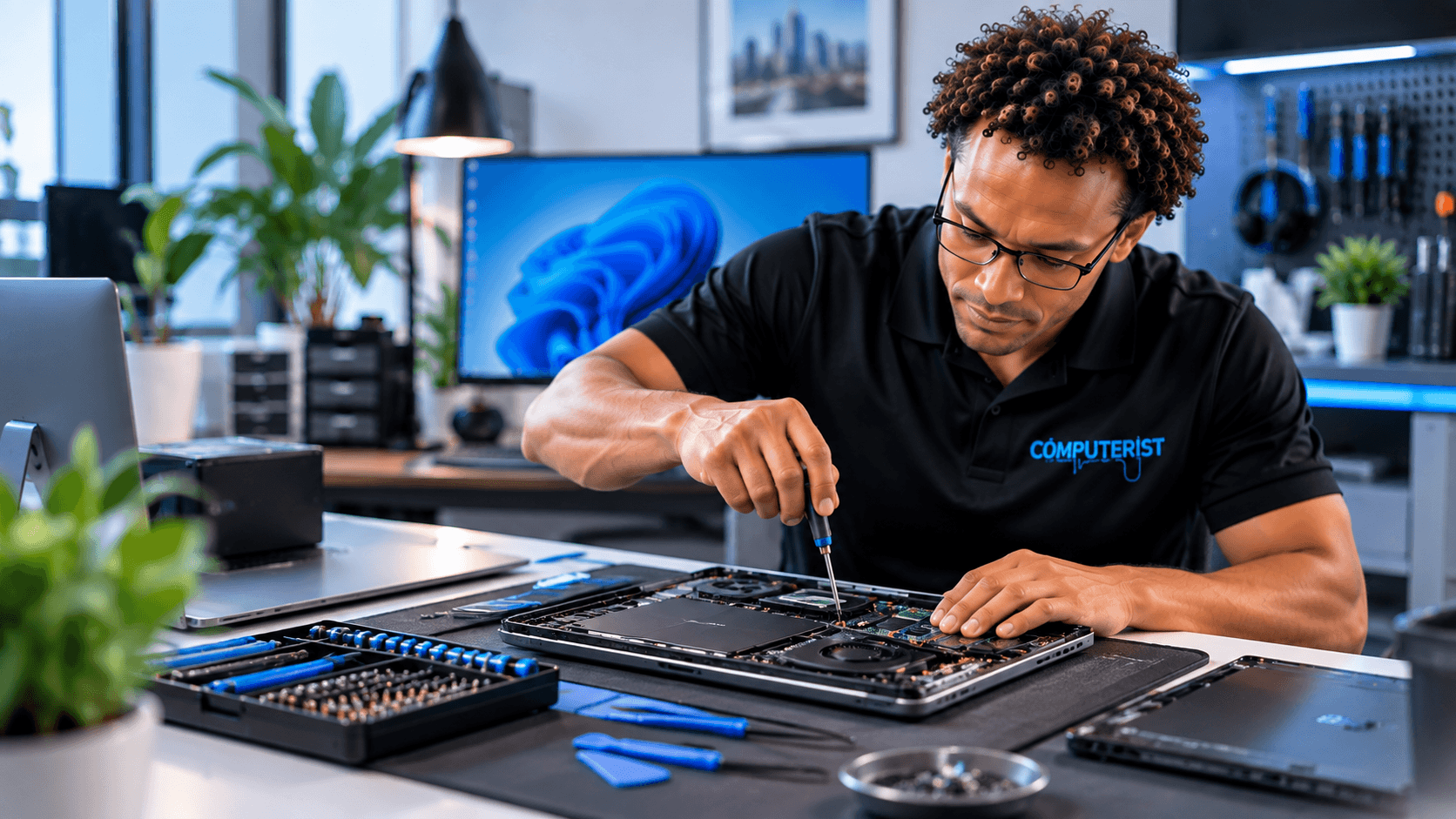
Laptop problems can involve hardware, Windows, storage, batteries, charging, overheating, software or general system configuration. We can investigate suitable laptop problems and help determine whether repair, upgrade or replacement is the sensible option.
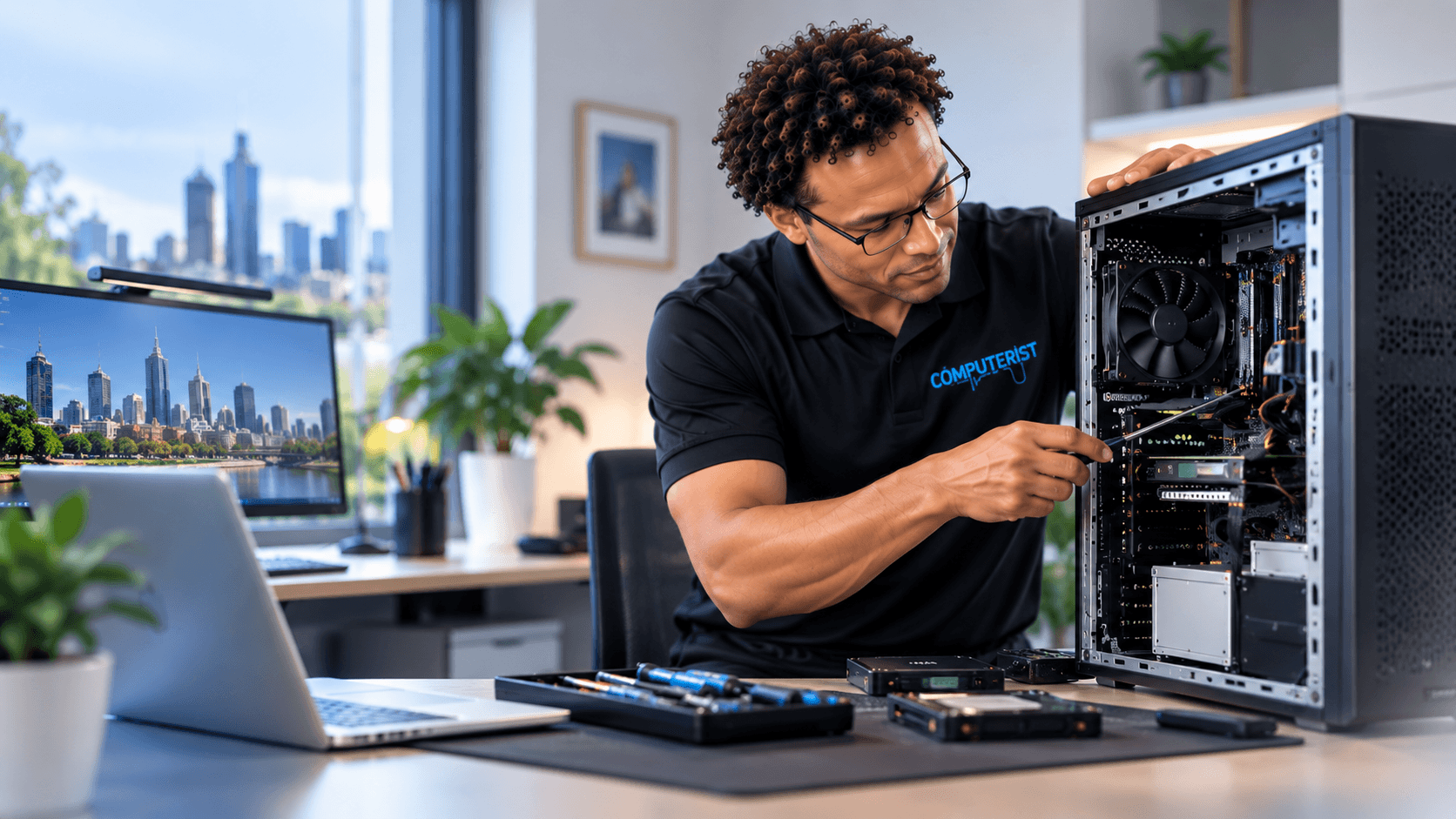
Desktop computers remain useful for home offices, businesses, gaming and demanding workloads. Computerist can assist with suitable desktop problems involving hardware, Windows, storage, performance, startup failures and general troubleshooting.
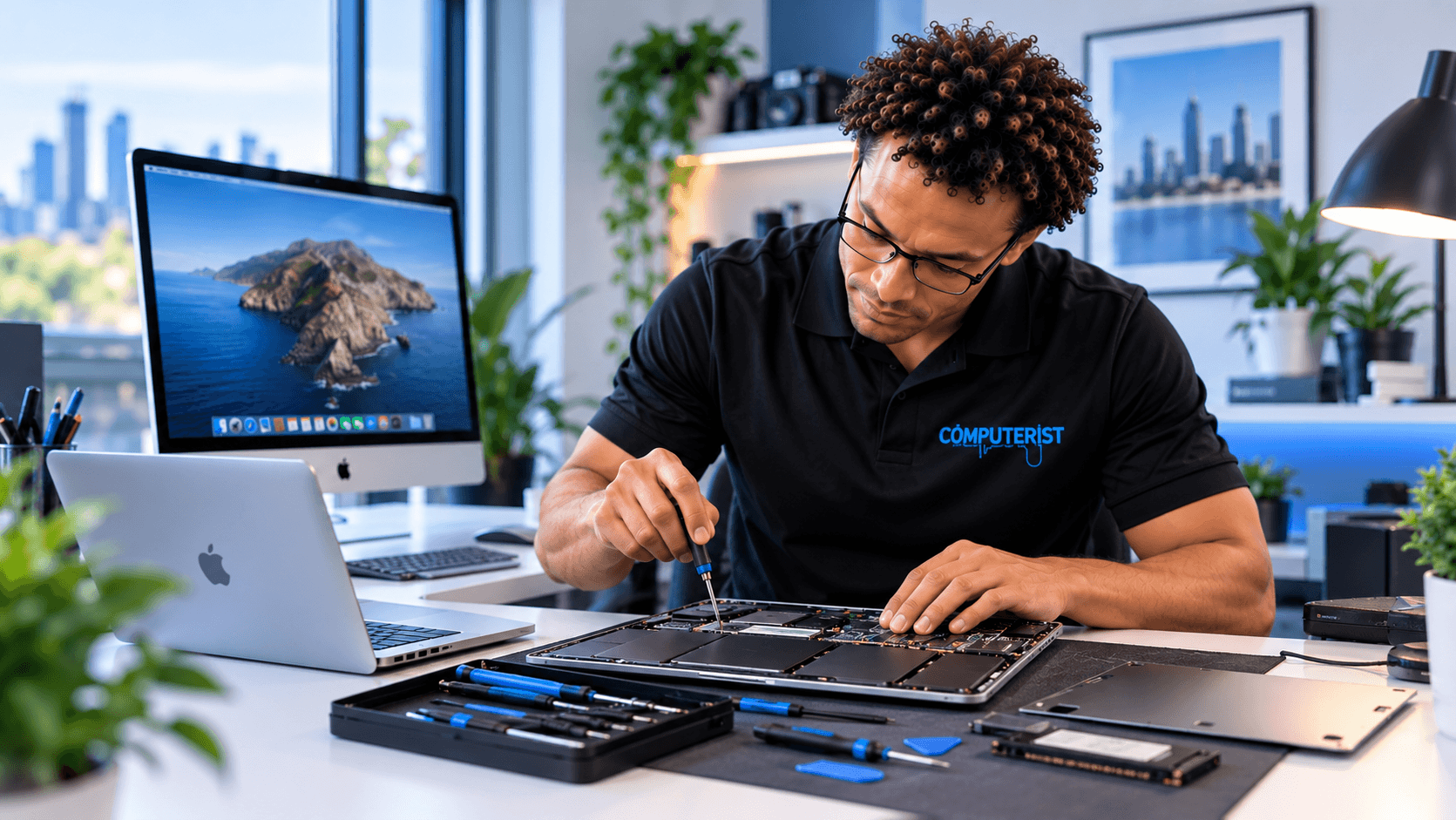
Mac and MacBook computers can experience software, storage, performance and hardware-related problems. We can provide practical support for suitable Mac requirements and help determine the appropriate next step.
Windows is at the centre of many home and business computers. Computerist can assist with Windows errors, updates, driver updates, startup problems, software, user accounts, configuration, performance issues, Blue Screen of Death (BoD), etc.
When something isn’t working properly, the first step is finding out why. Computerist can troubleshoot slow, unstable or unreliable PCs and investigate potential problems involving hardware, software, storage, memory, power, Windows and other components.
Sometimes a computer isn’t broken — it simply needs some attention. Our tune-up and optimisation service can include system diagnostics, startup optimisation, software clean-up, browser maintenance, updates and appropriate physical cleaning.
Need an application installed, configured or updated? Computerist can assist with compatible software, Windows, Microsoft 365, drivers, applications, general software troubleshooting, updates & upgrades, as well as licensing.
Malware and unwanted software can cause slow performance, pop-ups, browser redirects, security warnings and other unusual behaviour. Computerist can investigate suspicious activity and assist with appropriate removal and remediation.
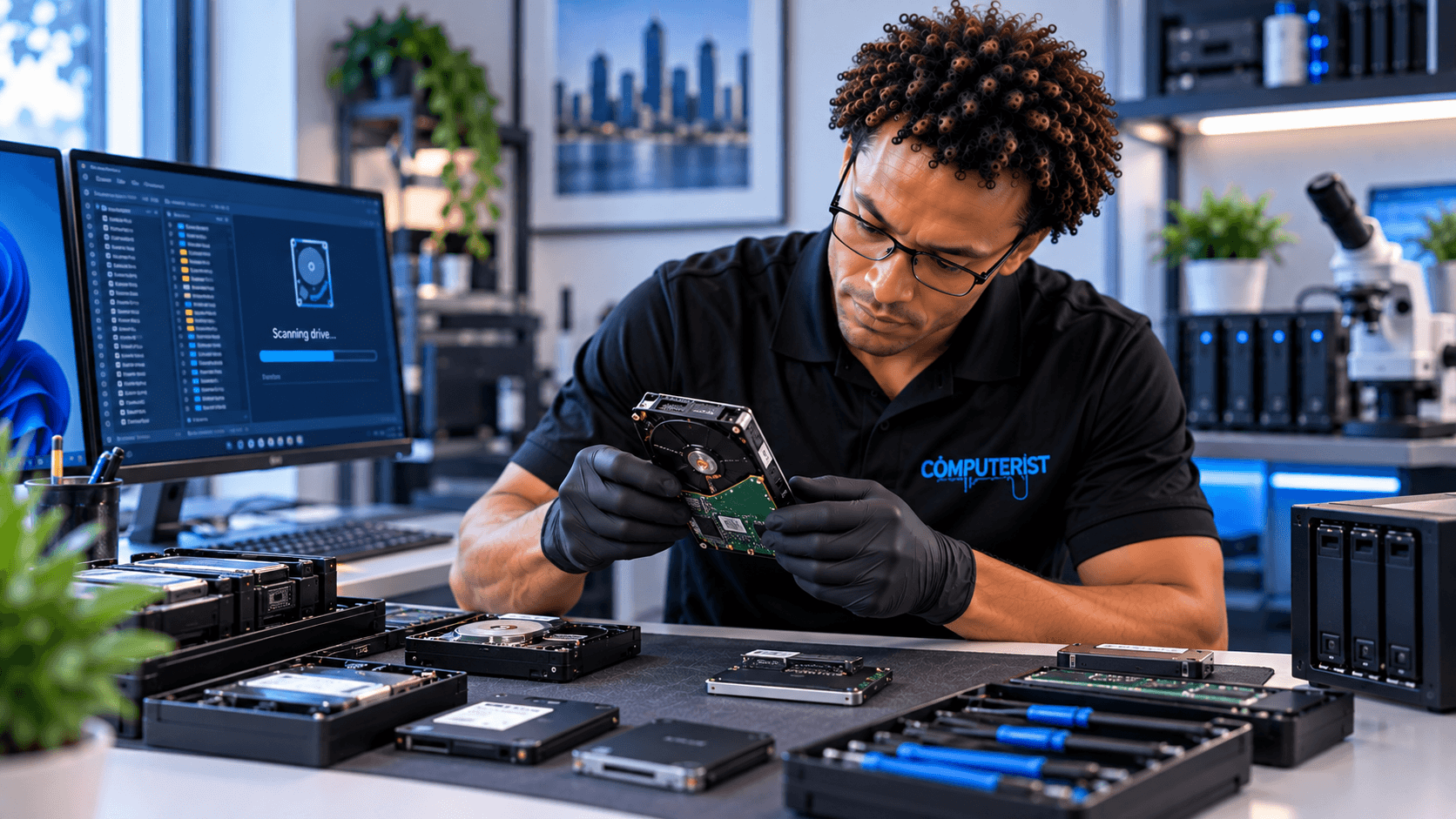
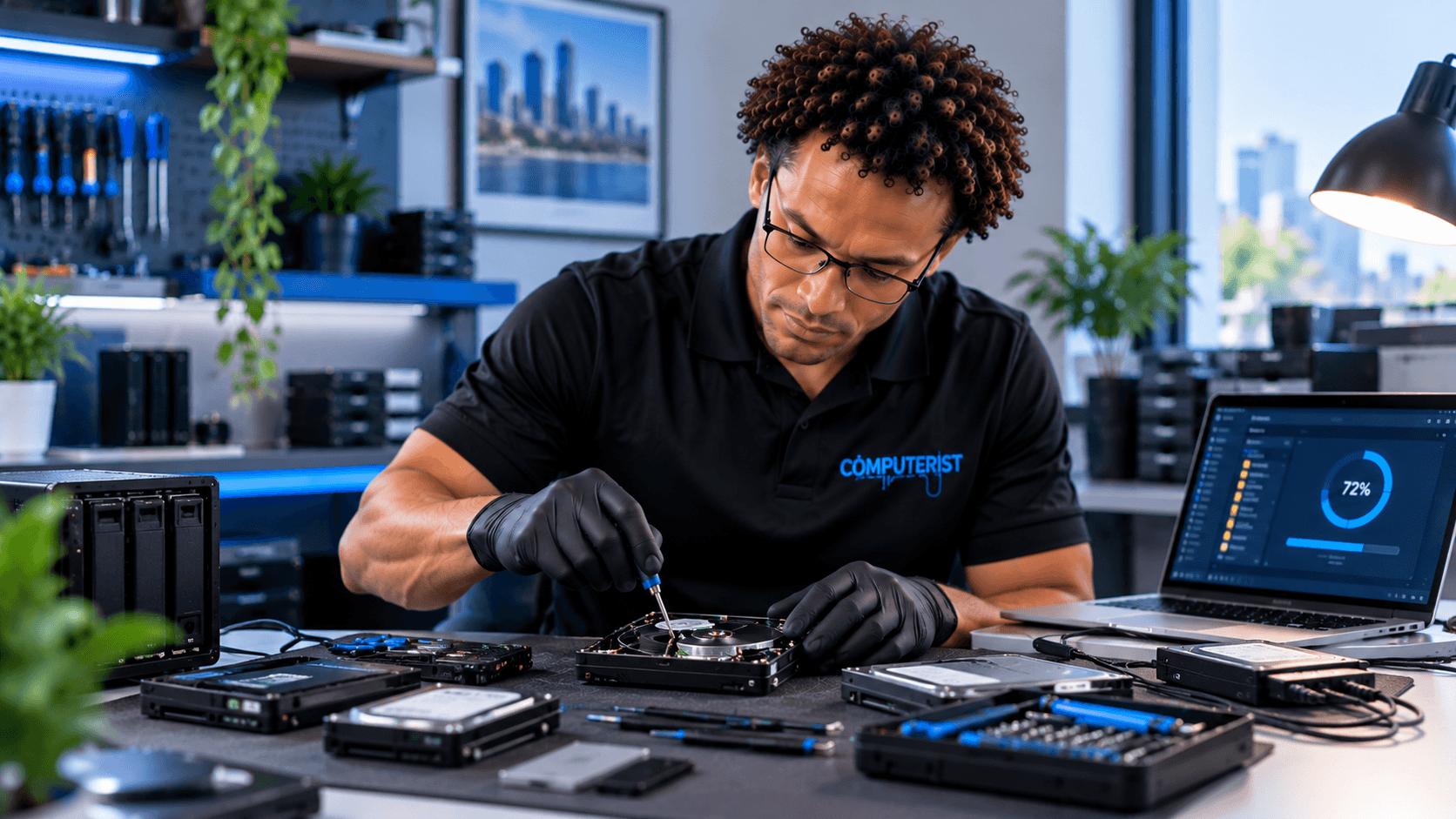
Important files can sometimes be more valuable than the computer they’re stored on. Computerist can assist with suitable data-recovery situations involving deleted files, corrupted data, failed storage and computers that no longer boot.
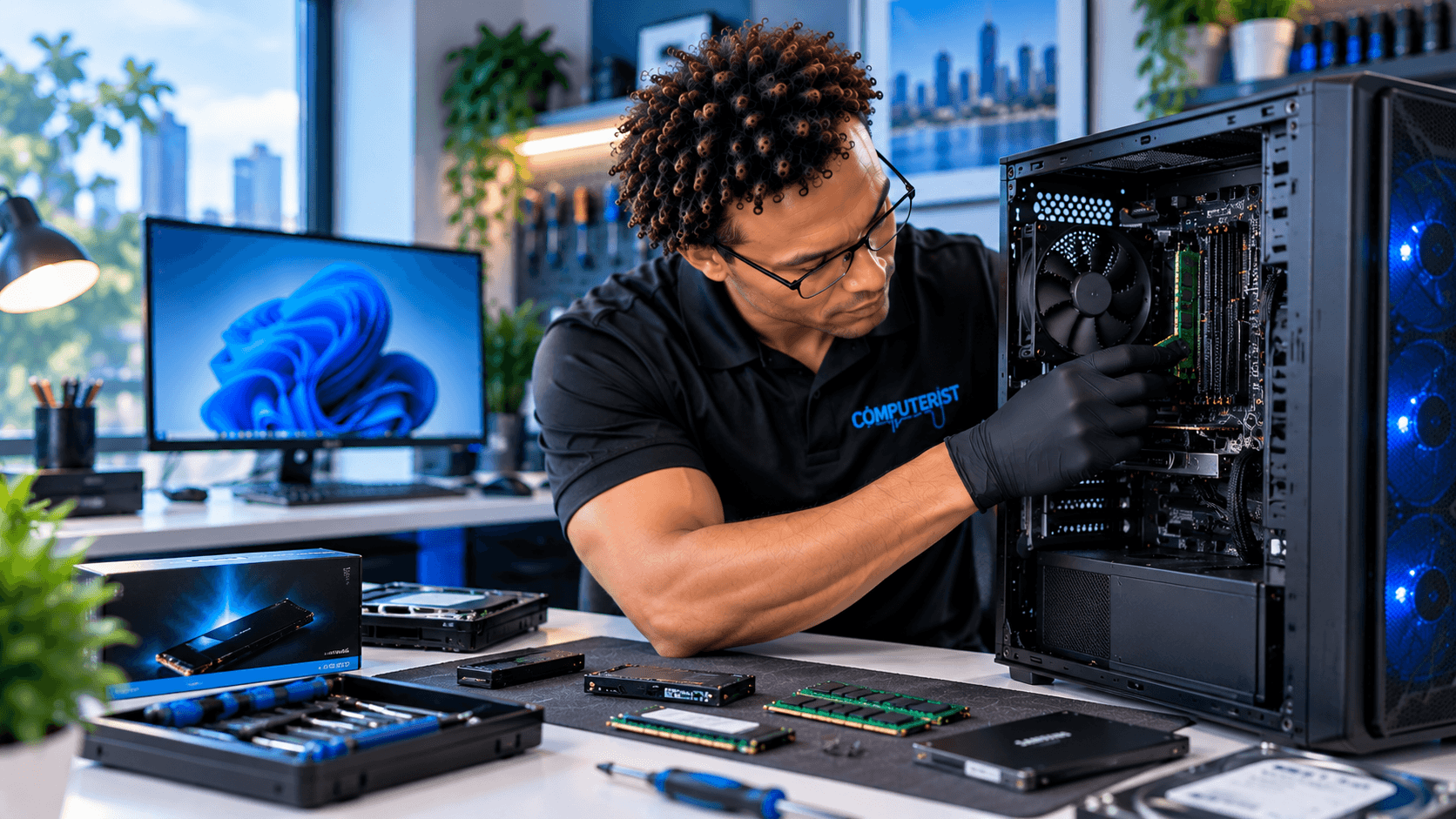
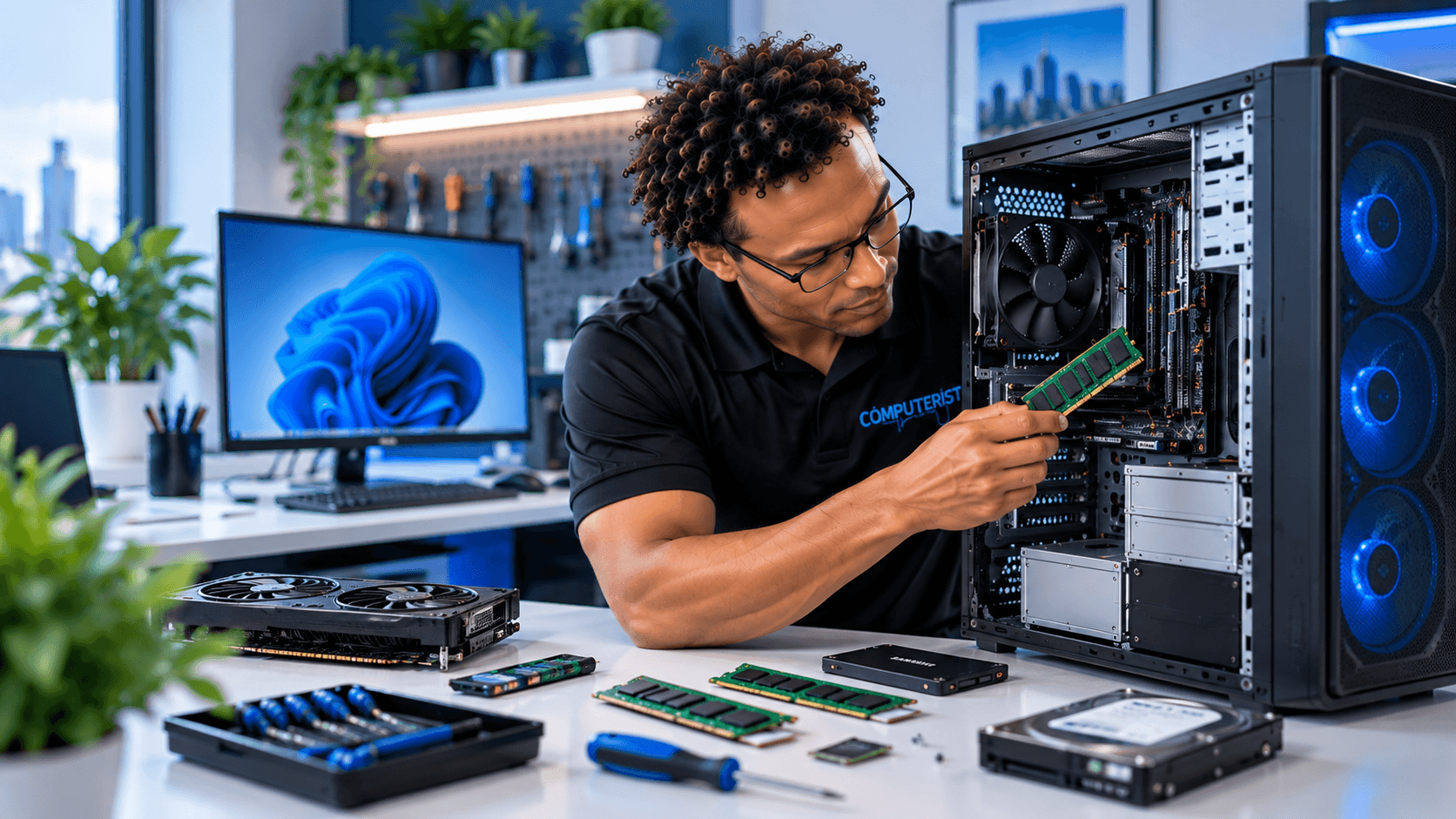
An ageing computer doesn’t always need to be replaced. Depending on the system, upgrades such as RAM, SSD storage, graphics cards and other compatible hardware may provide a worthwhile improvement.
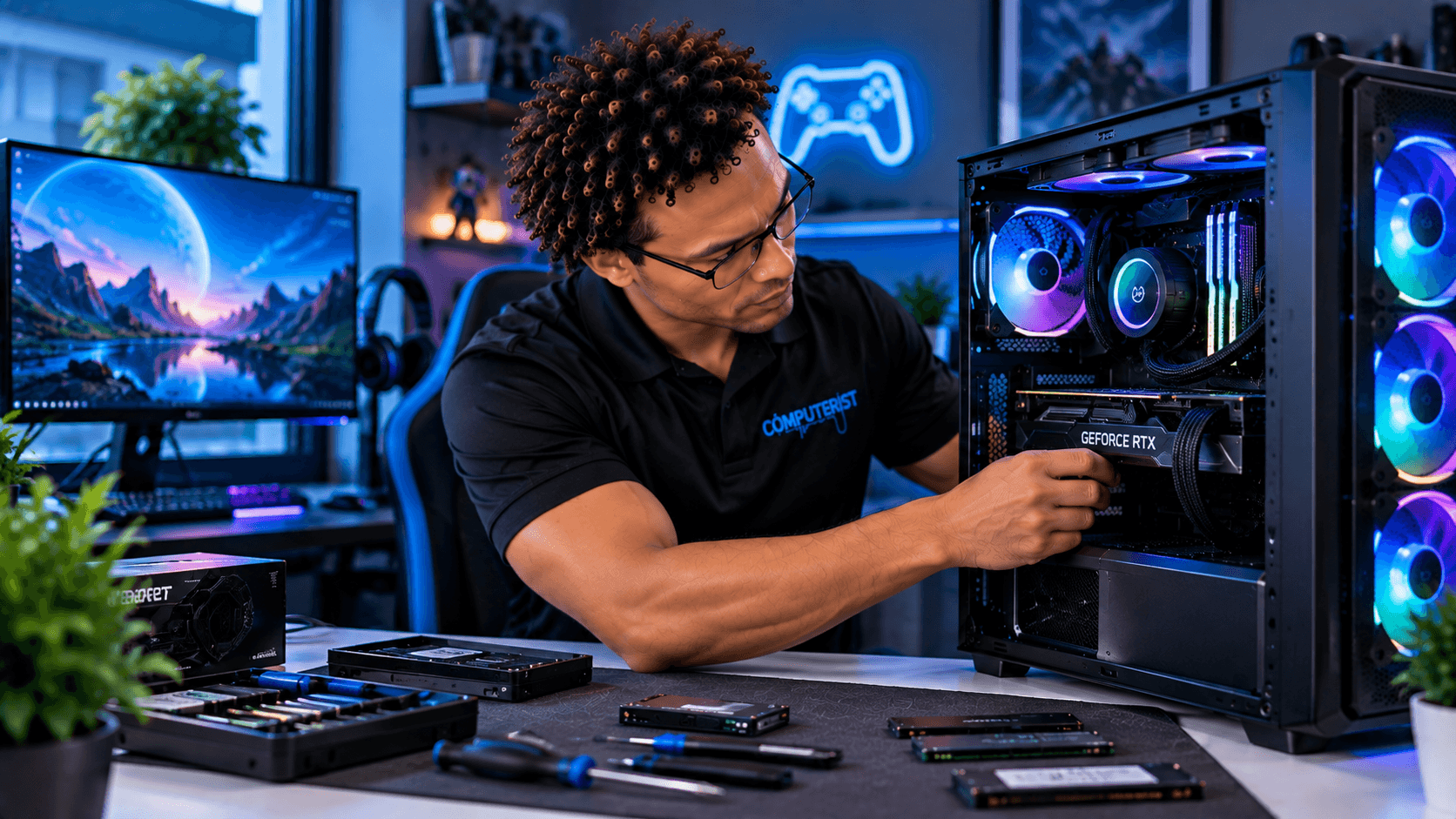
A good gaming PC requires more than simply selecting the most expensive components. Computerist can assist with custom gaming PC requirements, helping match components to your games, performance requirements and budget.
Hackintosh systems can require highly specialised configuration and troubleshooting. Computerist can assist with suitable existing Hackintosh environments involving OpenCore, EFI, ACPI, DSDT, SSDT, kexts and hardware compatibility.
Computer problems aren’t always caused by the computer itself. Poor Wi-Fi, unreliable connections, router problems and network configuration issues can affect multiple devices. Computerist can investigate suitable home networking problems.
Your computer isn’t necessarily the only device that needs technical support. Computerist can assist with suitable iPhone and iPad requirements involving setup, email, Microsoft 365, accounts, Wi-Fi, synchronisation and configuration.
Professional printer setup and support for homes and home offices, including installation, Wi-Fi connectivity, drivers, scanning, configuration and troubleshooting. Get your printer connected, configured and ready to use.
Computers have become part of everyday life. You may rely on yours for: Work Study Banking Communication Photos Entertainment Online services Personal documents. When something goes wrong, it can be difficult to know whether the problem is serious. Computerist can help with everyday computer problems involving laptops, desktops, Macs, Windows, software, hardware, Wi-Fi and connected devices. You don’t need to diagnose the problem yourself.
Tell us what happened.
We’ll work from there.
Computer Repair for Professionals & Home Offices
Working from home means your personal computer may also be your workplace. A computer problem can therefore become a productivity problem. Computerist can assist with suitable home-office requirements involving:
When one computer fails, an employee can lose access to the tools they need to work. Computerist can assist with suitable business computer problems and, where necessary, help determine whether the issue is actually related to the wider IT environment.
A working computer isn’t necessarily a secure computer. Computer security can involve:
Windows updates
Software updates
Account security
Malware protection
MFA
Secure passwords
Safe browsing
Backup
If you suspect your computer has been compromised, Computerist can investigate the situation and recommend appropriate action. For businesses, security needs to extend across the wider IT environment. For practical cybersecurity advice, see the Australian Government’s Cyber.gov.au resources
Computerist can use the most appropriate approach for the situation.
Why Choose Computerist
Diagnose before recommending
We start with the problem rather than assuming the solution.
Repair where practical
If your computer can reasonably be repaired or upgraded, we’ll explain the options.
Replacement when appropriate
Sometimes replacement genuinely makes more sense. We’ll help you understand why rather than continuing to put money into an unsuitable system.
Broad IT knowledge
Computerist’s capabilities extend beyond computer repair into: Microsoft 365 Networking Cybersecurity Backup Cloud Servers Business IT That broader knowledge can be useful when a computer problem turns out to involve something else.
Clear communication
You shouldn’t need to understand technical jargon to get useful IT support. We’ll explain: What happened.Why it happened.What can be done.What we recommend.
Computer Repair Across Melbourne’s South-East
Computerist provides computer repair and technical support across Melbourne’s South-East, with current priority service areas including:
Don’t replace your computer before finding out what’s actually wrong. Whether you have a slow laptop, a desktop that won’t start, a Mac problem, a Windows issue, malware, lost data or a hardware fault, Computerist can help investigate the problem and determine the most sensible next step.
We charge an hourly rate for the time spent working on your technology. If we’re unable to resolve the problem, you won’t be charged for the diagnostic or travel component.
*Some exclusions and conditions may apply. We’ll explain the applicable charges before work begins.
Clear pricing. Practical solutions. No unnecessary charges.



 Computer Repair for Professionals & Home Offices


 Computer problems rarely happen at a convenient time.
 Computer Repair That Starts With the Problem
 A computer that won’t start doesn’t necessarily need a new computer.
 Computer Repair for Home
 Computer Repair for Businesses
 Hardware Problems
 Hard drives
 Software Problems
 Windows

 Slow Computer

 Computer Overheating?


 When Replacement Makes More Sense
 Computer Maintenance


 Protect Your Important Data
 Computer Repair & Networking


 Onsite & Remote Computer Support