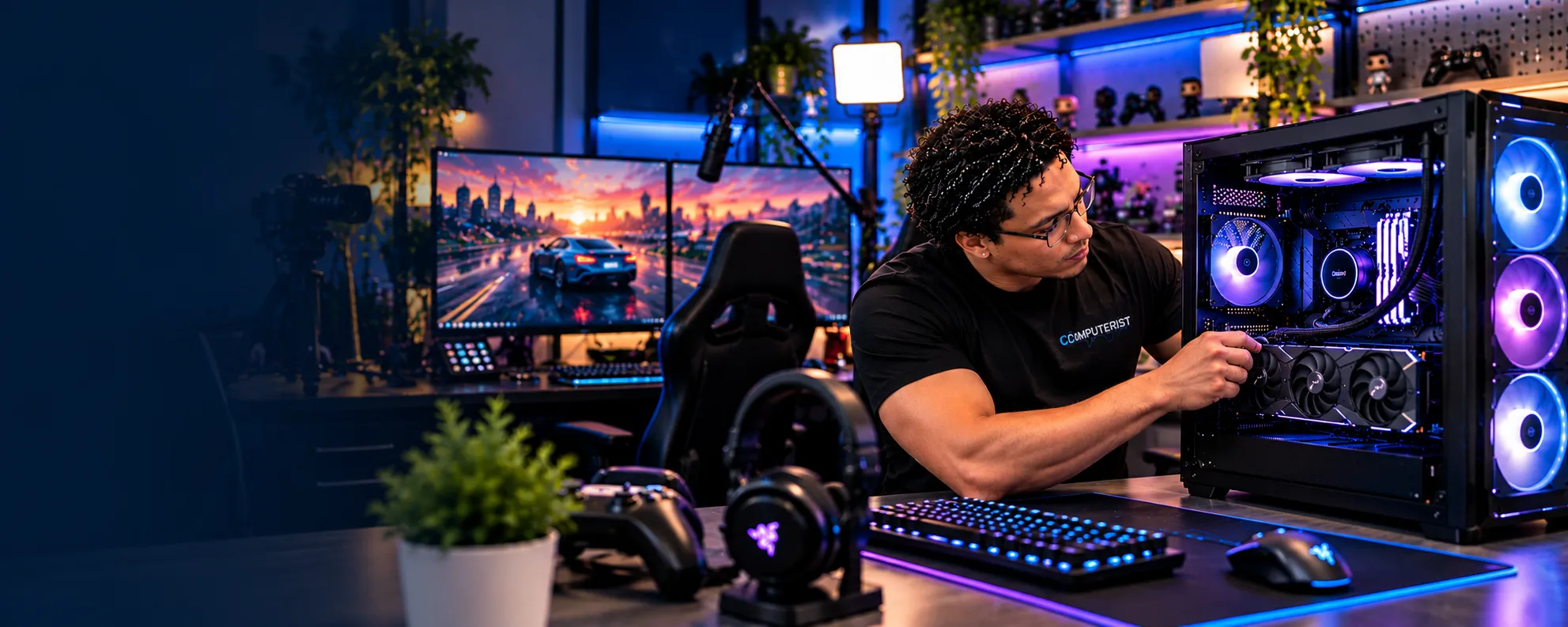
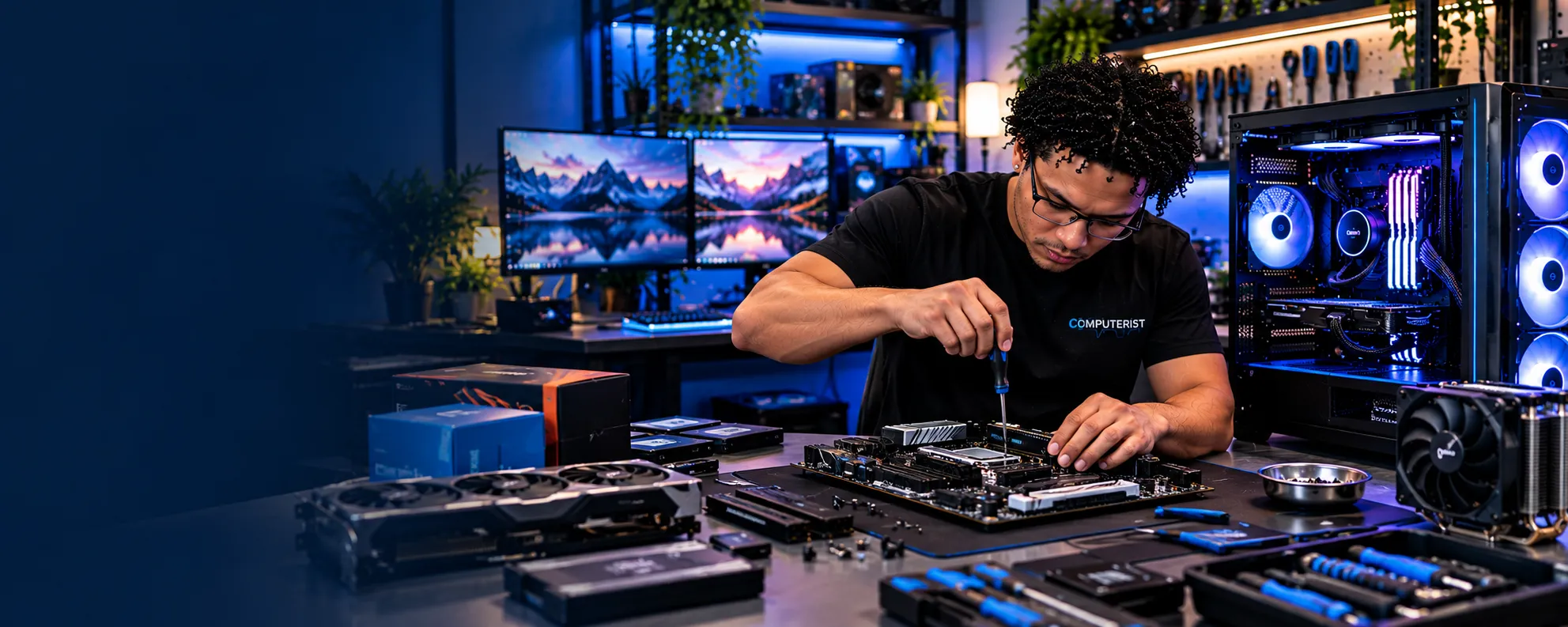
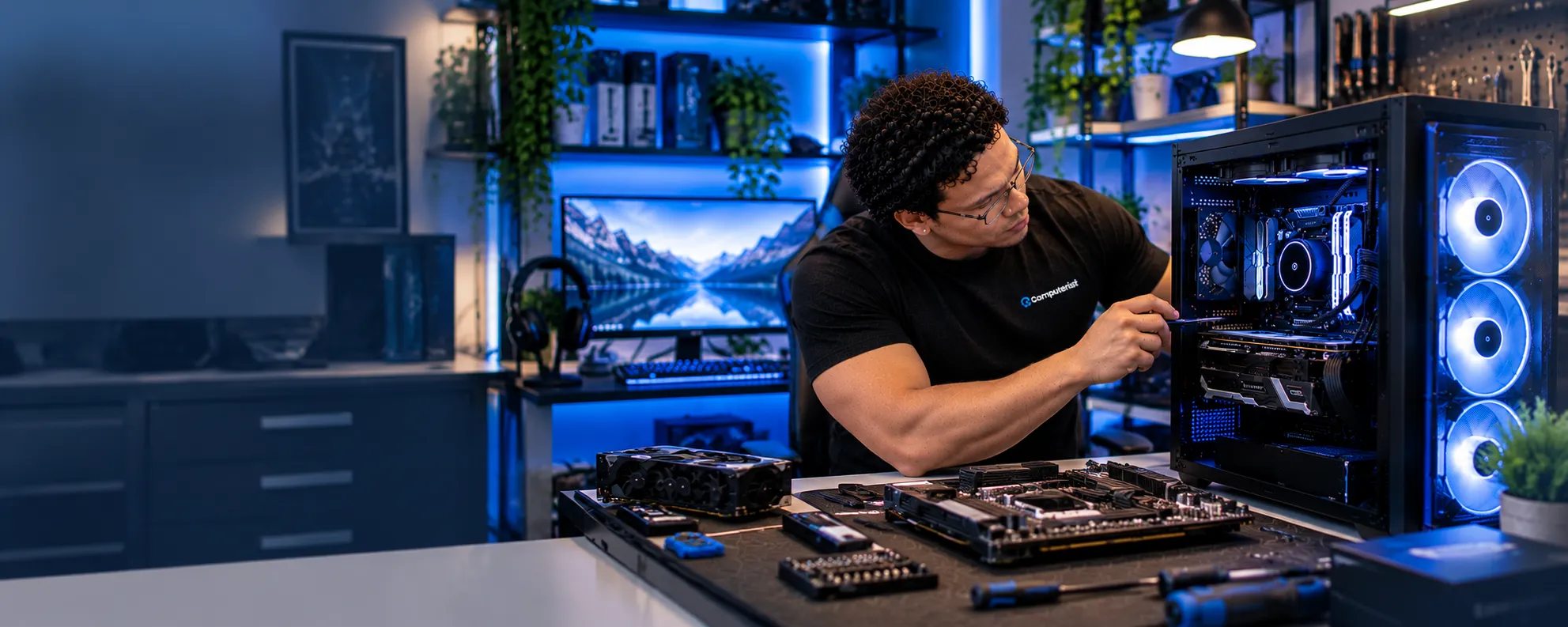
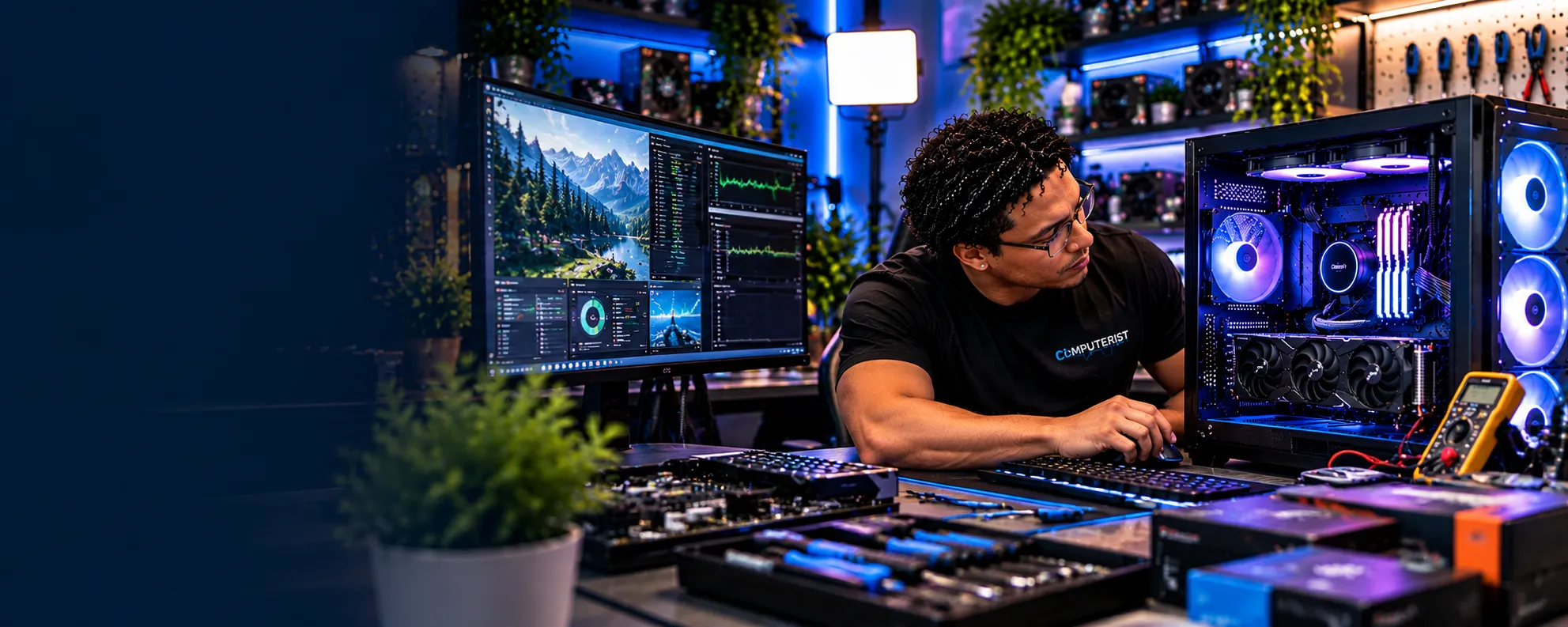
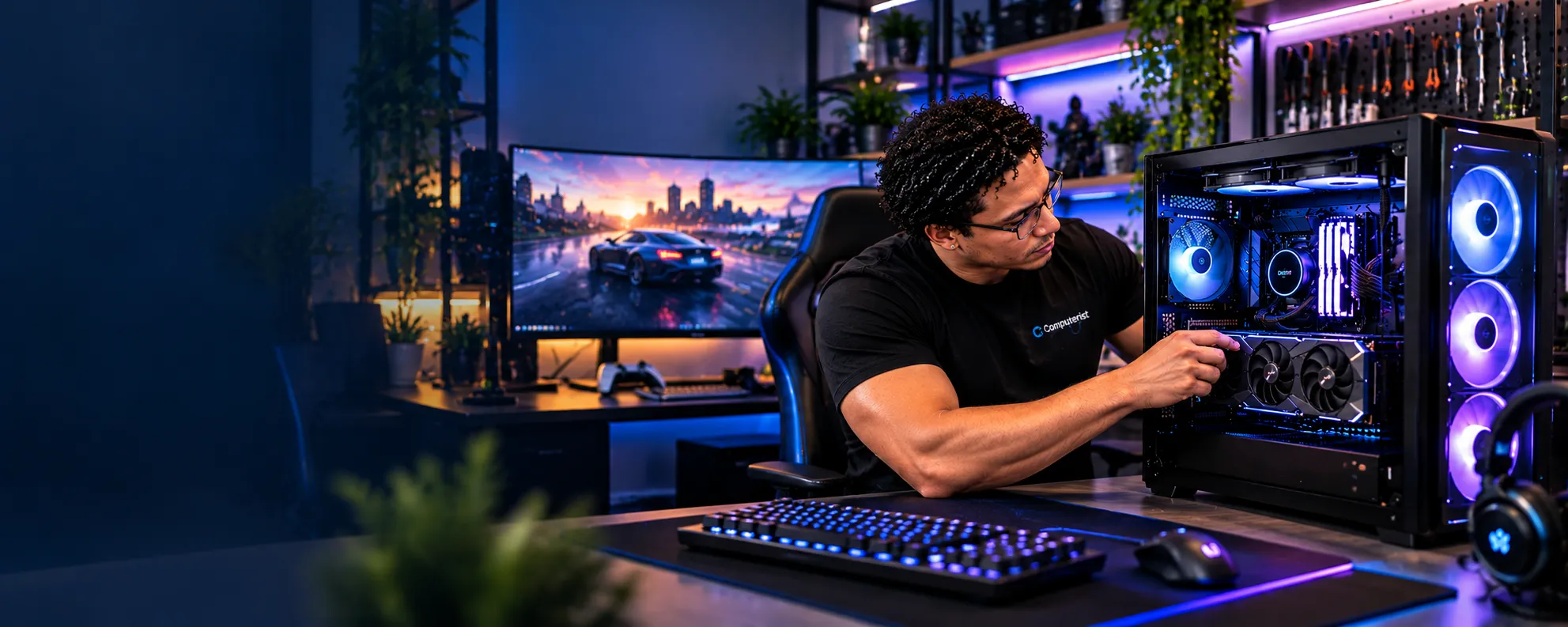
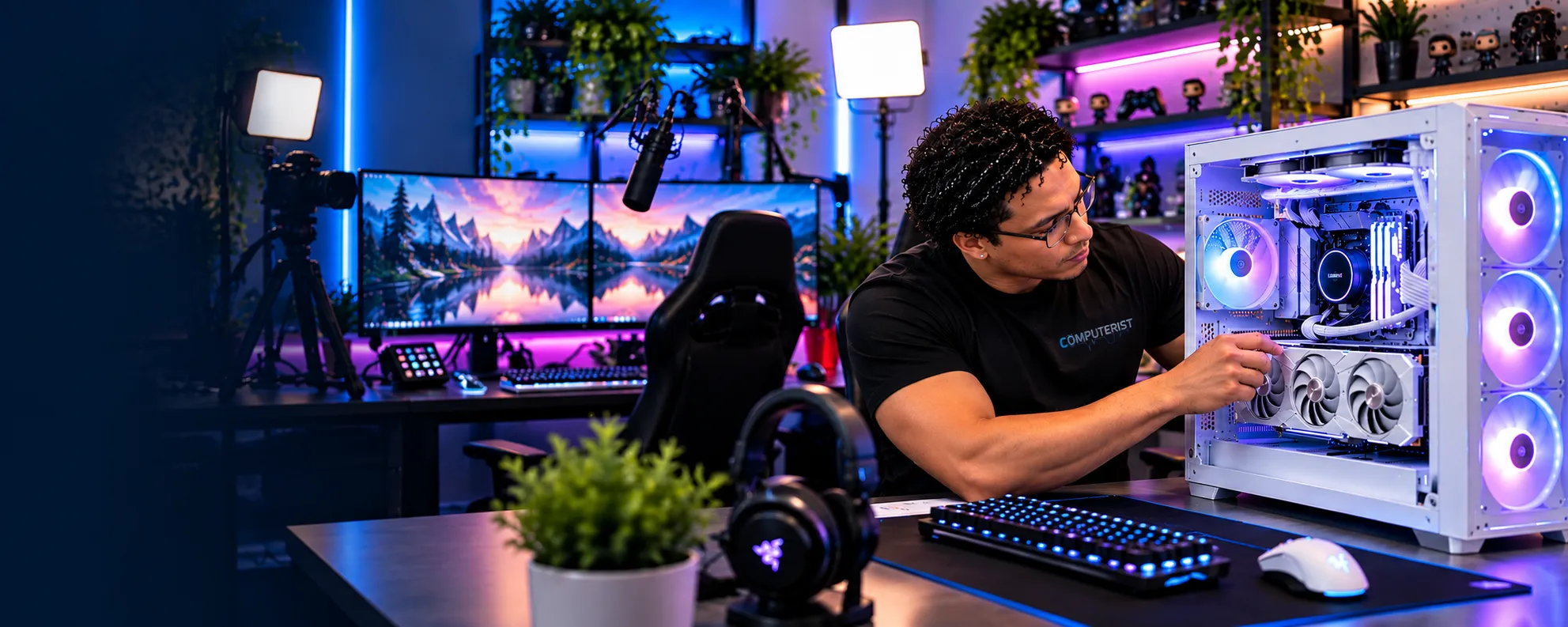
A Gaming PC Built Around You — Not a Sales Spreadsheet
Custom Gaming PC Builds
Custom Gaming PCs Built Around What You Actually Need
A gaming PC should be built around the games you play, the performance you want and the budget you’re comfortable with. Computerist can help you choose compatible components and put together a practical custom gaming PC without paying for hardware you don’t actually need.
Custom PC builds give you the flexibility to choose the right hardware for your work, gaming, creative projects or everyday computing needs. Buying a gaming PC can quickly become confusing.One retailer tells you that you need the latest graphics card. Another recommends a faster processor. Someone else says you need more RAM. Before long, you’re looking at dozens of components and wondering whether you’re actually getting the right computer for your money.Computerist takes a different approach.We build custom gaming PCs around how you actually intend to use them.Whether you want a capable 1080p gaming machine, a high-performance 1440p system, a powerful 4K gaming PC or a computer that can handle gaming alongside streaming, content creation or other demanding workloads, we’ll help you choose a balanced configuration.
A computer designed for competitive 1080p gaming can be very different from a machine designed for 4K gaming.
Choosing the Right Components for Your Gaming PC
The most expensive component isn’t automatically the best choice for every build. We consider how you’ll use the system, the games you play, your target resolution and frame rates, upgrade plans, and compatibility, cooling, and power requirements before recommending components.
That’s why we start with your requirements.
Not a component list.
Not a sales target.
Your requirements.
Upgrade Your Existing PC or Build a New One?
Sometimes upgrading an existing PC is the smarter option. Other times, the limitations of the current hardware make a new build more practical. We’ll look at your existing system and explain which approach makes the most sense before you spend money on components.
Custom Gaming PC Builds
Computerist can help design and assemble custom desktop systems around your requirements.Depending on the build, components may include:
CPU
Motherboard
RAM
Graphics card
NVMe SSD
Additional storage
Power supply
CPU cooling
Case
Case fans
Operating system
Wi-Fi and Bluetooth
Additional expansion hardware
Every component needs to work properly with the others.A powerful graphics card is of little value if the rest of the system creates a significant bottleneck.Likewise, buying the most expensive processor doesn’t necessarily produce the best gaming experience.
We aim for a balanced system.
Custom PC Builds for 1080p
1080p gaming remains an excellent option for many players.
A well-designed 1080p system can provide excellent performance without spending money on hardware that you may not benefit from.
The ideal configuration depends on:
Games
Target frame rate
Monitor refresh rate
Graphics settings
CPU requirements
For competitive games, a high-refresh-rate display may make CPU performance particularly important.
For graphically demanding games, the graphics card may become the primary consideration.
We’ll design around your actual requirements.
Gaming PC Builds for 1440p
1440p is a popular choice for gamers who want a substantial improvement in image quality without moving all the way to 4K.
A good 1440p gaming PC needs to balance:
GPU performance
CPU performance
Memory
Storage
Cooling
Power delivery
The right graphics card depends on the games you play and the frame rates you’re targeting.
We can help you build a system around your monitor and performance expectations rather than selecting components in isolation.
Gaming PC Builds for 4K
4K gaming places considerably greater demands on graphics hardware.
A suitable system may require careful consideration of:
GPU capability
VRAM
CPU
Cooling
Power supply
Display technology
Storage
A 4K gaming PC can become expensive very quickly.
Our approach is to determine what you actually want to achieve and build around that requirement.
If spending more money produces little meaningful improvement for your particular games, we’ll tell you.
High-Refresh-Rate Gaming PCs
If you’re using a 144 Hz, 165 Hz, 240 Hz or higher-refresh-rate monitor, the computer needs to be capable of producing enough frames to take advantage of the display.
That can shift the balance between components.
For some competitive games, CPU performance can become particularly important.
For graphically demanding games, the GPU may remain the limiting factor.
The right build depends on the games you’re playing and the performance you’re targeting.
Gaming PC for Streaming
If you want to game while streaming on platforms such as Twitch or YouTube, your system will have additional requirements.
A suitable configuration may need to account for:
Gaming performance
CPU workload
GPU encoding capabilities
RAM
Storage
Network connectivity
Cooling
We’ll consider the complete workload rather than designing a gaming system and hoping it handles streaming afterwards.
Gaming PC Component Selection
CPU
The processor affects gaming performance, application performance and the overall balance of the system.
The most expensive CPU isn’t necessarily the best choice.
We’ll consider:
Games
Applications
Resolution
Budget
Future requirements
Cooling
Graphics Card
For many gaming systems, the graphics card is one of the most important components.
We’ll consider:
Target resolution
Frame rate
Graphics settings
Game requirements
VRAM requirements
Monitor
Budget
Power consumption
The goal is to choose a GPU that makes sense for the rest of the system.
Motherboard
The motherboard provides the platform connecting the major components.
We’ll consider:
CPU compatibility
RAM support
Expansion slots
Storage interfaces
USB connectivity
Networking
Wi-Fi/Bluetooth requirements
Upgrade possibilities
You don’t necessarily need the most expensive motherboard.
You need one that provides the features and compatibility your build actually requires.
RAM
Memory requirements depend on what you do with the PC.
Gaming alone may have different requirements from gaming combined with:
Streaming
Video editing
Virtual machines
Development
Content creation
We’ll recommend an appropriate configuration rather than simply maximising the amount of RAM.
NVMe SSD & Storage
Fast storage can improve:
Windows startup
Application loading
Game loading
File transfers
General responsiveness
We’ll consider both performance and capacity.
For many gamers, storage capacity is just as important as raw storage speed.
A fast drive that is constantly full isn’t particularly useful.
Power Supply
The power supply is one of the components that should never be treated as an afterthought.
The PSU needs to provide suitable:
Capacity
Efficiency
Connectors
Electrical characteristics
Headroom
Reliability
It also needs to be appropriate for the graphics card and overall system.
A powerful gaming PC deserves a properly selected power supply.
CPU Cooling
Gaming workloads can generate significant heat.
Depending on the processor and build, cooling options may include:
Air cooling
Tower coolers
All-in-one liquid cooling
Additional case fans
Cooling isn’t just about temperatures.
It can also affect:
Noise
Sustained performance
Component longevity
System stability
We’ll select cooling appropriate to the build rather than installing an unnecessarily complicated solution.
PC Case & Airflow
A case isn’t just about appearance.
It affects:
Airflow
Cooling
Noise
Component compatibility
Cable management
Expansion
Dust management
We’ll consider the physical dimensions of the components and the airflow requirements of the system.
Gaming PC Cable Management
A custom PC should be assembled properly.
Good cable management can improve:
Airflow
Accessibility
Appearance
Maintenance
Troubleshooting
It also makes future upgrades easier.
The goal isn’t to create a computer that looks good only in photographs.
It should be practical to maintain.
BIOS & System Configuration
Building the hardware is only part of the process.
A new PC may also require configuration involving:
BIOS/UEFI
Boot settings
Memory configuration
Storage
Drivers
Firmware
Windows
Device configuration
Network connectivity
We’ll configure the system appropriately and test it before considering the build complete.
Gaming PC Testing
A new PC should be tested.
We can check areas such as:
System stability
CPU behaviour
GPU operation
Memory
Storage
Temperatures
Cooling
Fan operation
Network connectivity
USB connectivity
Display output
The exact testing performed depends on the build.
The objective is simple:
Make sure the system is behaving as expected before you take it home.
Future-Proofing Without Wasting Money
“Future-proofing” is one of the most overused terms in PC sales.
No computer can realistically be future-proof forever.
Technology changes.
New processors appear.
Graphics requirements increase.
Interfaces evolve.
Instead of trying to predict the next decade, we’ll consider sensible upgrade paths.
That might mean choosing:
A motherboard with useful expansion options
Appropriate power supply headroom
Adequate case space
Additional storage capability
Suitable RAM capacity
A platform with a reasonable upgrade path
But we won’t recommend spending hundreds of dollars today on features you may never use.
Gaming PC Builds on a Budget
There isn’t one “best” gaming PC for everyone. A sensible build depends on your budget, the games you play and the performance you’re aiming for. We can help prioritise the components that matter most rather than spending money where it won’t make a meaningful difference.
A custom PC doesn’t have to mean an expensive PC.
A sensible budget build focuses on where your money produces the greatest real-world benefit.
Depending on your requirements, we can prioritise:
Gaming performance
Storage
Upgradeability
Quiet operation
Appearance
Productivity
Streaming
Tell us your budget.
We’ll work backwards from what you actually want the computer to achieve.
Premium Gaming PC Builds
If you’re looking for high-end performance, the same principle applies.
A premium system should still be balanced.
Spending more on every component simply because the budget allows it doesn’t necessarily produce the best result.
We’ll consider where additional investment actually improves:
Frame rates
Resolution
Stability
Workload performance
Storage
Cooling
Noise
Longevity
White, RGB & Showpiece Builds
For some people, the PC isn’t just a computer.
It’s part of the room.
If appearance matters, we can take factors such as:
Case design
RGB lighting
Cable management
Component aesthetics
Cooling
Lighting compatibility
Desk setup
into consideration during the design.
Performance still comes first.
A beautiful PC that overheats isn’t a successful build.
Quiet Gaming PC Builds
Not everyone wants a computer that sounds like a small aircraft taking off.
A quieter gaming PC can be designed by considering:
Fan selection
Fan curves
CPU cooling
GPU cooling
Case airflow
Component efficiency
Acoustic characteristics
The exact result depends on the components and workload.
Wi-Fi & Networking for Gaming PCs
A gaming PC doesn’t always have to be connected by Ethernet.Depending on your home network, a build can include:
Wired Ethernet
Wi-Fi
Bluetooth
However, for competitive gaming or other latency-sensitive workloads, a wired Ethernet connection may still be preferable where practical.Computerist can also help with the wider home network.
A pre-built computer can be perfectly suitable for some people.
A custom build may make more sense when you want:
Specific components
A particular case
Greater control over quality
A specific performance target
Better upgrade flexibility
Custom aesthetics
A configuration designed around your workload
Custom doesn’t automatically mean better.
The benefit is control.
You decide what matters.
We help make sure the resulting system makes technical sense.
Bring Your Own Components
Already purchased some parts?
That’s fine.
If you’re unsure whether everything is compatible, we can assess the proposed configuration.
For example, we can check whether:
CPU and motherboard are compatible
RAM is appropriate
PSU is adequate
GPU fits the case
Cooling is suitable
Storage is supported
Components work together as intended
It’s much cheaper to identify a compatibility problem before everything is assembled.
How Does a Custom Gaming PC Build Work?
1. Tell us what you want to play
2. We understand your performance and budget requirements
3. We select compatible components
4. We build and configure the system
5. We test the finished PC
6. We explain your new system and help you get started
Custom PC Assembly
Once the configuration is agreed upon, the system can be assembled carefully.
The process can include:
Component inspection
Motherboard preparation
CPU installation
Memory installation
Cooling installation
Storage installation
Graphics card installation
Power connections
Case assembly
Cable management
BIOS/UEFI configuration
Windows installation where requested
Driver and firmware configuration
System testing
The exact process varies according to the build.
What Happens When You Ask for a Custom PC?
1. Tell us what you want
You don’t need to know which CPU or GPU you need.
Tell us:
What games you play Your monitor Your target resolution Your target performance Your budget Other things you want to do with the computer
2. We design the system
We’ll identify the components required to meet those goals.
3. We check compatibility
Components need to work together.
4. We discuss the configuration
You’ll understand what you’re getting and why each major component has been selected.
5. You approve the build
No major component changes should happen without your approval.
6. The system is assembled
The PC is built, configured and tested.
7. You receive a working computer
The goal is a system that is ready to use rather than a pile of components in a box.
How Much Does a Custom Gaming PC Cost?
There isn’t one price.
The cost depends on:
Performance target
CPU
GPU
RAM
Storage
Motherboard
Cooling
Case
Power supply
Operating system
Assembly
Configuration
The best way to approach a custom build is to start with your budget and requirements, then determine where the money should be allocated.
Why Choose Computerist?
We don’t build around a sales target
Built Around Your Requirements
Compatibility Comes First
Straightforward Advice
Practical Builds, Not Unnecessary Hardware
A custom PC should be designed around you.If a cheaper component can provide the performance you need, we’ll consider it.If spending more genuinely improves the system, we’ll explain why.
We understand the difference between fixing a computer and protecting the network
When a network fails, the instinct is often to call your ISP to get the systems working again as quickly as possible.But if the systems contain critical files, getting it working is not necessarily the first priority.The first priority may be protecting the information stored on it.That distinction matters.
We care about compatibility
A list of individually impressive components doesn’t necessarily make a good computer.
The components need to work together.
That’s where proper system design matters.
We think beyond gaming
Your gaming PC may also be used for:
Work
Study
Streaming
Video editing
Photography
Development
Virtual machines
General productivity
We’ll take those requirements into account. Choosing the right components is essential when building a reliable, well-balanced PC. Intel’s PC building guide provides useful guidance on selecting compatible components, planning your build and assembling a PC.
Local support after the build
Buying a custom PC isn’t necessarily the end of the relationship.
If your computer isn’t worth upgrading, we’ll tell you.
If a simple upgrade can save you the cost of replacing it, we’ll tell you that too.
The decision remains yours.
We explain the situation honestly
Technology issues can be stressful.
You don’t need someone making unrealistic assumptions.
We’ll explain:
What appears to have happened
What can potentially be done
What risks exist
What options are available
Whether an upgrade or a new should be contacted
What the likely next steps are
Then you can make the decision.
Practical IT experience
Computerist’s experience extends beyond consumer computer hardware into professional IT environments involving:
Endpoints
Microsoft 365
Networks
Security
Cloud services
Business systems
Hardware deployment
Infrastructure
That broader knowledge is useful when a hardware upgrade needs to integrate with a broader technology environment.
No Fix, No Fee Guarantee
Where applicable, Computerist operates a No Fix, No Fee approach.The exact conditions depend on the nature of the work, so we’ll explain them before proceeding.
Local Custom PC Builds in Melbourne’s South-East
Serving Melbourne’s South-East
Computerist provides Custom Gaming PC Builds across Melbourne’s South-East, including Noble Park,Springvale, Dandenong, Clayton, Keysborough & Dandenong South. We may also support surrounding south-eastern suburbs where the service requirement is suitable.
Whether you’re building your first gaming PC, replacing an ageing system or looking for a machine designed around a particular level of performance, Computerist can help you work out what you actually need and put together a practical build around your requirements.
We charge an hourly rate for the time spent working on your technology. If we’re unable to resolve the problem, you won’t be charged for the diagnostic or travel component.
*Some exclusions and conditions may apply. We’ll explain applicable charges before work begins.
No. Tell us what games you play, what monitor you have, what performance you want and your approximate budget. We’ll work through the technical requirements with you.
A custom system should be tested after assembly. We’ll check appropriate hardware, temperatures, stability and basic functionality before considering the build complete.
Not automatically. A custom build gives you greater control over components and configuration. Whether that is worthwhile depends on your requirements and budget.




 Your PC Should Match the Way You Play

 Choosing the Right Components for Your Gaming PC
 Upgrade Your Existing PC or Build a New One?
 Custom Gaming PC Builds
 CPU
CPU Custom PC Builds for 1080p
 Games
Games Gaming PC Builds for 1440p
 Gaming PC Builds for 4K
 High-Refresh-Rate Gaming PCs
 Gaming PC for Streaming
 Gaming PC Component Selection
 Graphics Card
 Motherboard
 RAM
RAM NVMe SSD & Storage
 Power Supply
 CPU Cooling
 PC Case & Airflow
 Gaming PC Cable Management
 BIOS & System Configuration
 Gaming PC Testing
 A new PC should be tested.
 Future-Proofing Without Wasting Money
 Gaming PC Builds on a Budget
 Premium Gaming PC Builds
 White, RGB & Showpiece Builds
 Quiet Gaming PC Builds
 Wi-Fi & Networking for Gaming PCs
 Custom Gaming PC vs Pre-Built PC
 Bring Your Own Components






 Custom Gaming PCs Built Around What You Actually Need