

Complete IT Solutions!

Computer Tune-Up & Optimisation For Melbourne South-East

Computer Tune-Up & Optimisationtune

Speed up, clean up and optimise your computer for better everyday performance.

Laptop Repair

Computer Tune-Up & Optimisation

computer tune-up

Is your computer becoming slower than it used to be?

You don’t necessarily need a new computer.

Over time, unnecessary programs, accumulated browser data, outdated software, startup applications and general system clutter can affect how a computer feels and performs.

Computerist provides computer tune-up and optimisation services across Melbourne’s south-east, helping improve the overall condition, responsiveness and usability of suitable Windows PCs.

Our tune-up service goes beyond simply checking whether the computer turns on.

We clean it up, optimise it and help get it running better.

What Is a Computer Tune-Up?

A computer tune-up is a practical service designed to address common causes of declining system performance and general computer clutter.

Depending on the computer and its condition, our service can include:

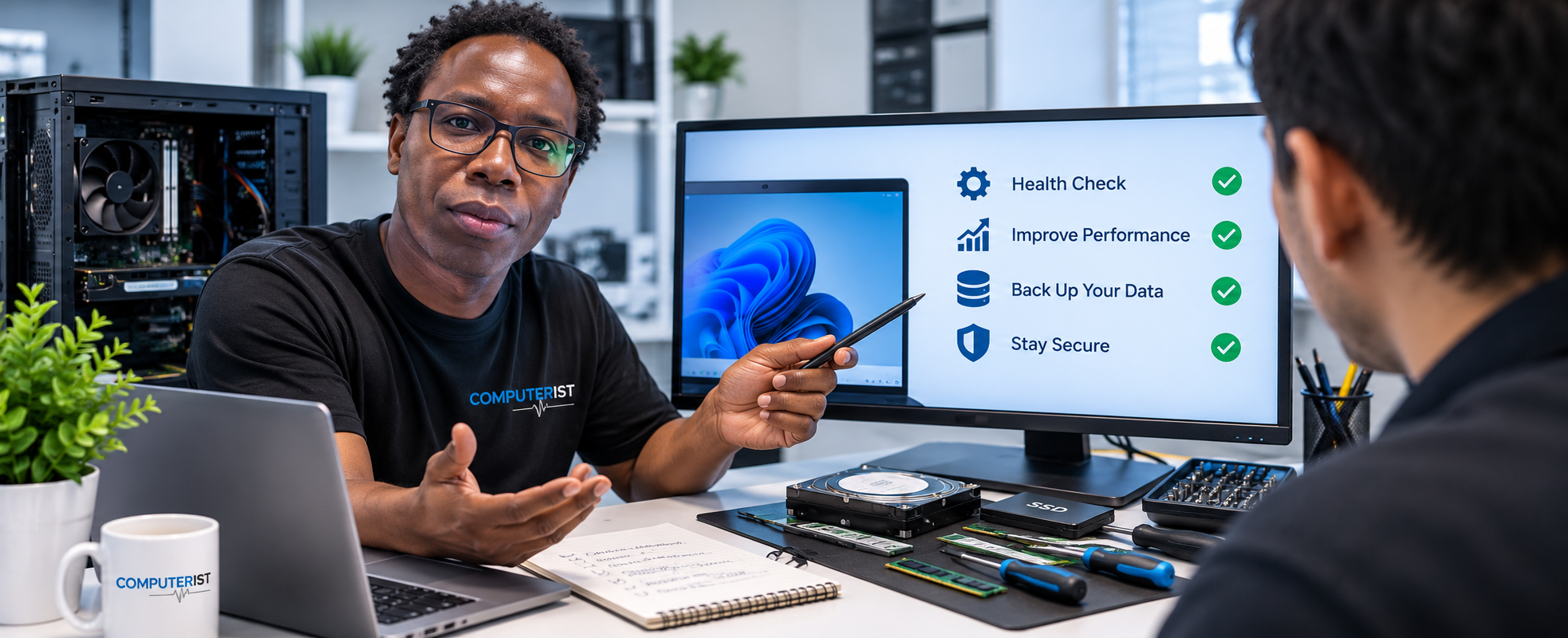
      General system check-up

      Diagnostics

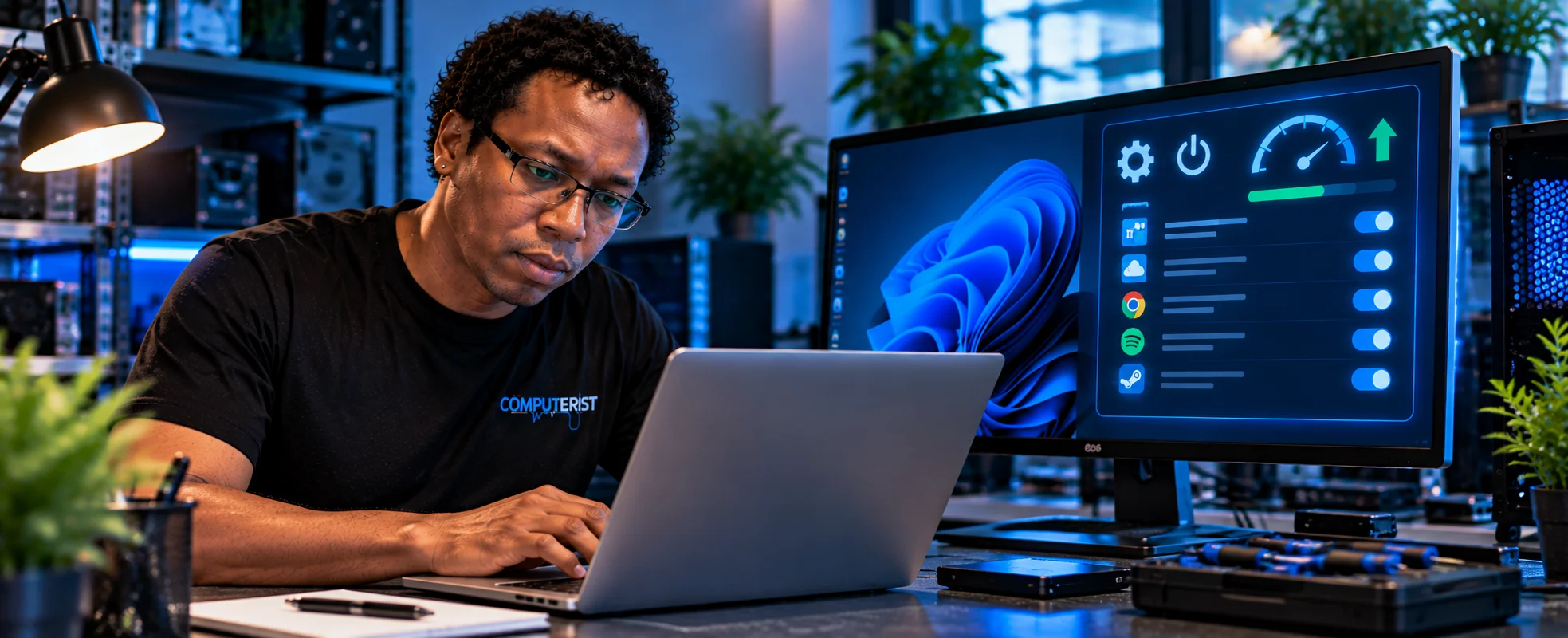
      Startup optimisation

      Shutdown optimisation

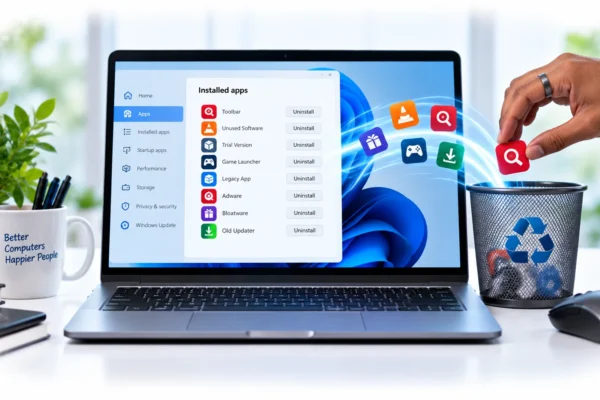
      Removing unwanted programs

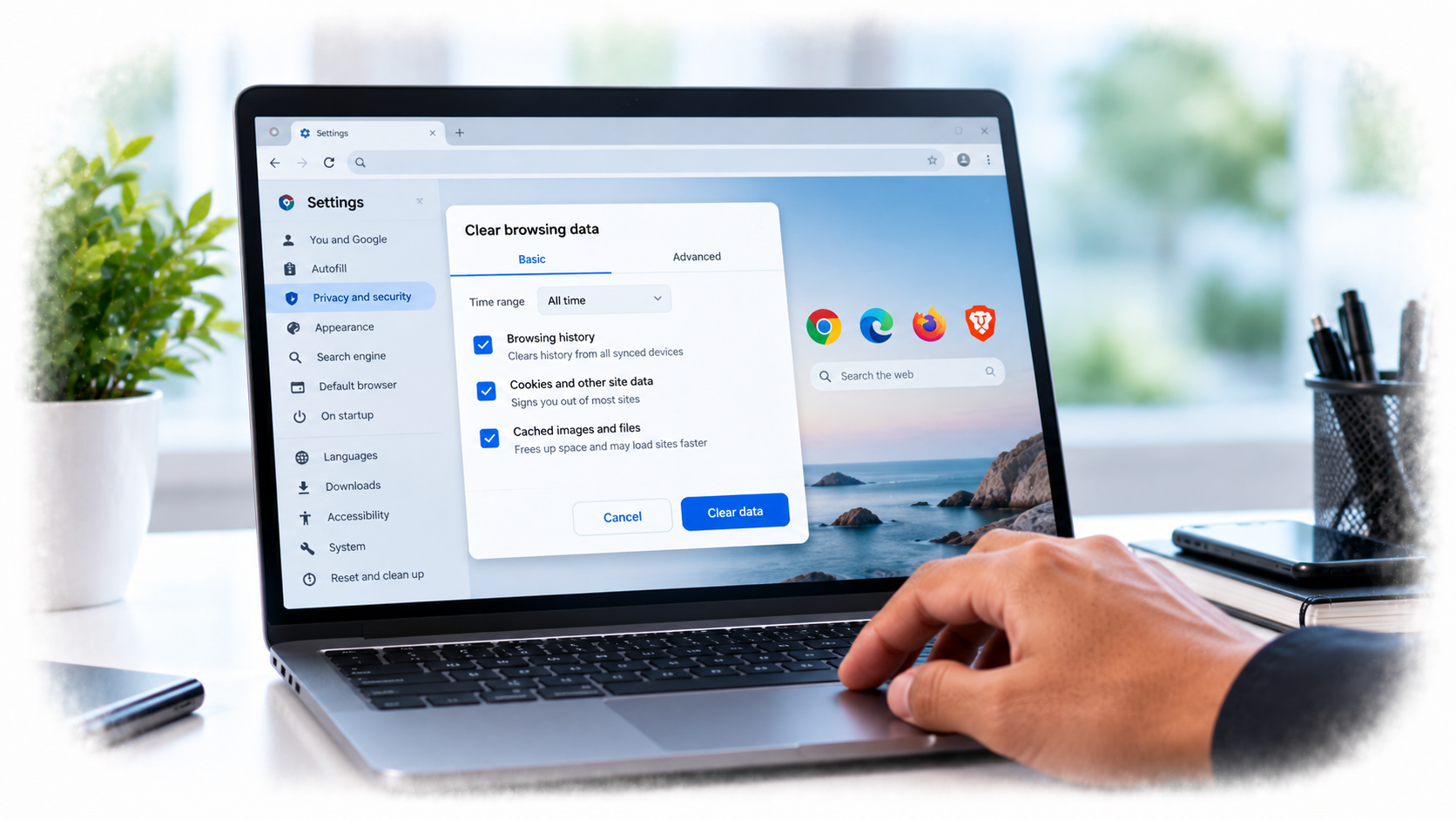
      Clearing browser cookies and temporary data

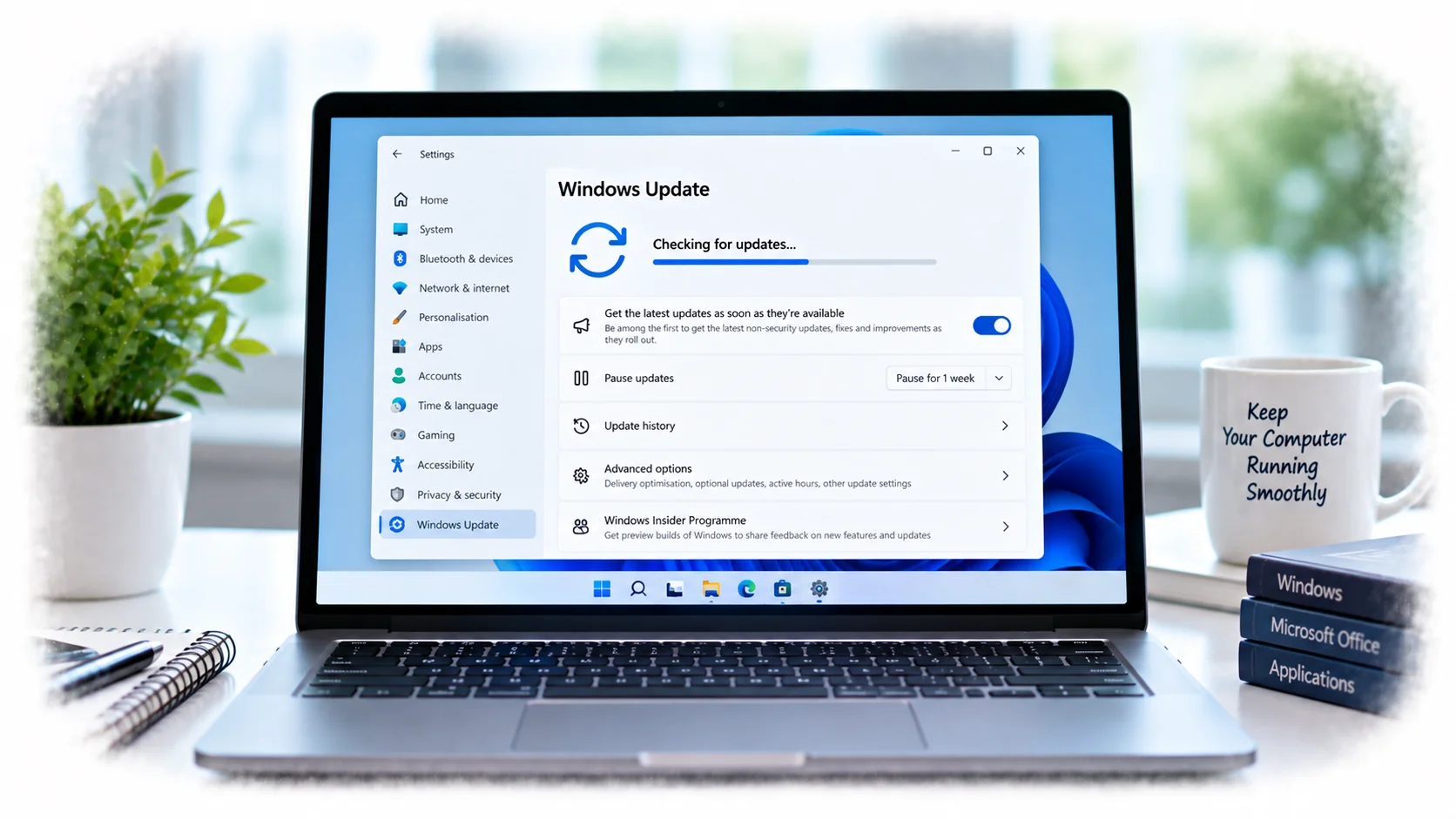
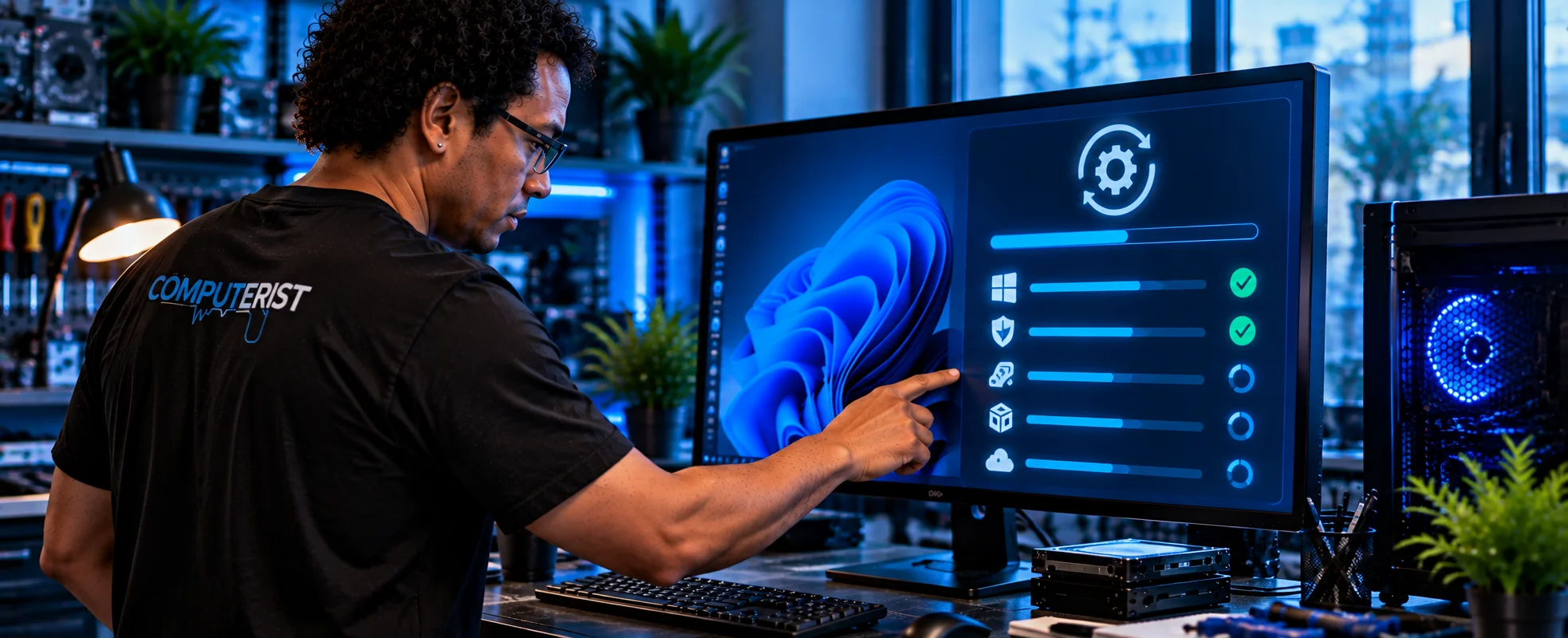
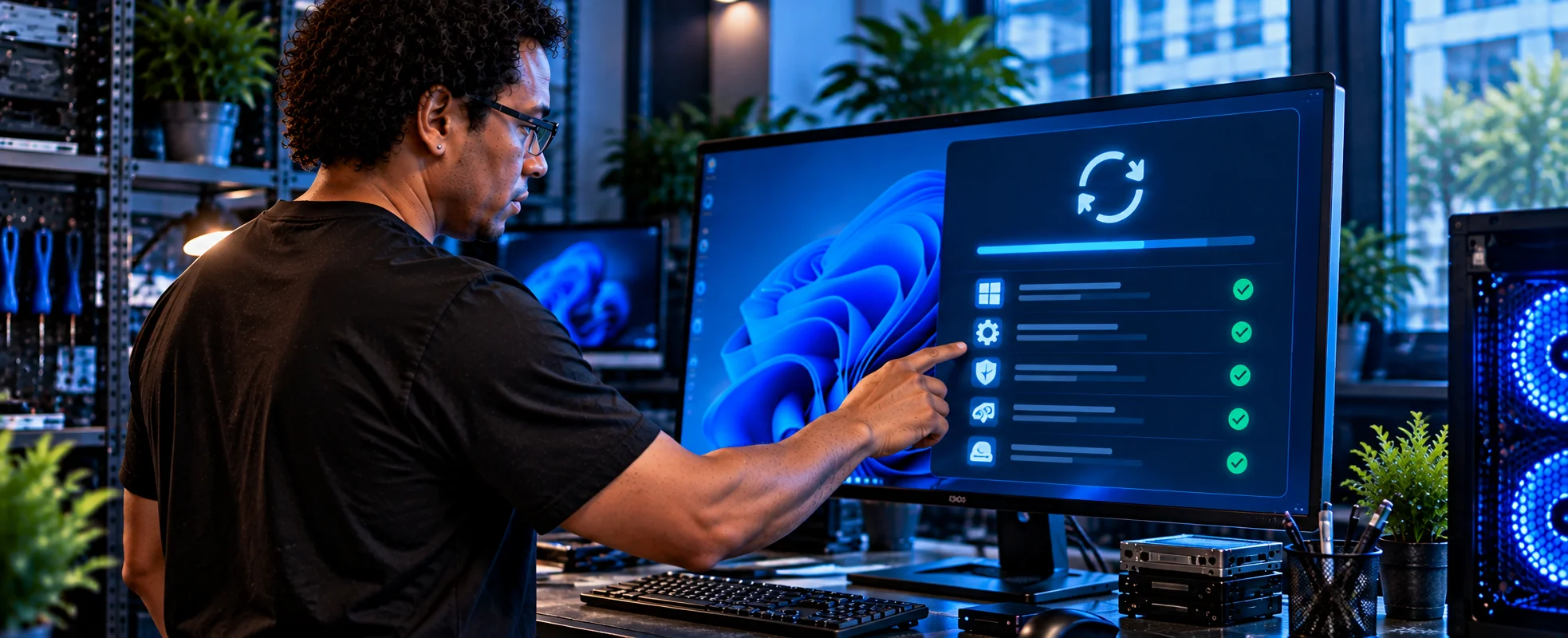
      Installing available updates

      Checking system configuration

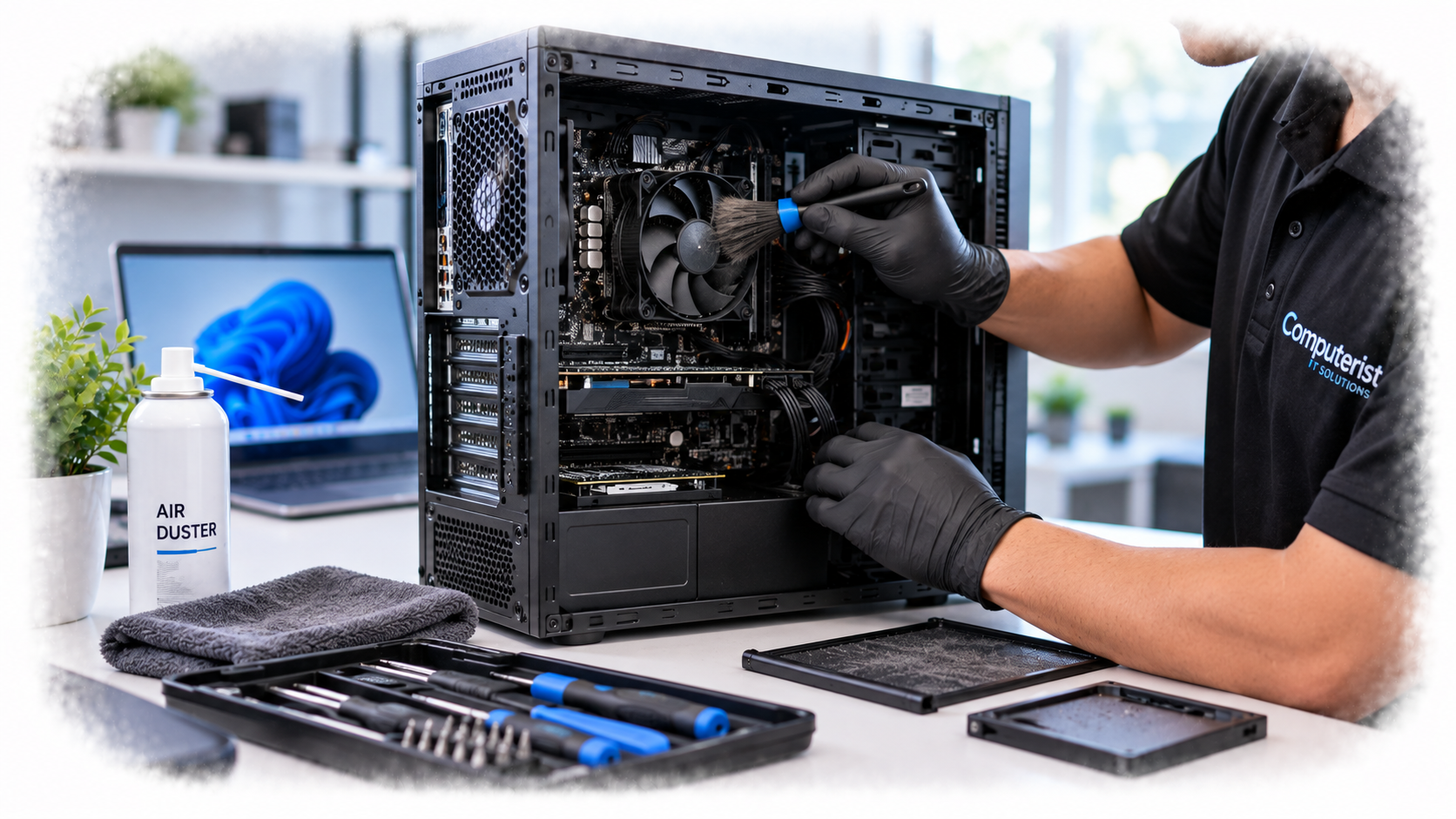
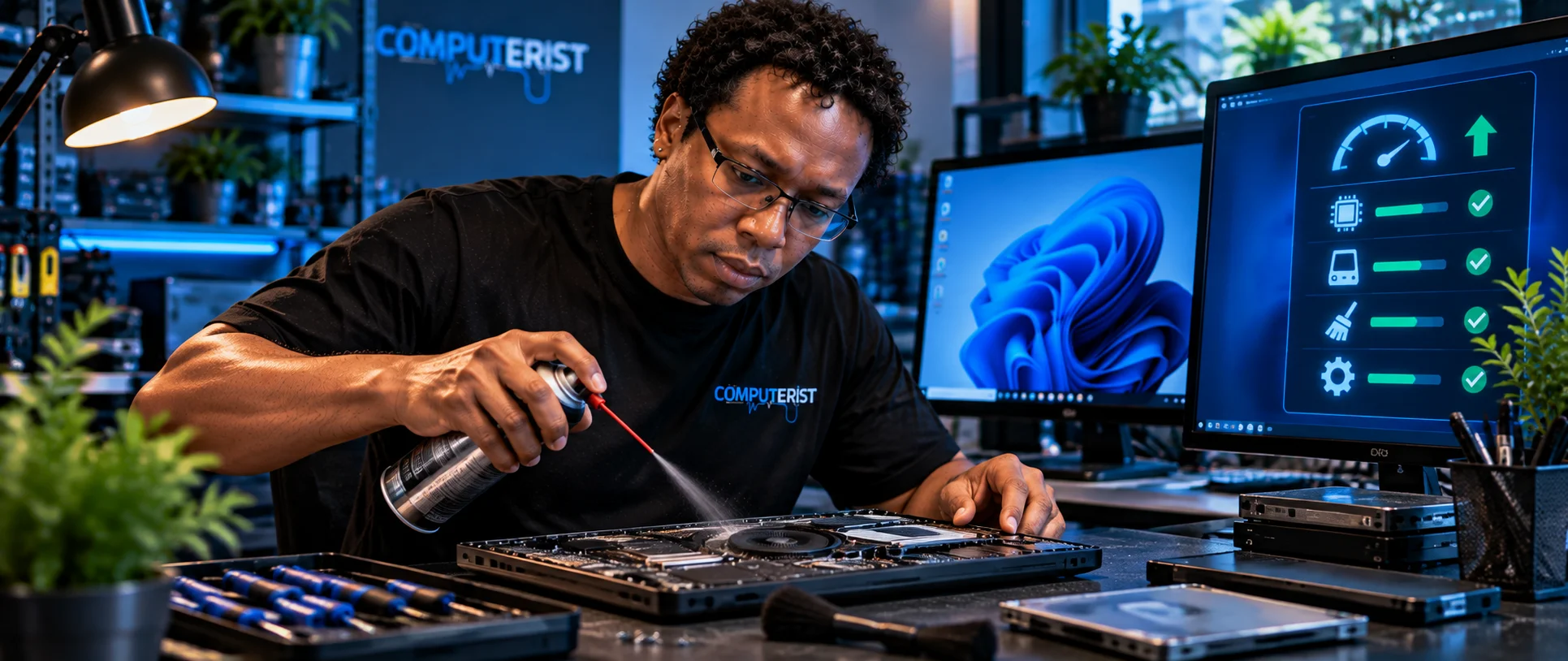
      Physical cleaning

      Removing dust from internal components

      General performance optimisation

The exact work depends on the computer and what we find during the assessment. For official guidance on improving Windows performance, see Microsoft Support — Tips to improve PC performance in Windows

General Check-Up & Diagnostics

Before making changes, we look at the computer’s overall condition.

This can help identify:

      Performance problems

      Software issues

      Unwanted applications

      Startup problems

      Update issues

      Storage concerns

      Hardware symptoms

      Malware or suspicious software

      Other factors affecting performance

A tune-up isn’t about blindly changing settings.

We want to understand the computer first.

Optimising Startup

Many computers gradually accumulate applications that automatically launch when Windows starts.

Some may be useful.

Others may not need to run every time the computer starts.

We can review suitable startup applications and reduce unnecessary startup activity where appropriate.

This can help improve:

      Startup time

      System responsiveness

      Available resources

      General usability

We don’t simply disable everything.

Important software and services need to remain available.

Optimising Shutdown

Shutdown problems can sometimes be caused by software, background processes, updates or other system issues.

As part of the tune-up process, we can investigate suitable shutdown-related issues and review the configuration affecting the process.

The objective is a computer that starts and shuts down normally without unnecessary delays.

Removing Unwanted Programs

Computers can accumulate software that is no longer needed.

This can include:

      Unused applications

      Trial software

      Old utilities

      Browser extensions

      Manufacturer-installed software

      Other unwanted programs

Removing unnecessary software can reduce clutter and, in some cases, reduce background activity.

We take care to distinguish between genuinely unwanted software and applications or components required by Windows or other programs.

Browser Clean-Up

Web browsers accumulate information as they are used. Depending on your browser and requirements, we can help clean appropriate browser data such as:       Cookies       Cached data       Temporary files       Unwanted extensions       Other browser clutter

Important:

Clearing cookies can sign you out of websites and may remove certain saved preferences. We therefore don’t treat browser cleaning as a simple “delete everything” exercise.

Windows & Software Updates

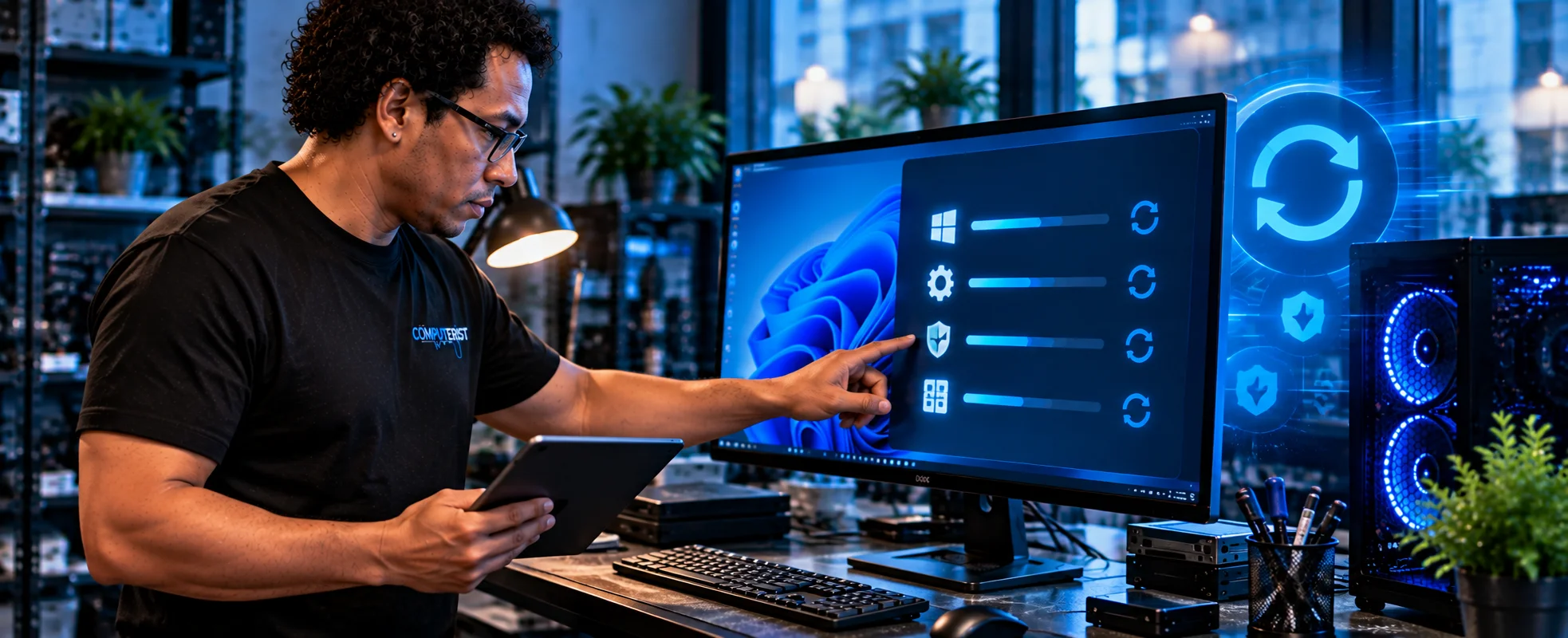
Keeping software reasonably up to date is an important part of maintaining a computer.

As part of a suitable tune-up, we can check for available:

      Windows updates

      Driver updates

      Application updates

      Security updates

Updates can improve security, compatibility, stability and performance.

Where an update appears inappropriate or potentially disruptive, we’ll consider the situation rather than blindly installing everything available.

Physical Computer Cleaning

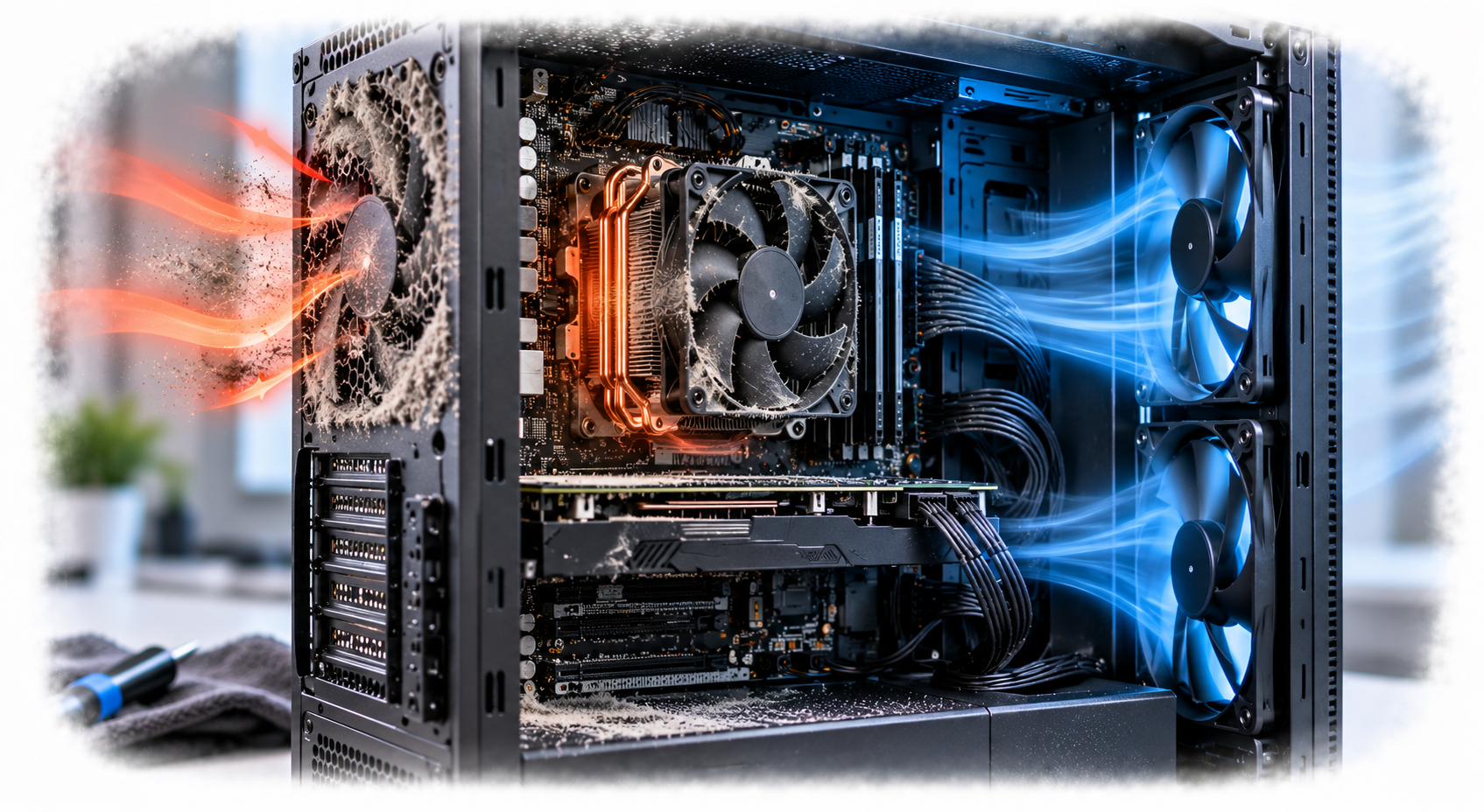
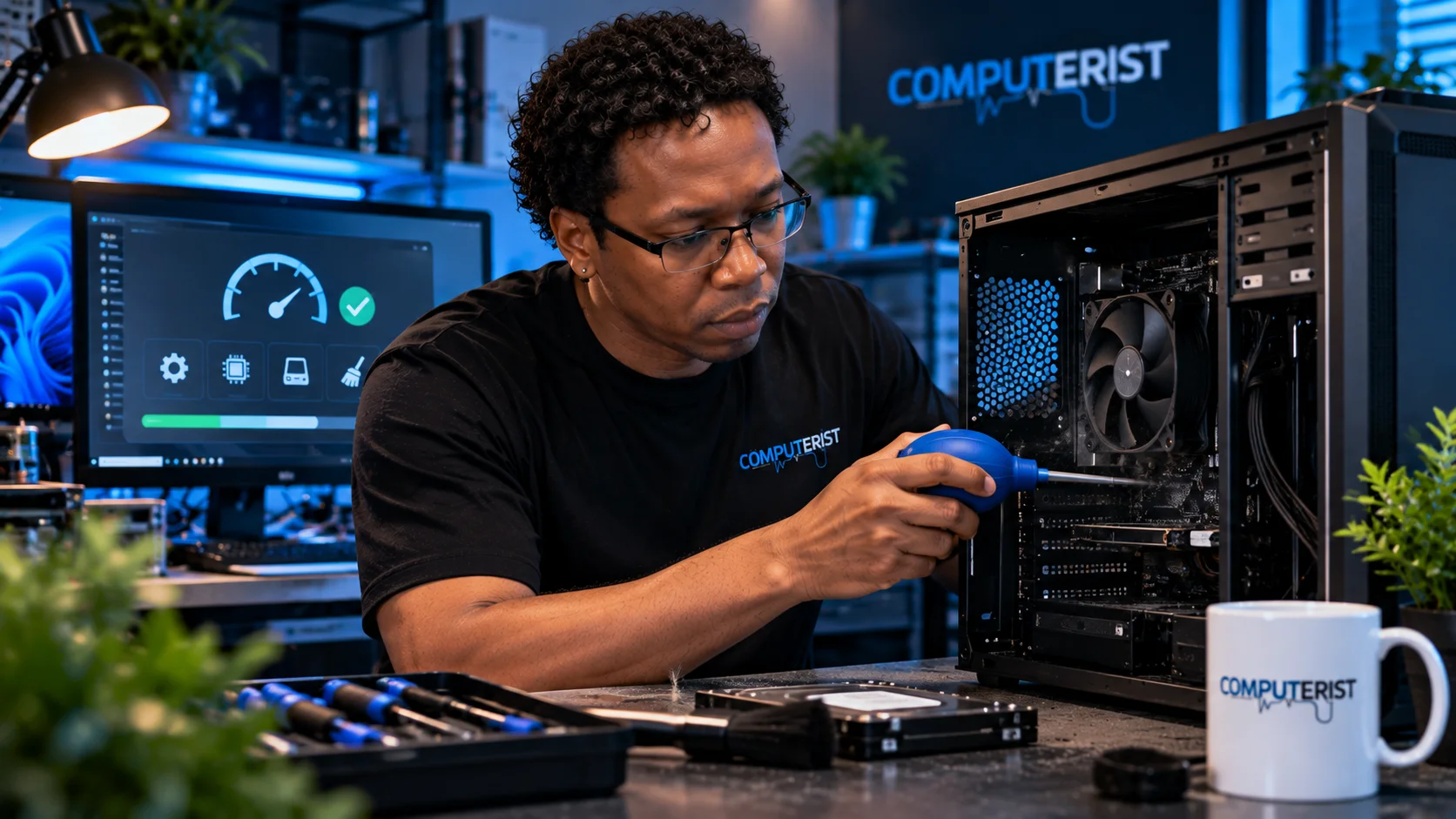
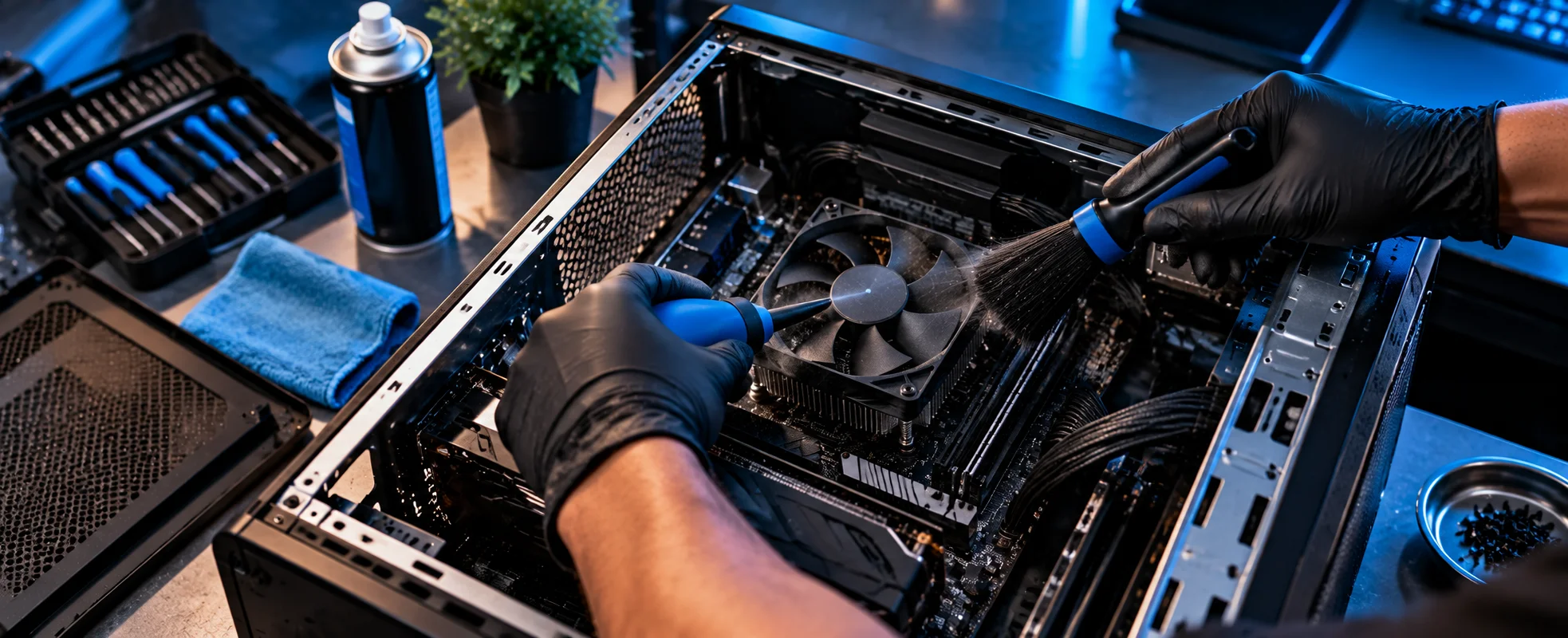
Performance isn’t always about software. Dust can accumulate inside desktop computers and other equipment, particularly where the system operates in a dusty environment. Our physical cleaning service can include appropriate cleaning of:       Internal components       Cooling areas       Fans       Vents       Airflow paths       Other accessible areas. Removing accumulated dust can help maintain appropriate airflow and cooling.

Why Internal Cleaning Matters

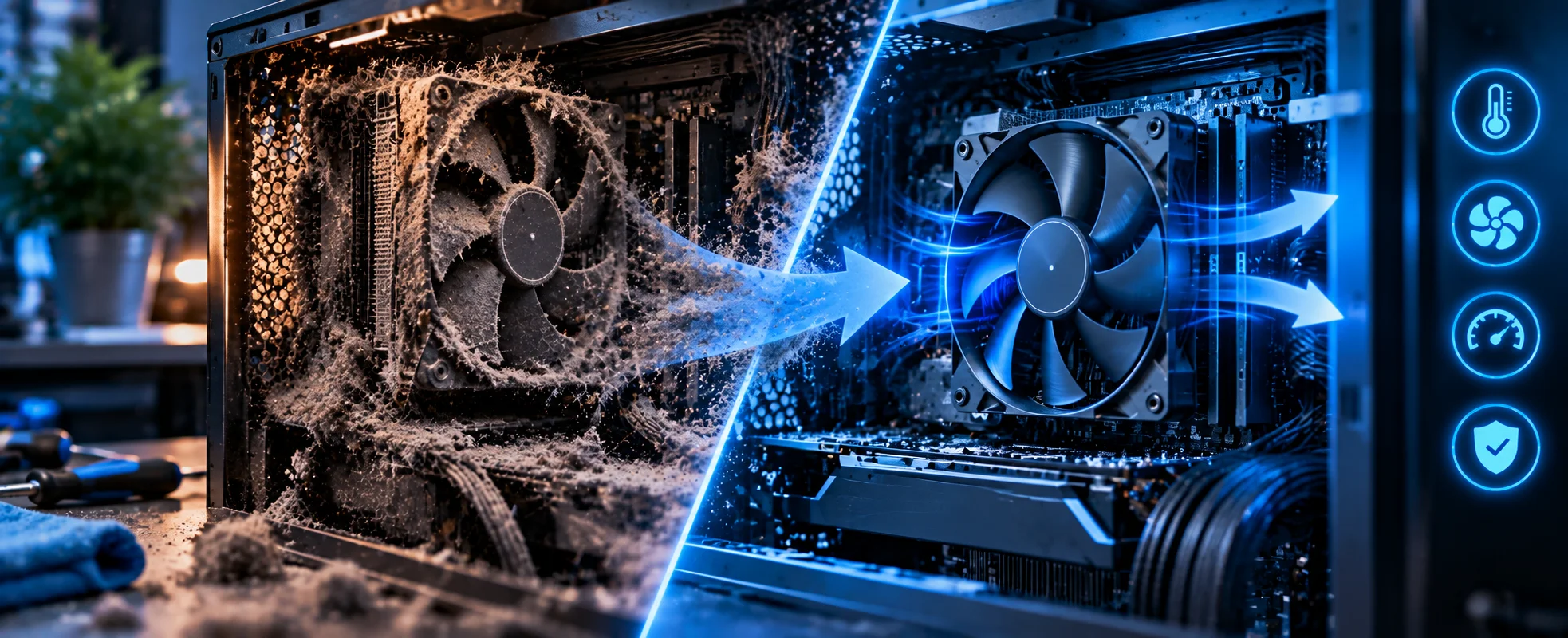
A computer generates heat. Cooling systems rely on airflow to move that heat away from components. Dust accumulation can restrict airflow and contribute to poor cooling. Depending on the system, excessive heat can contribute to:       Reduced performance       Fan noise       Thermal throttling       Instability       Premature component wear. Physical cleaning isn’t a guaranteed performance upgrade, but maintaining a reasonably clean cooling environment is an important part of computer maintenance.

Tune-Up vs Computer Repair

A tune-up is primarily preventative and performance-focused. Computer repair is different.

Tune-Up

“My computer works, but it has become slow, cluttered or poorly maintained.”

Troubleshooting

“Something isn’t working properly, and I need to find out why.”

Repair

“A component or system has failed and needs to be fixed or replaced.” If we discover a fault during a tune-up, we’ll explain what we’ve found rather than treating the problem as simply another optimisation task.

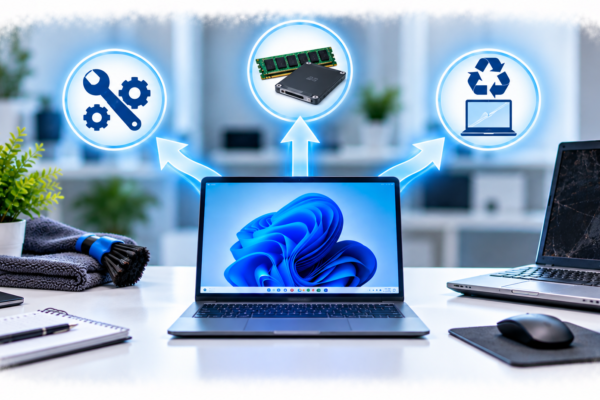
Tune-Up vs Hardware Upgrade

A tune-up can improve a computer’s condition without changing its hardware.

But sometimes the hardware itself has become the limiting factor.

For example:

Old hard drive

An SSD upgrade may provide a much larger improvement than software optimisation.

Insufficient RAM

Additional memory may be more beneficial than removing a few startup programs.

Ageing computer

Replacement may make more financial sense than repeatedly upgrading it.

Computerist can help determine whether optimisation, upgrading or replacement is the sensible option.

tune

When Should You Consider a Computer Tune-Up?

A tune-up may be worth considering if your computer:

      Takes longer to start

      Feels sluggish

      Has accumulated years of software

      Has many unnecessary applications

      Has excessive browser clutter

      Hasn’t been maintained for some time

      Has become noticeably less responsive

      Has accumulated dust

      Has fallen behind on updates

You don’t have to wait until the computer completely fails.

Regular maintenance can help you identify potential issues earlier.

business

Computer Upgrades — Repair or Replace?

Businesses can also benefit from keeping their computers properly maintained.

A workstation that takes several minutes to start or regularly struggles with background software can quietly reduce productivity.

Computerist can assist with suitable business computers involving:

      Windows

      Startup configuration

      Software

      Updates

      Unwanted applications

      Browser configuration

      General optimisation

      Physical cleaning

For businesses with multiple computers, recurring maintenance can also help establish a more consistent standard across devices.

We’ll help you understand the difference.

What We Don’t Do

A computer tune-up shouldn’t be presented as a magic solution.

It cannot turn an obsolete computer into a modern workstation.

If we identify problems such as:

      Failing storage

      Insufficient RAM

      Hardware faults

      Severe overheating

      Malware

      Operating-system corruption

we’ll explain what needs to be addressed.

Sometimes the appropriate solution is repair or upgrade rather than further optimisation.

A Practical Approach to Computer Maintenance

Our approach is straightforward:

1. Check

We look at the computer’s general condition.

2. Diagnose

We identify obvious performance, software or hardware concerns.

3. Clean

We remove appropriate software clutter and, where included, clean accessible internal components.

4. Optimise

We review startup, shutdown and other suitable system settings.

5. Update

We install appropriate available updates.

6. Review

We explain anything else that may require attention.

The objective is not simply to make a computer appear faster for a few days.

It’s to leave you with a computer that is cleaner, better maintained and operating as well as its existing hardware reasonably allows.

Computerist IT Solution

What We Can Help With

Computerist can assist with a broad range of PC troubleshooting requirements, including:

Performance

      Slow computers       Freezing       Crashing       General instability

Hardware

      Motherboards       Power supplies       RAM       CPU       Storage       Graphics cards

Software

      Windows       Drivers       Applications       Configuration       Updates

Security

      Malware       Unwanted software       Suspicious activity

Upgrades

      RAM       SSD       Storage       CPU Graphics cards

Why Choose Computerist?

More than a software clean-up

Our tune-up approach considers both the software and physical condition of the computer.

We explain technology in plain English

You shouldn’t need to be an IT professional to understand what is happening to your computer. We’ll explain: What’s wrong. What can be done. What it is likely to cost. Whether it’s worth doing.

Practical recommendations

If a tune-up is unlikely to solve the underlying problem, we’ll tell you.

You may need:

      An SSD

      More RAM

      Hardware repair

      Malware removal

      A Windows repair

      Or eventually a replacement computer

Practical advice

Sometimes the best solution is a repair.

Sometimes it’s an upgrade.

Sometimes replacement is the better financial decision.

We’ll explain the options.

We don’t automatically recommend replacement

Sometimes replacement is the right answer. Sometimes a repair makes far more sense. We’ll give you an honest assessment rather than assuming the most expensive option is the best one.

Broad IT experience

Computerist’s experience extends beyond individual PC components into:

      Windows

      Microsoft 365

      Networking

      Cybersecurity

      Cloud

      Servers

      Backup

That wider knowledge can be useful when the apparent PC problem is actually being caused elsewhere.

Clear explanations

You don’t need to understand what every Windows process or hardware component does.

We’ll explain what matters and what doesn’t.

No Fix, No Fee

Where applicable, Computerist operates a No Fix, No Fee approach. The exact conditions depend on the nature of the work, so we’ll explain them before proceeding.

Computerist IT Solution

Give Your Computer a Fresh Start

If your computer has become slow, cluttered or overdue for some maintenance, a tune-up may be a practical place to start.

Computerist provides computer tune-up and optimisation services across Melbourne’s south-east, combining software maintenance, system optimisation and physical cleaning where appropriate.

Computerist IT Solutions

PC Troubleshooting & Upgrades Melbourne South-East PC Diagnostics Tune-Ups Virus Removal Hardware Troubleshooting RAM SSD CPU Graphics Cards Power Supplies

Local Computer Tune-Up & Optimisation in Melbourne’s South-East

Serving Melbourne’s South-East

Computerist provides this service across Melbourne’s South-East, including Noble Park, Springvale, Dandenong, Clayton, Keysborough & Dandenong South. We may also support surrounding south-eastern suburbs where the service requirement is suitable.

Virus Removal

Removal of all viruses, spyware and other malicious software from your PC.

Hardware Repair

Let us perform a complete diagnostic to determine if fixing your current computer is cost-effective versus spending hundreds on a new system.

Laptop Care

We fix broken laptop screens, hard drives, DC jacks, keyboards, hinges and more.

Data Recovery

Recover your data, even if your computer won’t turn on or if you accidentally deleted files.

Wireless Network

Install a wireless network in your home with data and printer sharing, or increase the signal strength of your existing wireless network.

Email Setup

Configure your Smartphone, Tablet (iPhone/iOS, Android, Windows Phone, Blackberry) to sync with your computer or email automatically.

Get Your Questions Answered

It can improve responsiveness where software clutter, unnecessary startup applications, outdated software or other maintenance issues are contributing to poor performance. Results depend on the condition and age of the computer.

Yes. Where appropriate, physical cleaning can include accessible internal components, fans, vents and cooling areas.

Yes. Dust removal can form part of the physical cleaning component of a suitable tune-up.

We can check for and install appropriate available Windows and software updates as part of the service.

Yes. We can identify and remove appropriate unwanted or unnecessary applications.

Yes, where appropriate. We’ll consider the consequences first because clearing cookies can sign you out of websites and remove certain saved preferences.

A tune-up may identify signs of malware, but dedicated malware removal is a separate service when an infection or security issue requires more extensive remediation.

Virus & Malware Removal

It depends on the cause of the performance problem. If hardware is the bottleneck, an SSD, RAM or other upgrade may provide a greater improvement.

There isn’t a universal schedule. It depends on how the computer is used, its environment, age and maintenance history.