PC Troubleshooting & Upgrades Melbourne South-East
PC Troubleshooting & Upgrades in Melbourne’s South-East
PC Troubleshooting, Tune-Ups & Hardware Upgrades
PC Troubleshooting
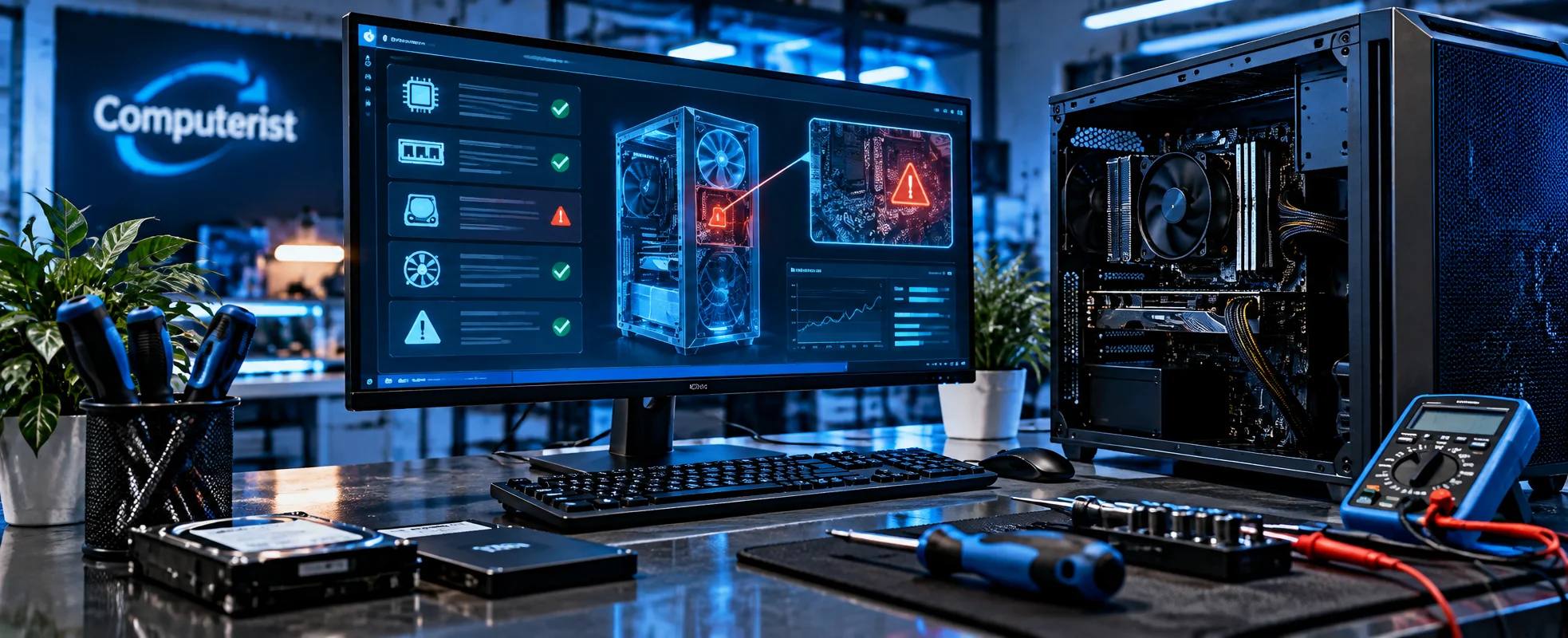
PC Troubleshooting That Starts With Finding the Real Problem
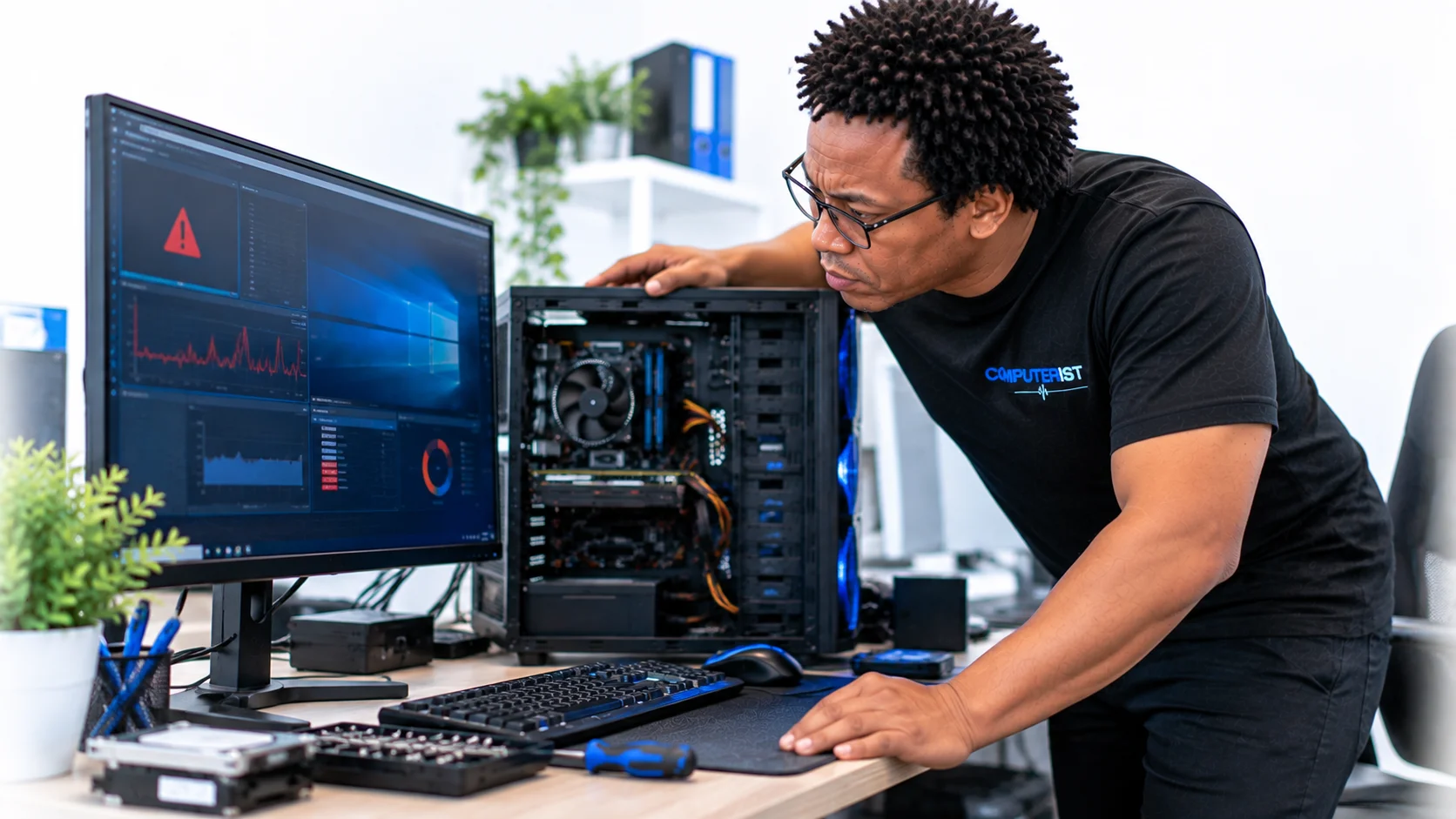
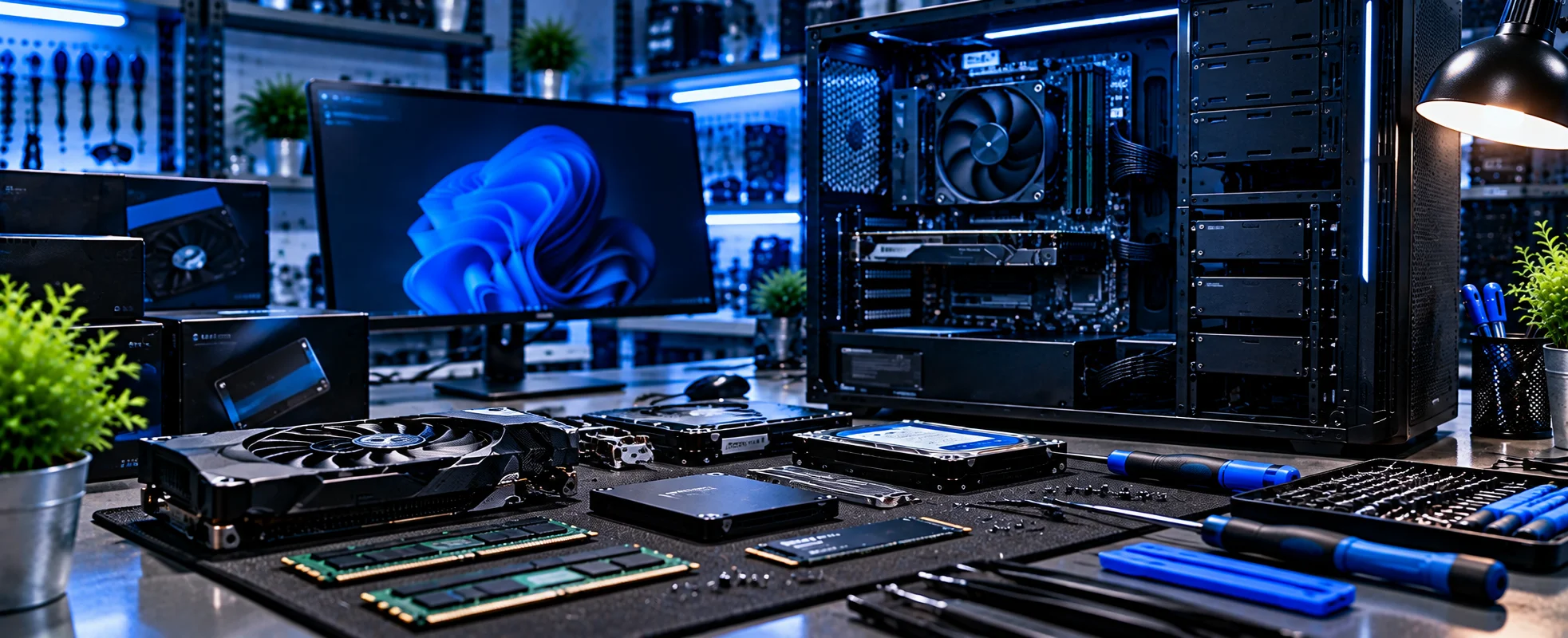
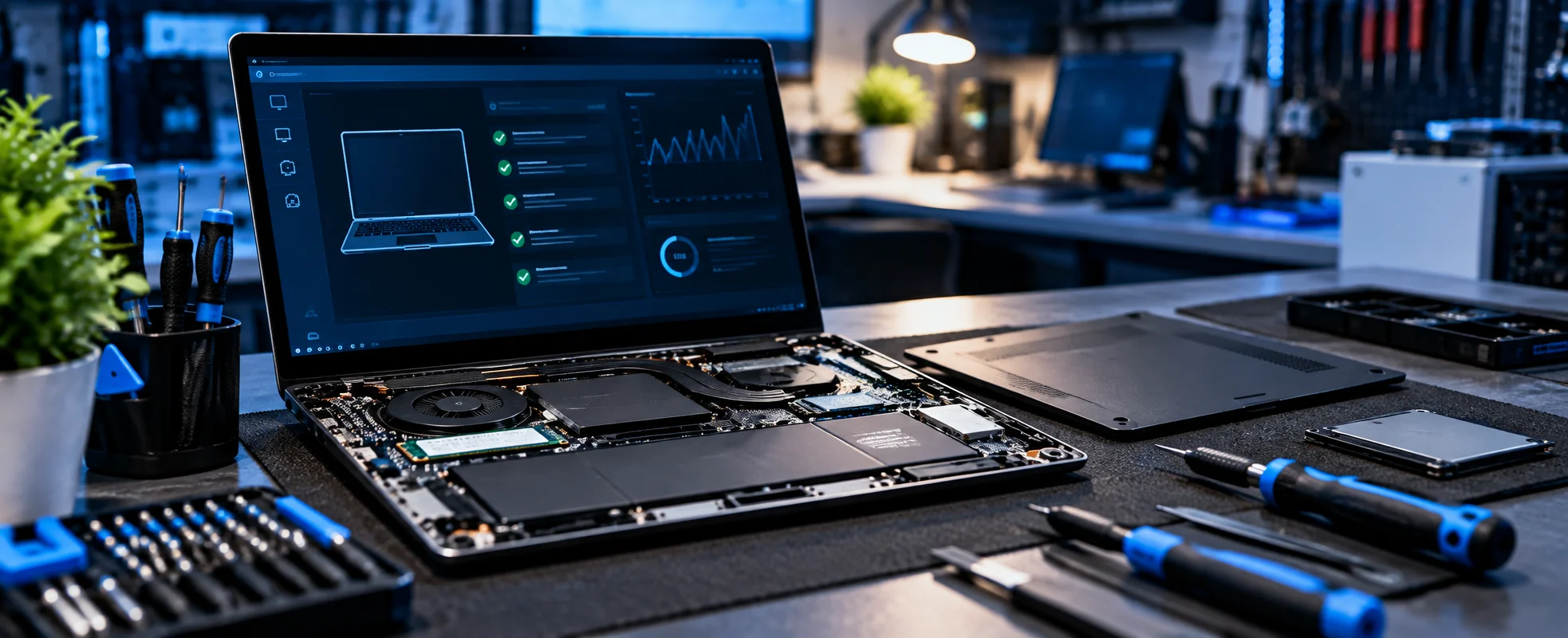
A slow, unstable or frustrating PC doesn’t always need to be replaced. Computerist diagnoses the underlying problem first, whether it’s hardware, Windows, software, drivers, storage, memory, malware or configuration. We then explain what we’ve found and help you work out the most sensible next step. Is your computer slow, unstable, refusing to start or simply not performing the way it should?Computerist provides practical PC troubleshooting and upgrade services for homes and businesses across Melbourne’s south-east.We work with computers from a wide range of manufacturers and can investigate problems involving Windows, hardware, storage, memory, power, performance and general system configuration.Sometimes the solution is a simple tune-up.Other times, a failing component needs to be identified and replaced.
We find the problem first, then work out the most sensible solution.
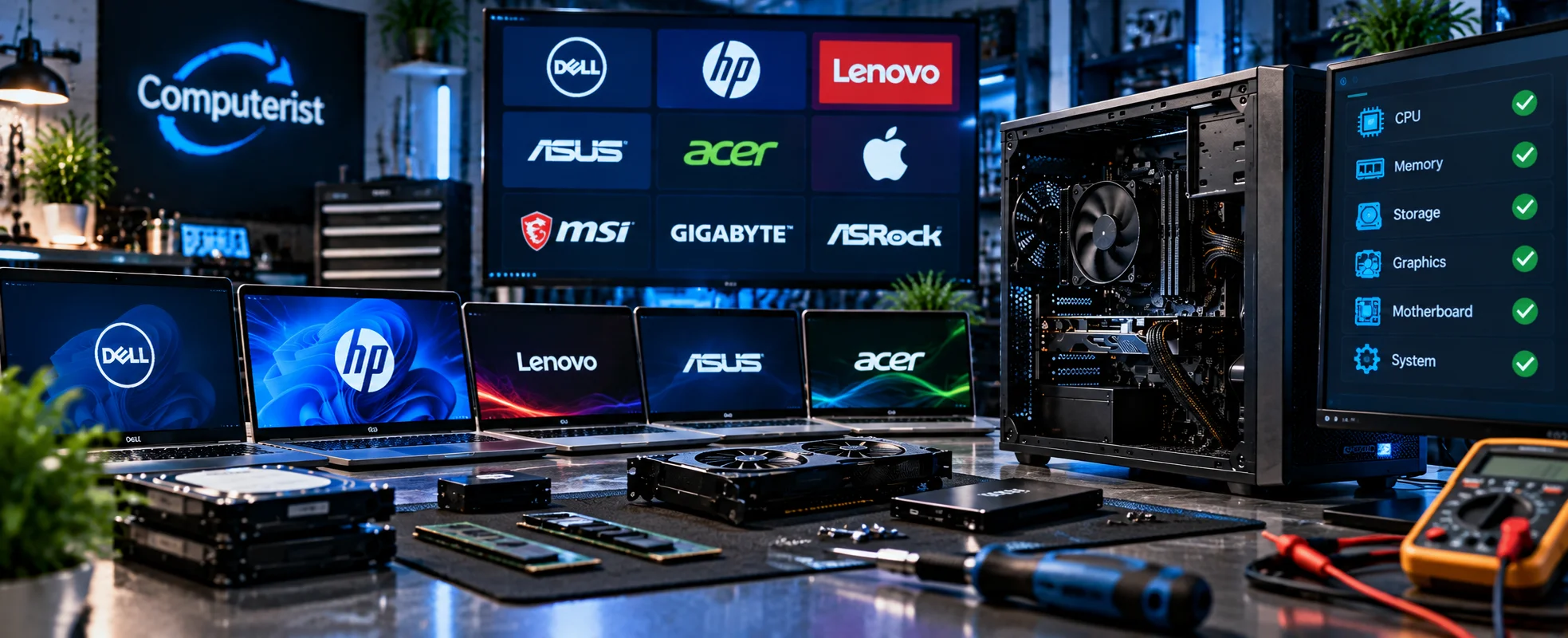
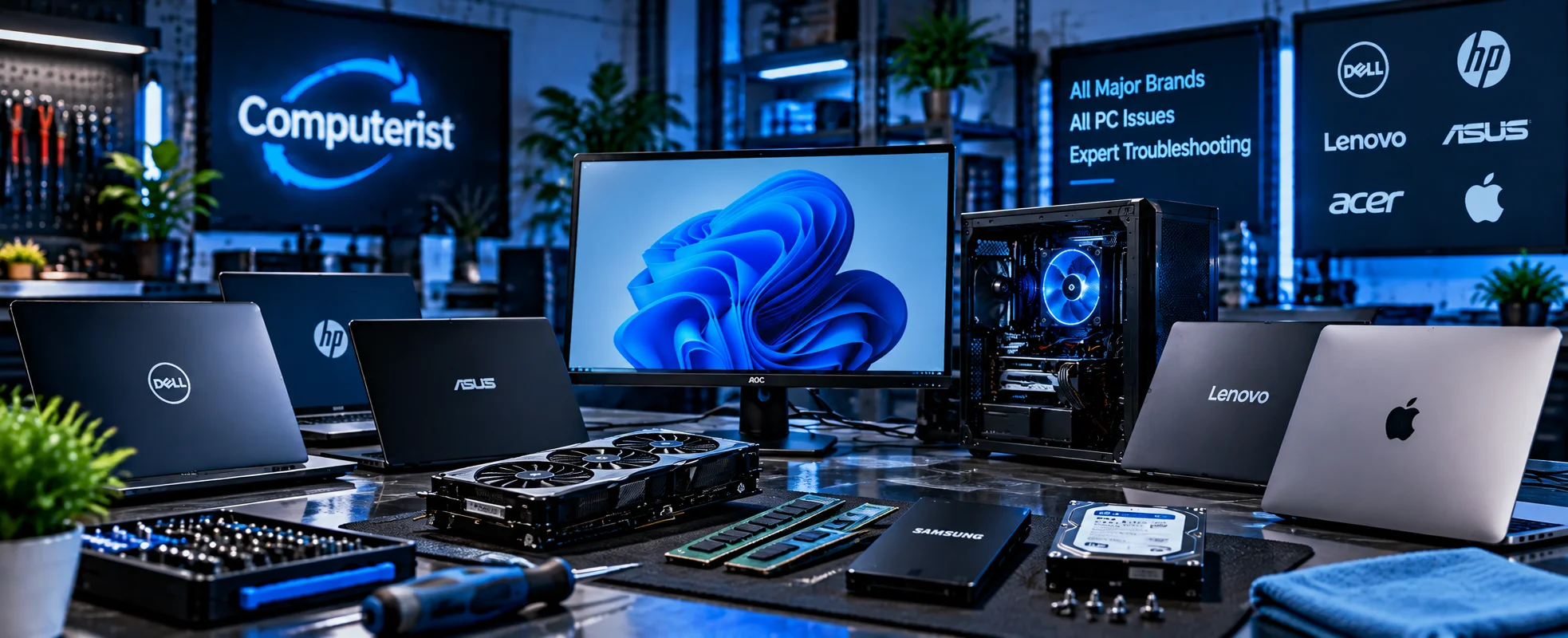
Computerist can troubleshoot PCs from a wide range of manufacturers.
Problems can include:
Slow performance
Random crashes
Freezing
Startup failures
Unexpected shutdowns
Windows errors
Hardware problems
Storage issues
Overheating
Software problems
Malware
General system instability
The brand of the computer isn’t always important.
What matters is understanding what is actually causing the problem.
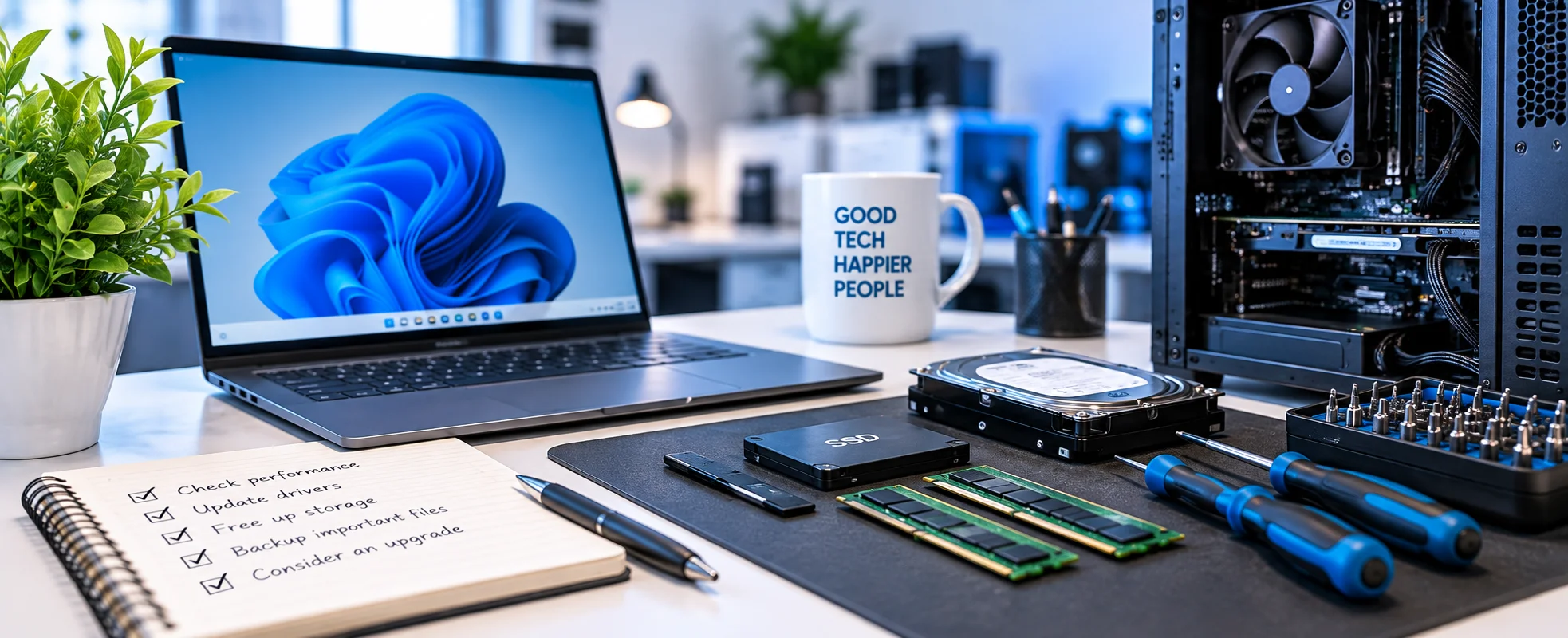
Computer Tune-Ups
A computer that has gradually become slower doesn’t necessarily need to be replaced.
A tune-up can involve investigating:
Unnecessary startup programs
Software issues
Windows configuration
Storage capacity
Background processes
Updates
Drivers
Malware
General system performance
We’ll identify areas that may be affecting performance and explain what can realistically be improved.
Virus & Malware Removal
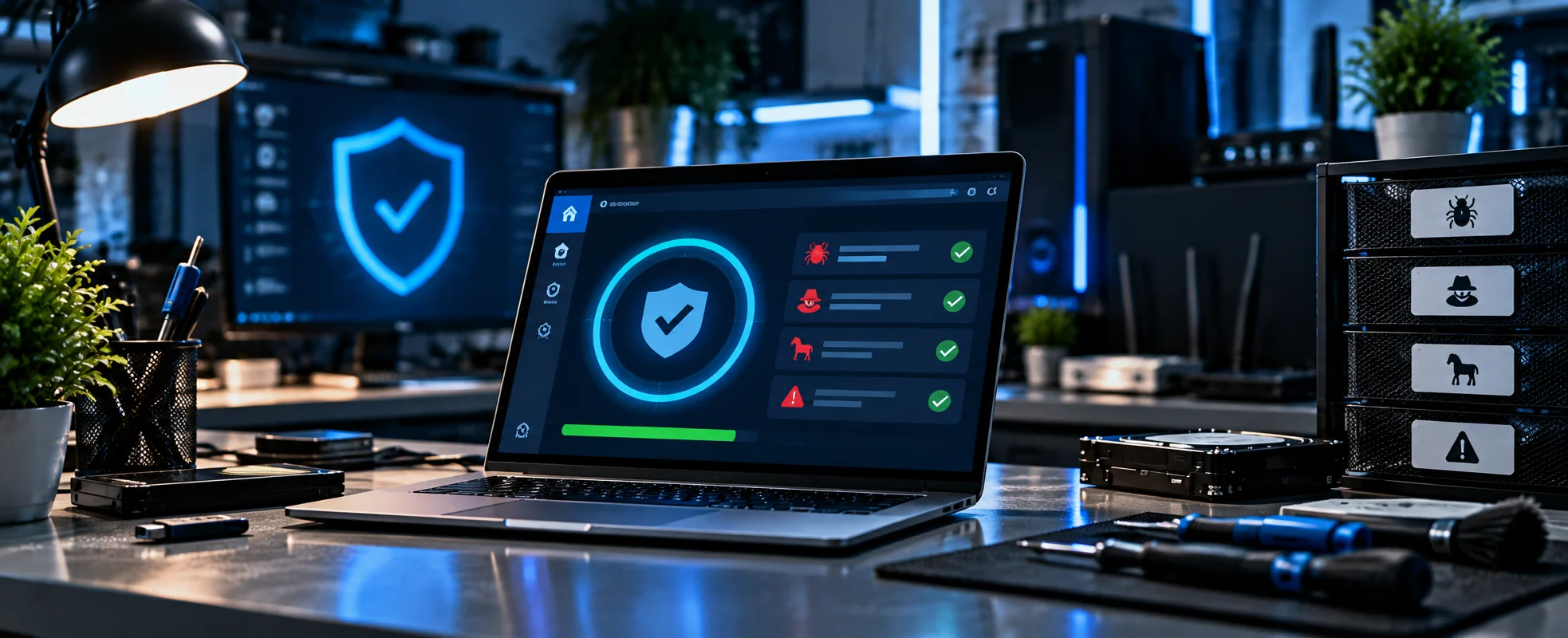
Malware can cause performance problems, unwanted pop-ups, browser redirects, security warnings and other unusual behaviour.Computerist can investigate suspicious activity and assist with appropriate malware removal and remediation.We can also help identify practical steps to reduce the likelihood of the problem returning.
Not every computer problem is caused by Windows or software.
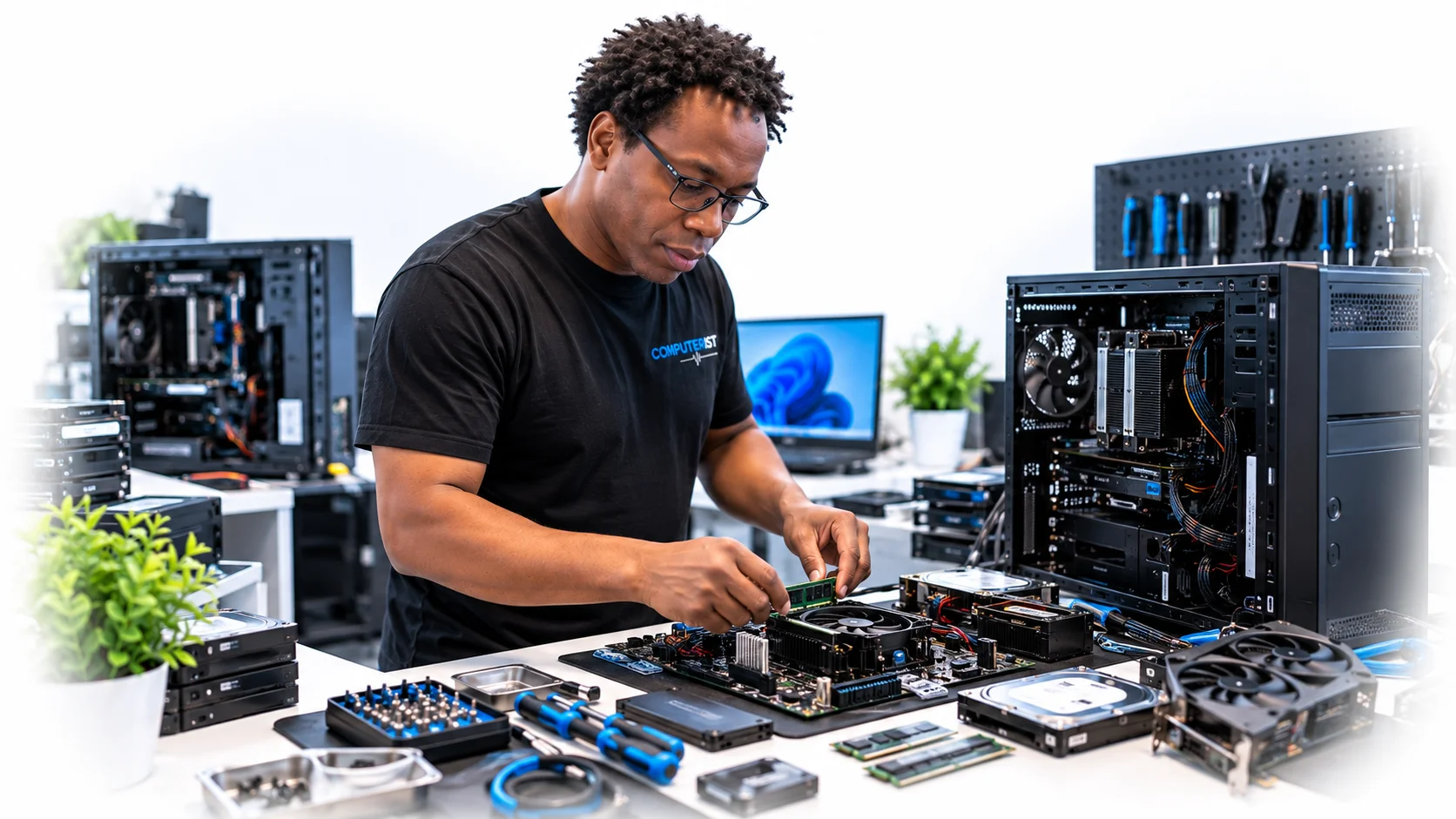
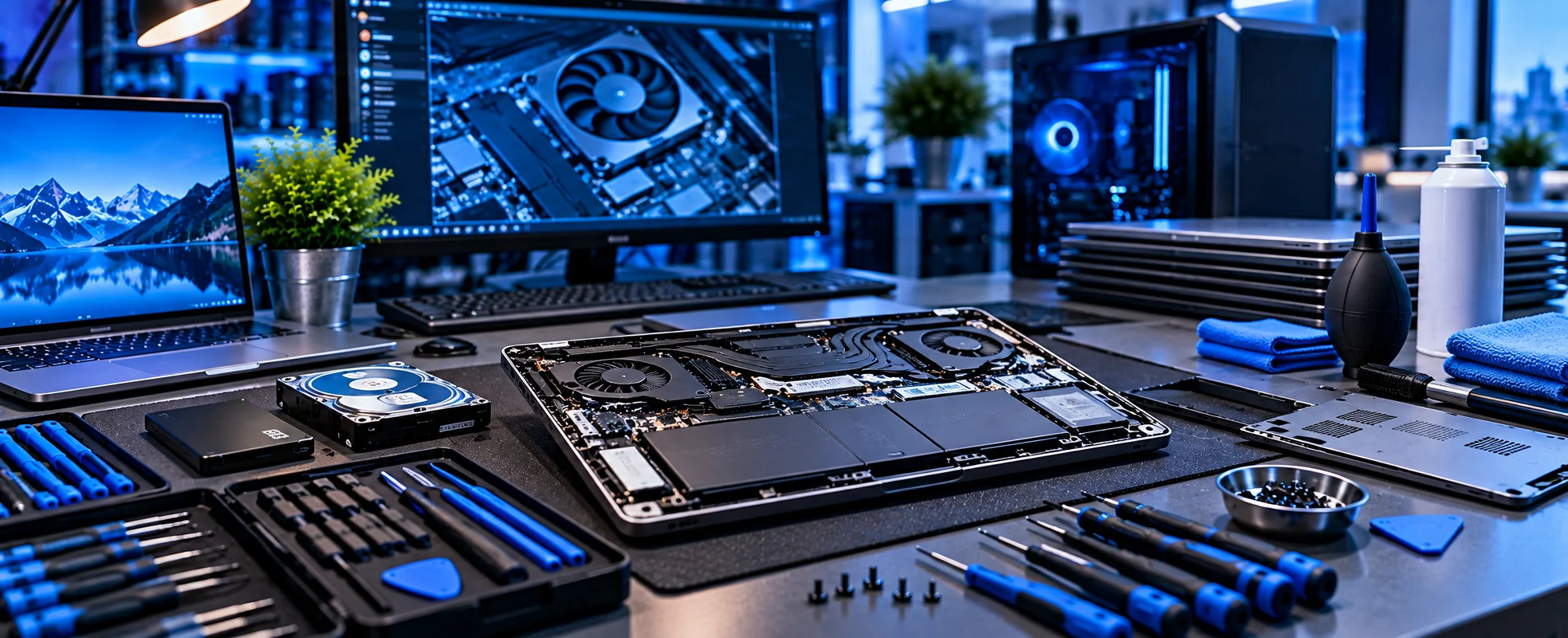
Computerist can investigate suitable hardware problems involving:
Motherboards
Power supplies
RAM
Storage
CPUs
Graphics cards
Cooling
Other internal components
Hardware troubleshooting can help determine whether a component is faulty before you spend money replacing it.
Motherboard Troubleshooting
A motherboard problem can produce symptoms that look like other hardware failures.Depending on the system and symptoms, Computerist can investigate issues such as:
Failure to power on
Boot problems
Hardware detection problems
Intermittent operation
Component compatibility
Peripheral connectivity
System instability
Where the motherboard itself has failed, replacement may be more practical than repair.
Power Supply Troubleshooting
A faulty or inadequate power supply can cause:
Unexpected shutdowns
Random restarts
Failure to start
Instability
Hardware-related symptoms
Computerist can investigate suitable power-related problems and determine whether the power supply is likely to be contributing to the issue.
A power supply should not be replaced simply because a computer won’t turn on.The underlying cause needs to be investigated first.
Hard Drive & SSD Replacement
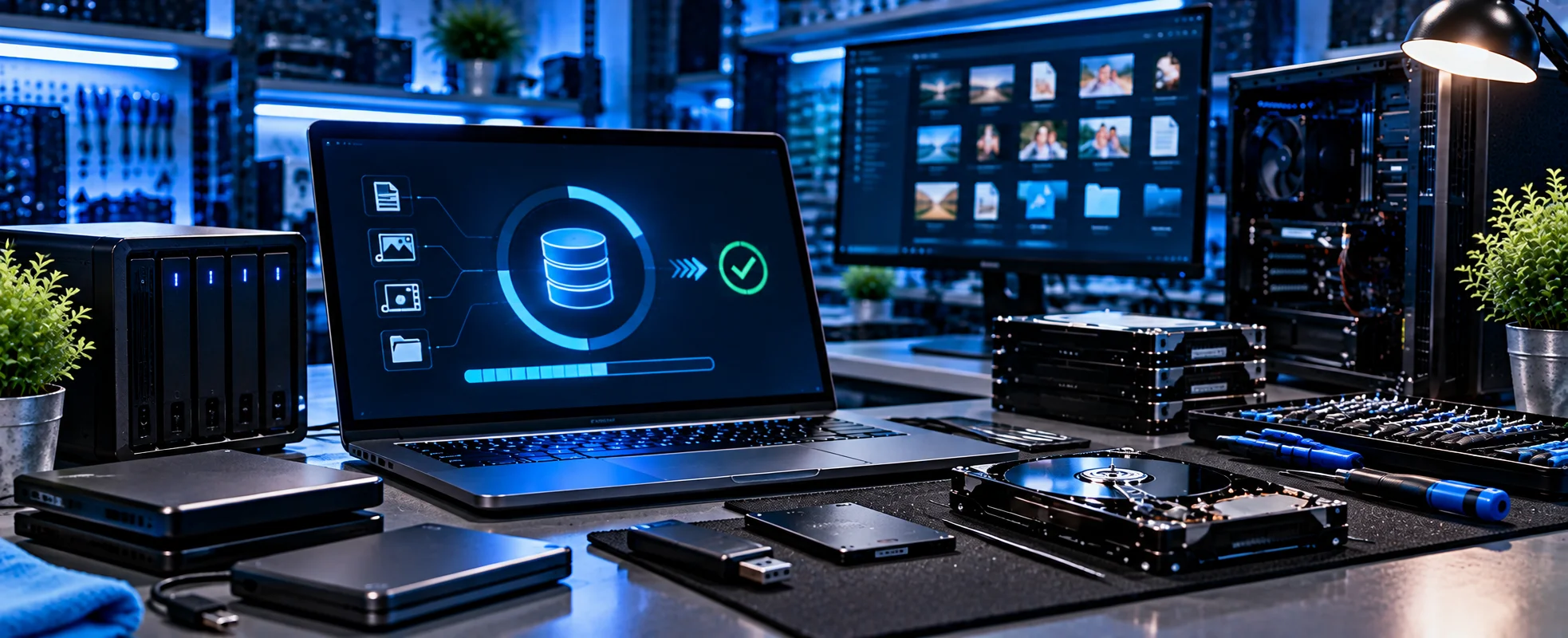
Storage devices can fail, become unreliable or simply run out of useful capacity.Computerist can assist with suitable storage requirements involving:
Hard disk drives
SSDs
Storage upgrades
Replacement drives
System migration
Operating-system installation
Data considerations
If an existing drive is showing signs of physical failure, minimise further use before attempting unnecessary troubleshooting.
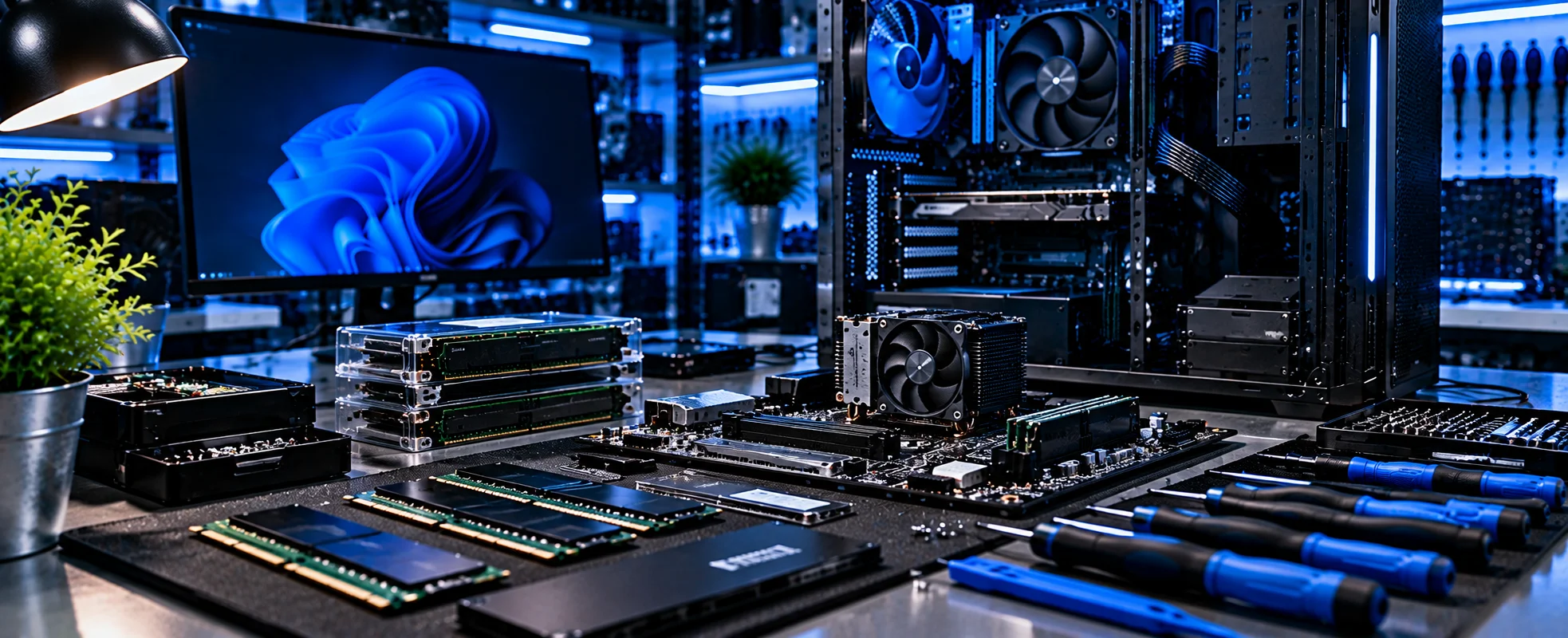
Insufficient memory can affect how well a computer handles multiple applications and demanding workloads.Computerist can assess whether a RAM upgrade is appropriate for your system.
We can help determine:
Current memory configuration
Compatible memory
Maximum supported capacity
Whether additional
RAM is likely to make a meaningful differenceMore RAM isn’t automatically the solution to every slow-computer problem.
CPU Upgrades
A processor upgrade may improve performance in some desktop systems, but compatibility and overall system balance matter.Computerist can assess suitable CPU upgrade requirements, taking into consideration:
Motherboard compatibility
Socket
BIOS support
Cooling
Power requirements
Existing components
Intended workload
Sometimes upgrading the CPU makes sense.Sometimes another component is the real bottleneck.
Storage Upgrades
Running out of storage can become a significant problem.
Computerist can help with:
Additional storage
SSD upgrades
Hard-drive replacement
Storage migration
Drive configuration
Data considerations
An SSD upgrade can also provide a substantial improvement to the responsiveness of some older computers.
Graphics Card Upgrades
For gaming, creative applications and other graphics-intensive workloads, the graphics card can have a major impact on performance.
Computerist can assist with suitable graphics card upgrade requirements involving:
Compatibility
Power requirements
Physical space
Cooling
Performance requirements
Existing system configuration
A graphics card should be selected as part of the overall system rather than in isolation.
Troubleshoot, Upgrade or Replace?
Not every slow or unreliable PC needs to be replaced. We look at the condition and age of the computer, hardware capability, storage, memory, Windows and the likely cost of putting things right. Sometimes a simple upgrade can make a significant difference. Sometimes repair is the sensible choice. And sometimes replacement makes more sense.
We consider factors such as:
Age
Condition
Current performance
Compatibility
Upgrade cost
Intended workload
Future requirements
Sometimes an upgrade is the sensible option.Sometimes putting money into an ageing system isn’t worthwhile.
A slow or unreliable computer can be frustrating.But replacing it immediately may not be necessary.For example:Computer is slow ⇒ Could be software ⇒ Could be malware ⇒ Could be storage ⇒ Could be RAM ⇒ Could be Windows ⇒ Could be overheating ⇒ Could be another hardware problem
The symptom isn’t necessarily the cause.
Computerist investigates the underlying problem before recommending a solution. For official Windows troubleshooting guidance, see Microsoft Support — Windows Help
PC Troubleshooting for Businesses
A faulty business computer can mean lost productivity.Computerist can assist with common business PC problems involving:
Workstations
Laptops
Windows
Hardware
Storage
Performance
Software
User configuration
Where multiple computers experience the same problem, we’ll also consider whether the cause may be within the wider business environment.
Gaming computers can have more demanding hardware configurations than standard office PCs.
Problems may involve:
Graphics cards
CPU
RAM
Storage
Cooling
Power supply
Drivers
Windows
Performance
Computerist can investigate suitable gaming PC problems and help determine whether troubleshooting, upgrading or replacement makes sense.For new custom systems:
Computerist can assist with a broad range of PC troubleshooting requirements, including:
Performance
Slow computers Freezing Crashing General instability
Hardware
Motherboards Power supplies RAM CPU Storage Graphics cards
Software
Windows Drivers Applications Configuration Updates
Security
Malware Unwanted software Suspicious activity
Upgrades
RAM SSD Storage CPUGraphics cards
Why Choose Computerist?
Diagnose before recommending
Real-World IT Experience
Straightforward Explanations
Practical Solutions, Not Unnecessary Upgrades
We don’t want to replace a component that isn’t actually causing the problem.The first step is understanding what’s happening.
We explain technology in plain English
You shouldn’t need to be an IT professional to understand what is happening to your computer.We’ll explain:What’s wrong.What can be done.What it is likely to cost.Whether it’s worth doing.
Practical advice
Sometimes the best solution is a repair.Sometimes it’s an upgrade.Sometimes replacement is the better financial decision.
We’ll explain the options.
We don’t automatically recommend replacement
Sometimes replacement is the right answer.Sometimes a repair makes far more sense.We’ll give you an honest assessment rather than assuming the most expensive option is the best one.
Broad IT experience
Computerist’s experience extends beyond individual PC components into:
Windows
Microsoft 365
Networking
Cybersecurity
Cloud
Servers
Backup
That wider knowledge can be useful when the apparent PC problem is actually being caused elsewhere.
Clear explanations
You don’t need to understand the technical terminology.We’ll explain what we’ve found and your options.
Is Your PC Slow, Unstable or Not Working Properly?
Don’t replace your computer before finding out what’s actually wrong.Computerist provides practical PC troubleshooting, tune-ups, hardware diagnostics and upgrades across Melbourne’s south-east.We’ll investigate the problem, explain what we’ve found and help you decide whether repair, upgrade or replacement makes the most sense.
Computerist IT Solutions
PC Troubleshooting & Upgrades Melbourne South-EastPC Diagnostics Tune-Ups Virus Removal Hardware Troubleshooting RAM SSD CPU Graphics Cards Power Supplies
PC Troubleshooting & Upgrades in Melbourne’s South-East
Serving Melbourne’s South-East
Computerist provides PC Troubleshooting & Upgrades across Melbourne’s South-East, including Noble Park,Springvale, Dandenong, Clayton, Keysborough & Dandenong South. We may also support surrounding south-eastern suburbs where the service requirement is suitable.
Don’t replace your PC before finding out what’s actually wrong. Whether it’s running slowly, crashing, freezing, refusing to start, struggling with Windows or simply not performing as it should, Computerist can diagnose the problem and explain whether repair, an upgrade or replacement is the most sensible next step.
We charge an hourly rate for the time spent working on your technology. If we’re unable to resolve the problem, you won’t be charged for the diagnostic or travel component.
*Some exclusions and conditions may apply. We’ll explain applicable charges before work begins.




 PC Troubleshooting That Starts With Finding the Real Problem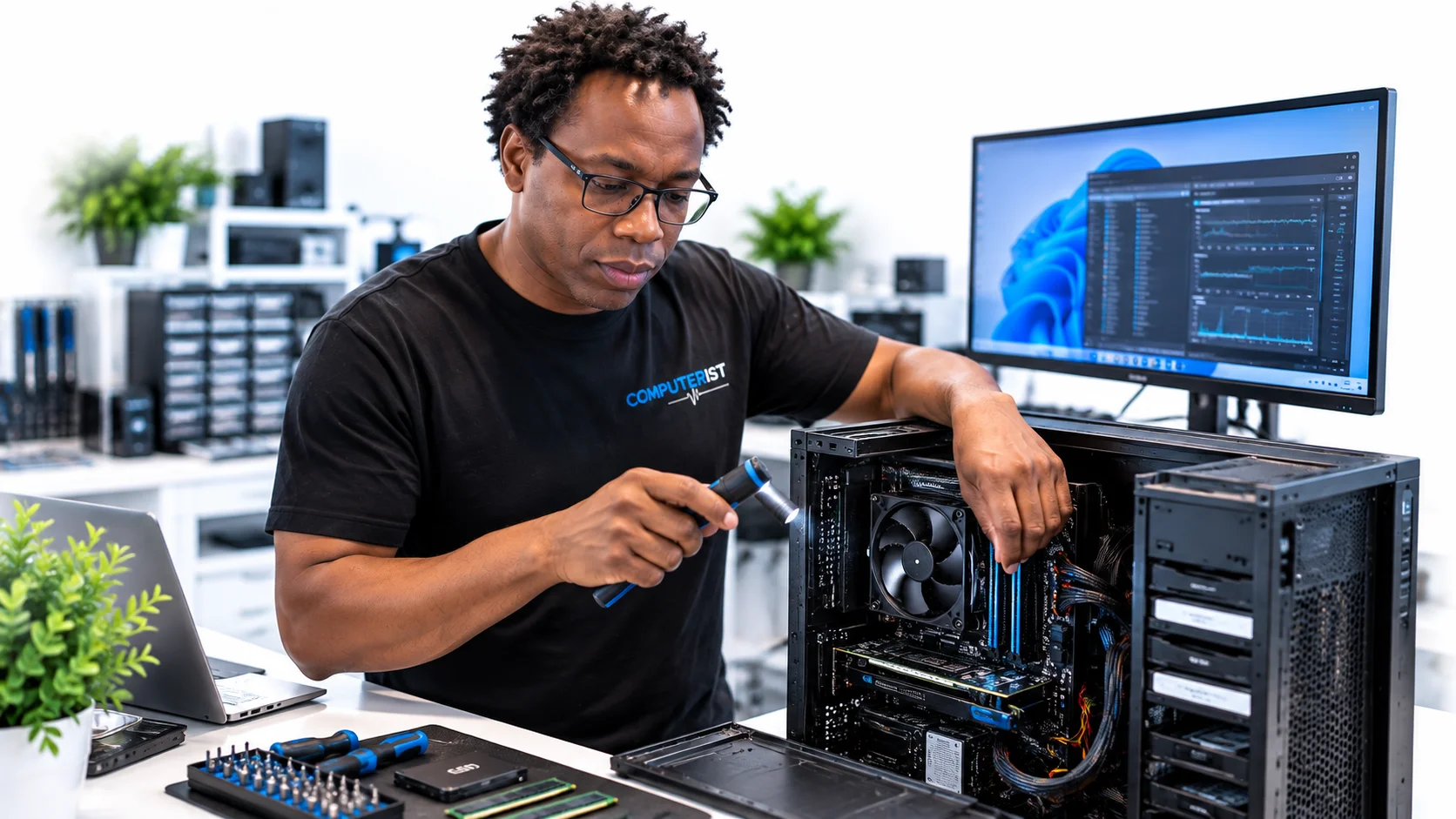
 Computer Tune-Ups
 Unnecessary startup programs
 Virus & Malware Removal
 Hardware Troubleshooting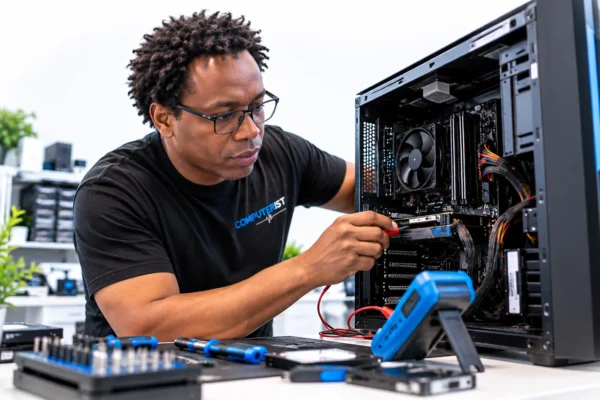
 Motherboard Troubleshooting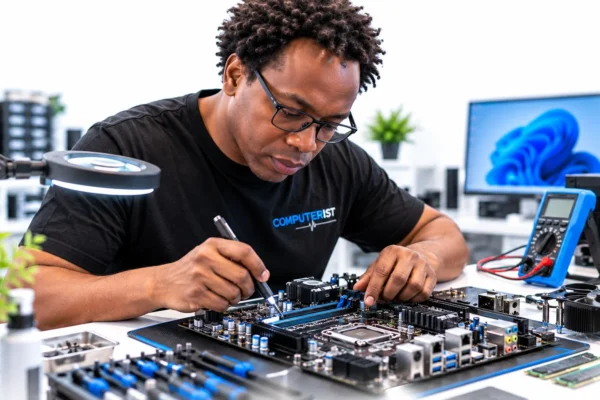
 Failure to power on
 Power Supply Troubleshooting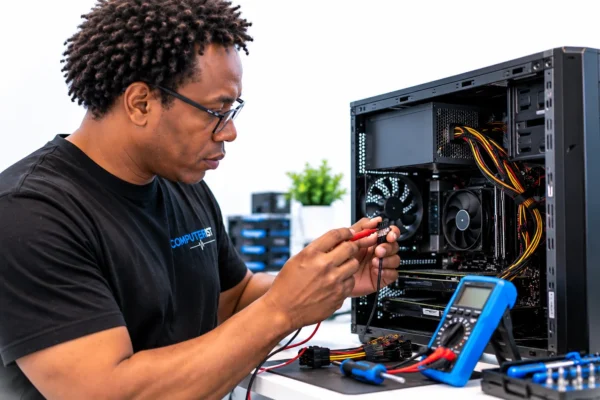
 Hard Drive & SSD Replacement
 Memory (RAM) Upgrades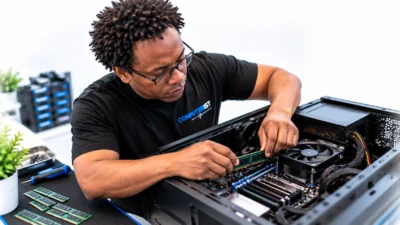
 CPU Upgrades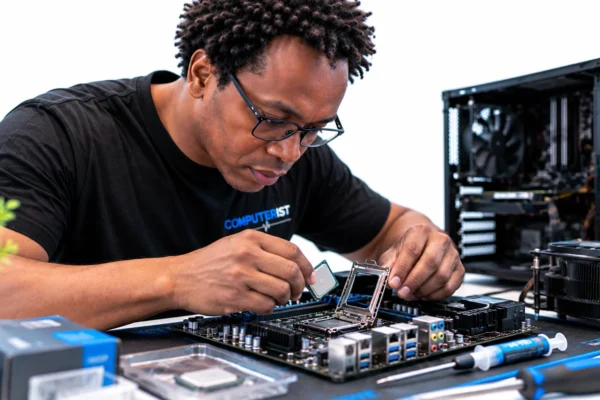
 Storage Upgrades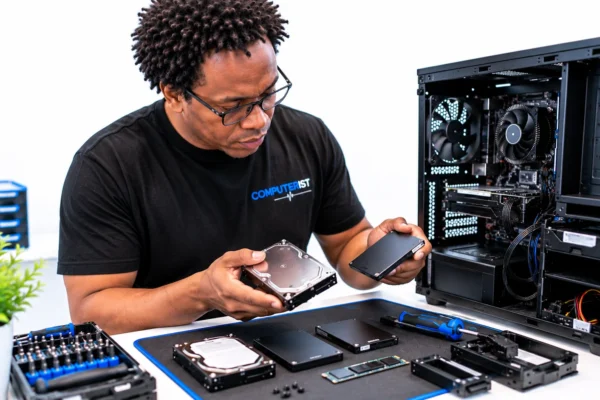
 Graphics Card Upgrades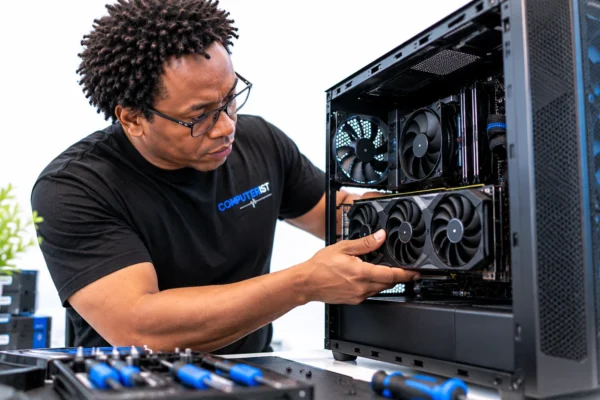
 Troubleshoot, Upgrade or Replace?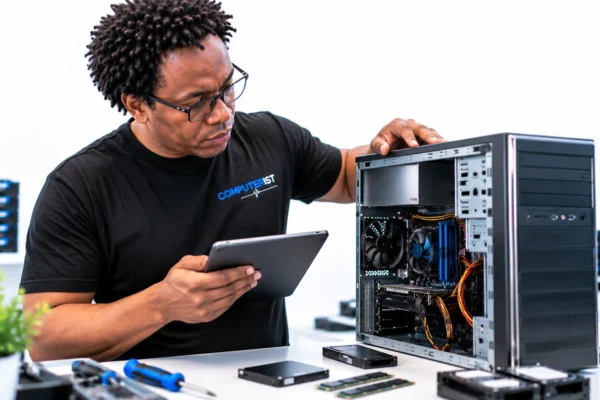

 PC Troubleshooting for Businesses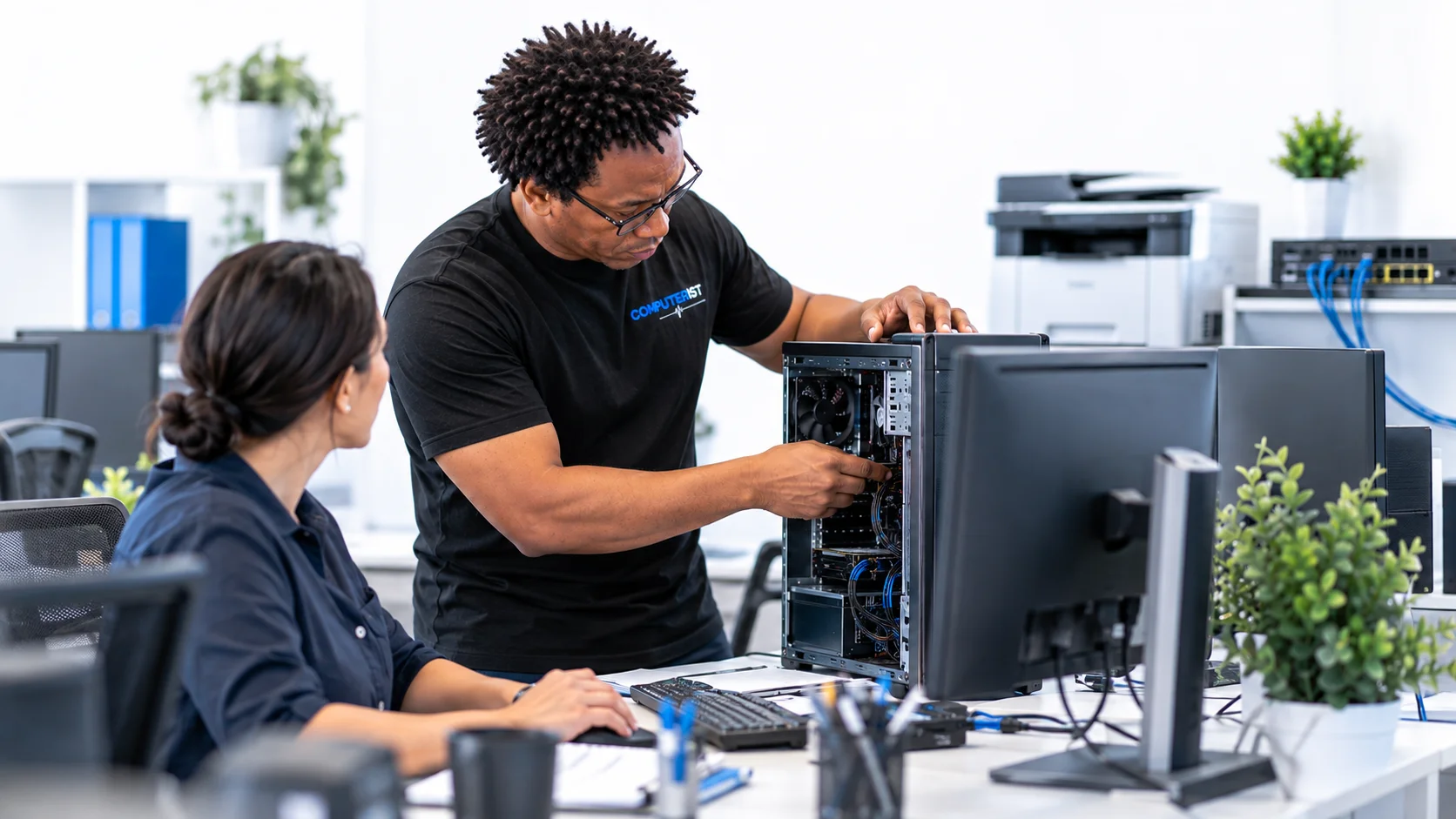
 Gaming PC Troubleshooting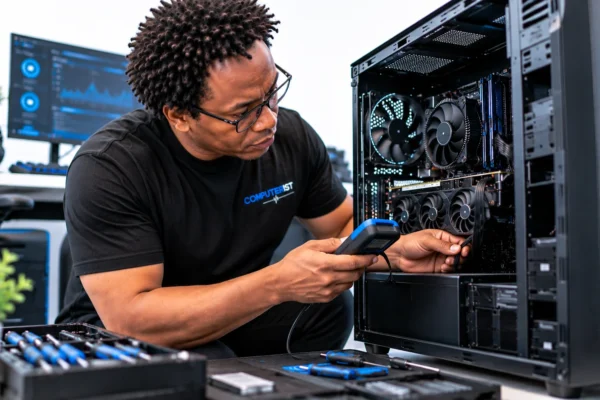
 What We Can Help With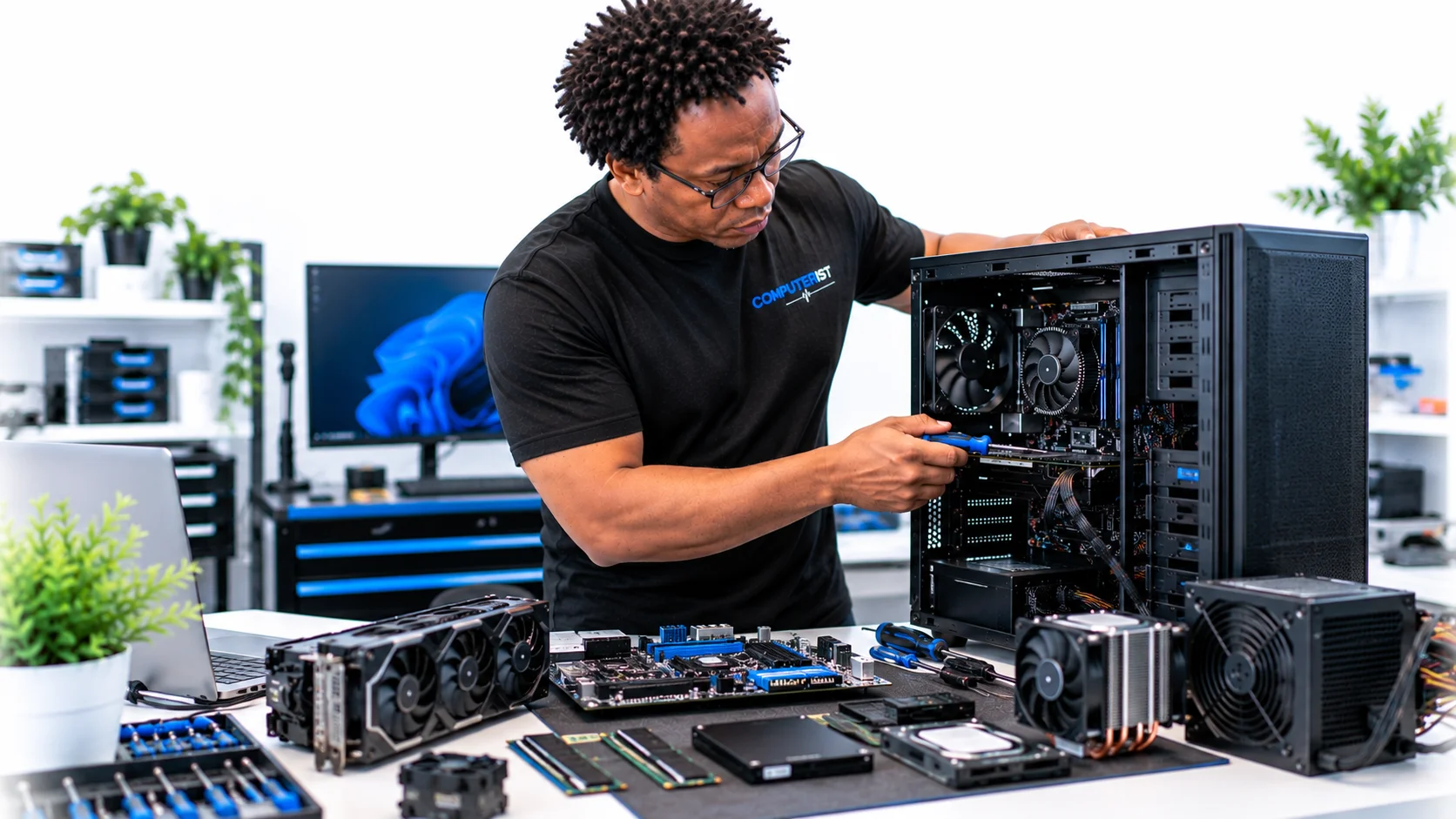

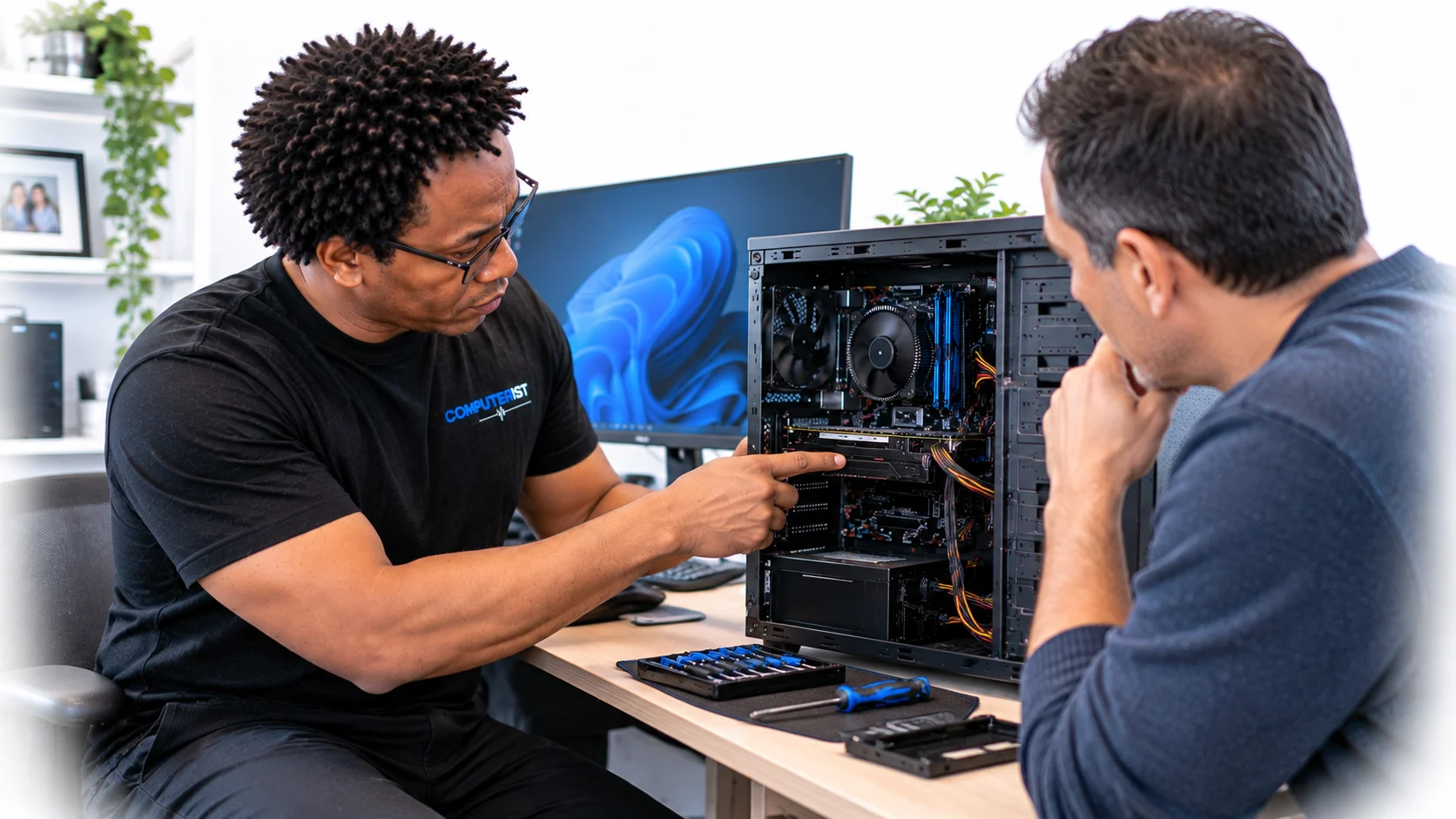
 We explain technology in plain English
 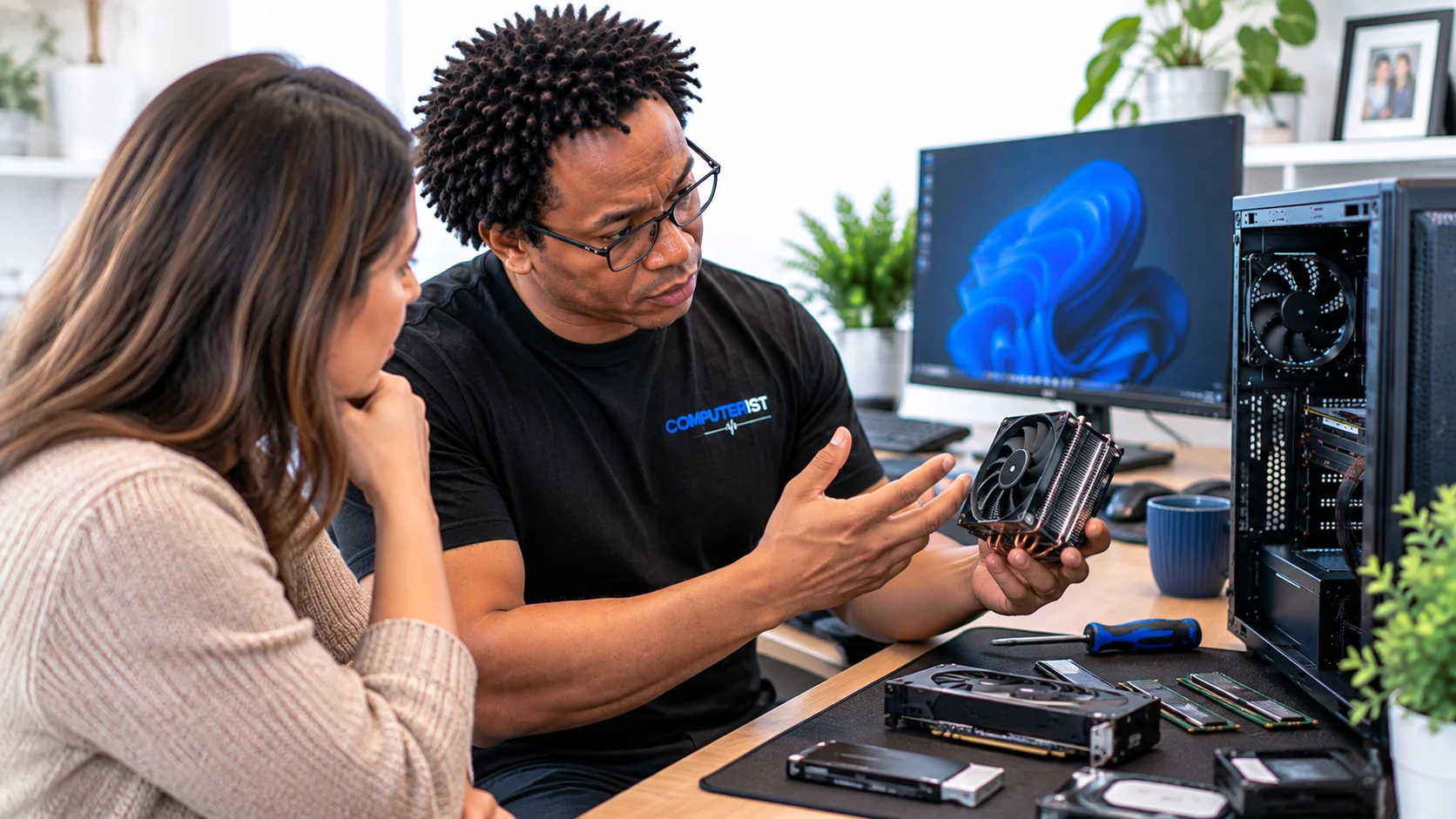 You shouldn’t need to be an IT professional to understand what is happening to your computer.