Complete IT Solutions!

Business System Setup Melbourne South-East

Business System Setup in Melbourne’s South-East

Get Your Business Technology Set Up Properly From Day One

Laptop Repair

Business System Setup for Small Business

business system setup

Starting a new business, opening an office or bringing a new employee into your team can involve a surprising amount of technology.

Computers need to be configured, user accounts created, Microsoft 365 and email connected, software installed, printers added and security settings established. If these systems are not set up properly, small problems can quickly become frustrating interruptions to everyday work.

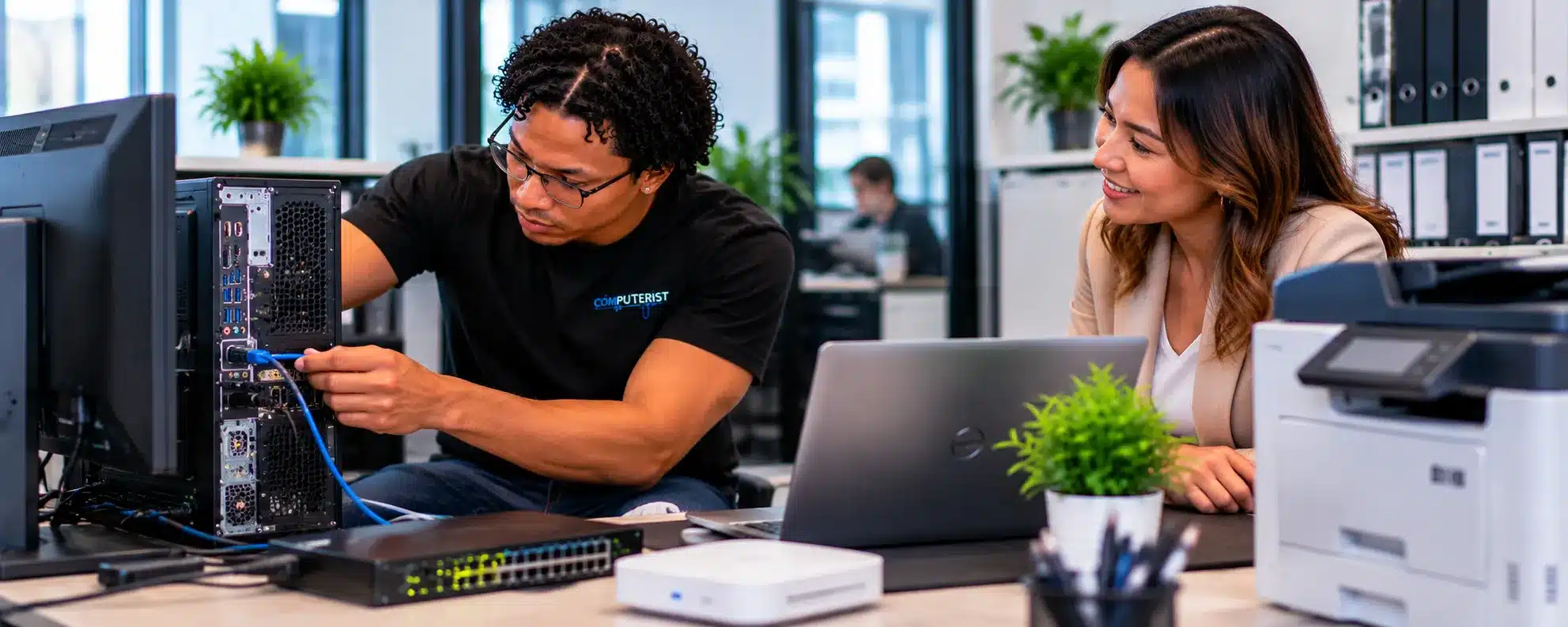
Computerist provides practical business system setup for small businesses across Melbourne’s south-east, helping bring the essential pieces of your technology environment together and ready for work.

Whether you’re setting up a new business or adding another employee to an existing team, we can help make the process simpler.

Get Your Business Technology Set Up Properly From Day OneWhat Is Business System Setup?

Business system setup is the process of preparing the technology a business needs to operate effectively. This can include computers, user accounts, Microsoft 365, email, software, printers, networks, security and other business applications.

The exact requirements depend on the business. Computerist can help assess the requirements and configure suitable systems according to the way your business operates.

Setting Up a New BusinessSetting Up a New Business

Starting a business often means making technology decisions at the same time as everything else. Choosing computers, email, Microsoft 365, software, printers, internet connectivity and security can quickly become overwhelming.

Computerist can help you establish a practical technology foundation so you can concentrate on your customers and operations rather than trying to solve IT problems yourself.

Setting Up a New OfficeSetting Up a New Office

Moving into a new office or opening an additional location can require more than simply plugging in a few computers. The technology environment may include computers, network equipment, Wi-Fi, printers, Microsoft 365, email, shared resources and security controls.

Computerist can assist with suitable setup and configuration requirements and help identify where specialist infrastructure services may be required.

New Computer SetupNew Computer Setup

A new computer should be ready for productive work, not simply switched on and handed to an employee. Computerist can assist with a suitable new computer setup, including Windows configuration, updates, applications, email, Microsoft 365, security settings, printers and other business requirements.

New Employee IT Setup New Employee IT Setup

Bringing a new employee into a business can involve several IT tasks. Their computer needs to be configured, accounts created, applications installed, and access provided to the services they are authorised to use.

Computerist can help streamline suitable employee technology setup so new team members can get to work with fewer technical delays.

Microsoft 365 Setup

Microsoft 365 can provide the foundation for business email, collaboration, document management and productivity. Computerist can assist with suitable Microsoft 365 setup and configuration, including user accounts, licences, applications and device configuration.

Business Email SetupBusiness Email Setup

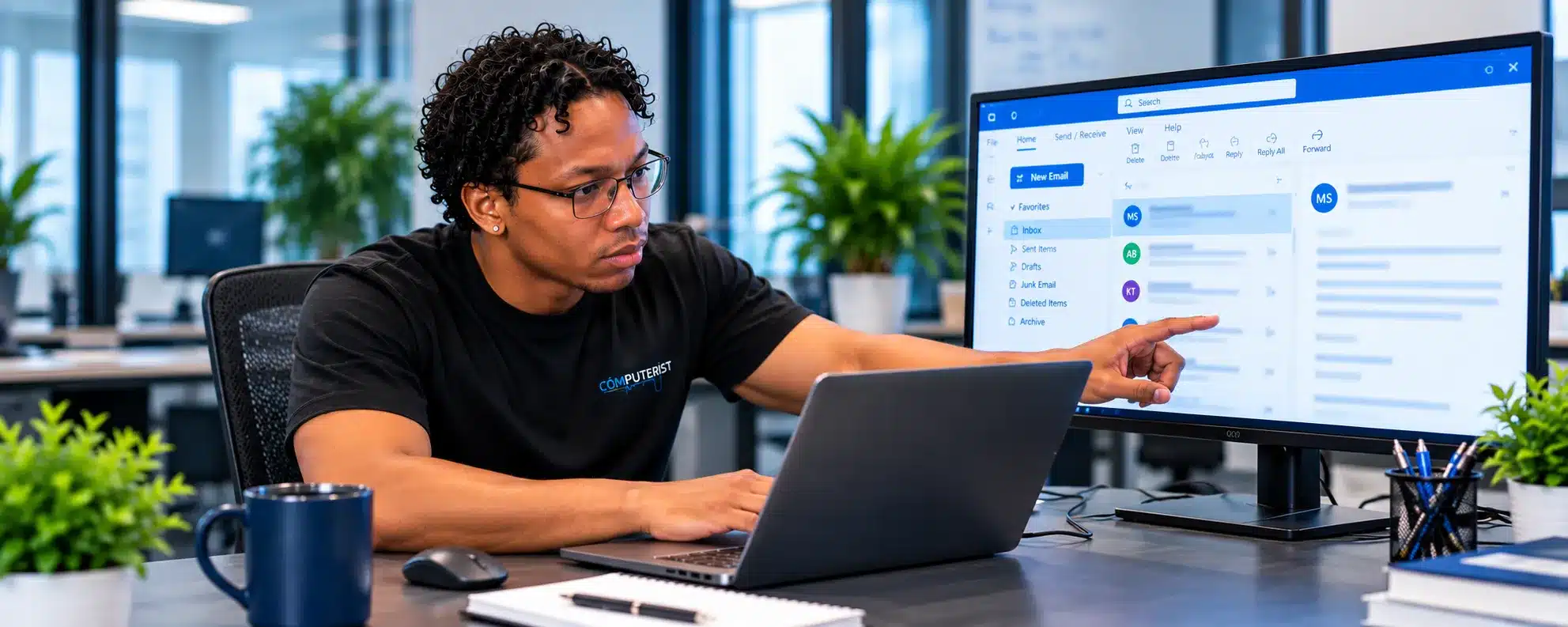
Professional email is an essential part of most businesses. Computerist can assist with suitable business email configuration, including Microsoft 365 and supported email environments. We can help connect email to computers and supported mobile devices and troubleshoot configuration or synchronisation problems.

Business Software SetupBusiness Software Setup

Every business relies on software to perform its work. Computerist can assist with installing and configuring compatible business applications, ensuring the required programs are available and appropriately configured for the user’s role.

Computer & User ConfigurationComputer & User Configuration

Business computers often require more configuration than a standard home computer. User profiles, applications, security settings, printers, cloud services and business resources may all need to work together. Computerist can help configure suitable devices according to the business’s requirements.

Printers & Office DevicesPrinter & Scanner Setup

Printers and multifunction devices are often an important part of office operations. Computerist can assist with suitable printer and scanner setup, including network connectivity, drivers, configuration and access for authorised users.

Network & Wi-Fi SetupNetwork & Wi-Fi Setup

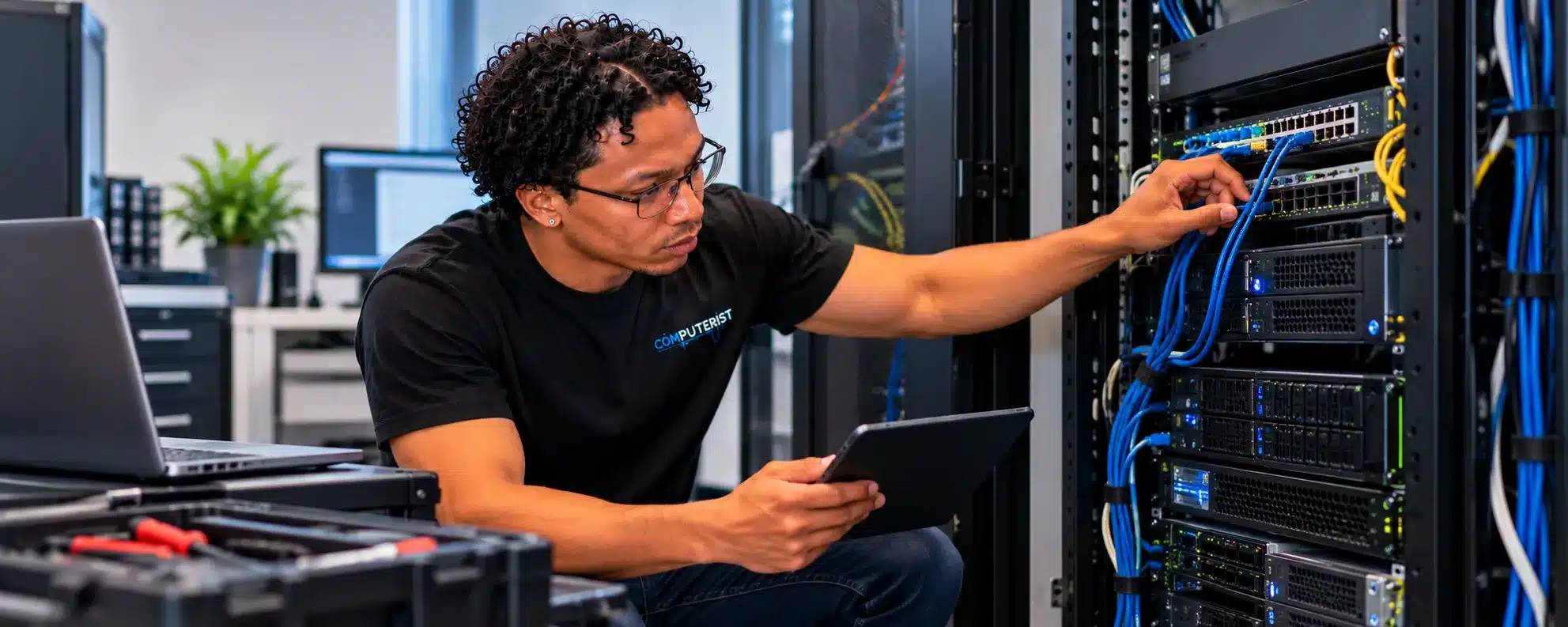
Computers and business devices need reliable connectivity. Depending on the project, Computerist can assist with suitable network and Wi-Fi configuration, device connectivity and basic troubleshooting. More extensive network design, cabling or infrastructure projects may require a dedicated Network Support engagement.

Security ConfigurationSecurity Configuration

Security should be considered during setup rather than added as an afterthought. Computerist can help establish suitable security settings for supported computers and business services, including updates, account protection and other basic security measures appropriate to the environment. The Australian Cyber Security Centre provides practical cyber security guidance for small businesses when setting up and managing technology.

Backup ConfigurationBackup Configuration

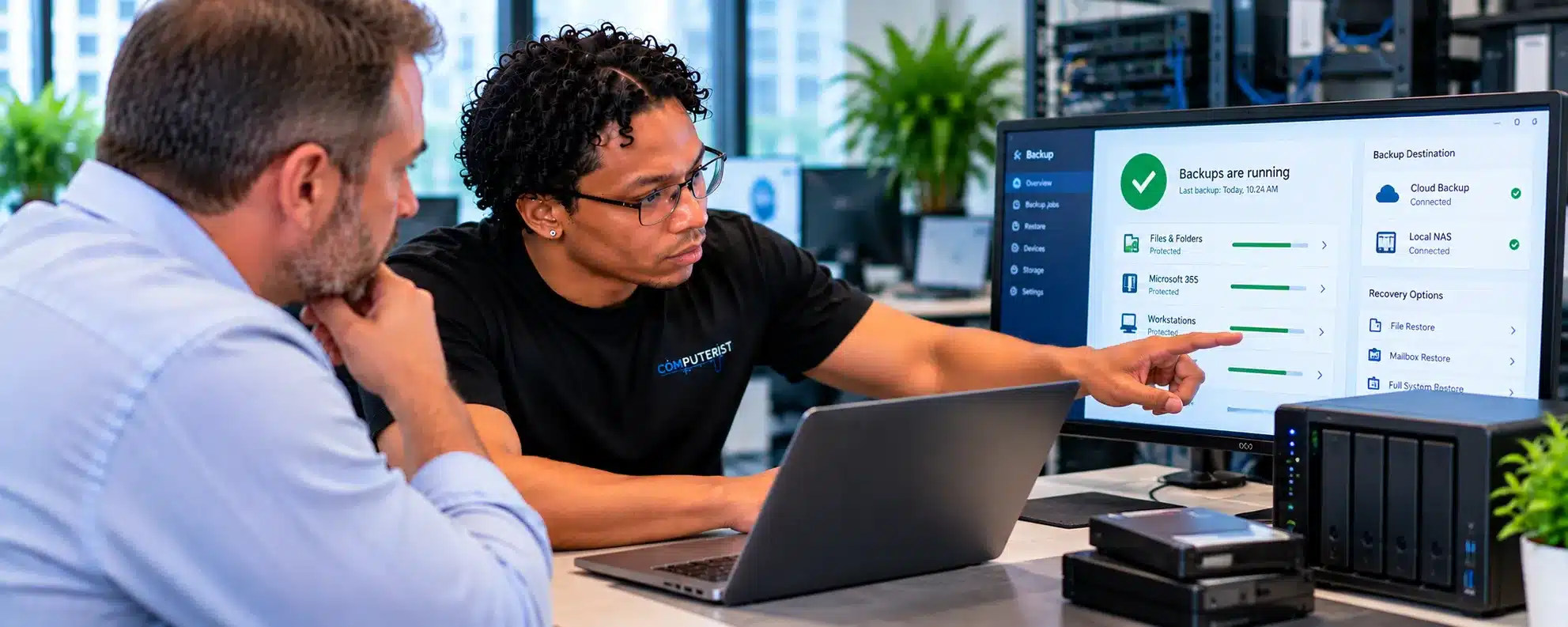
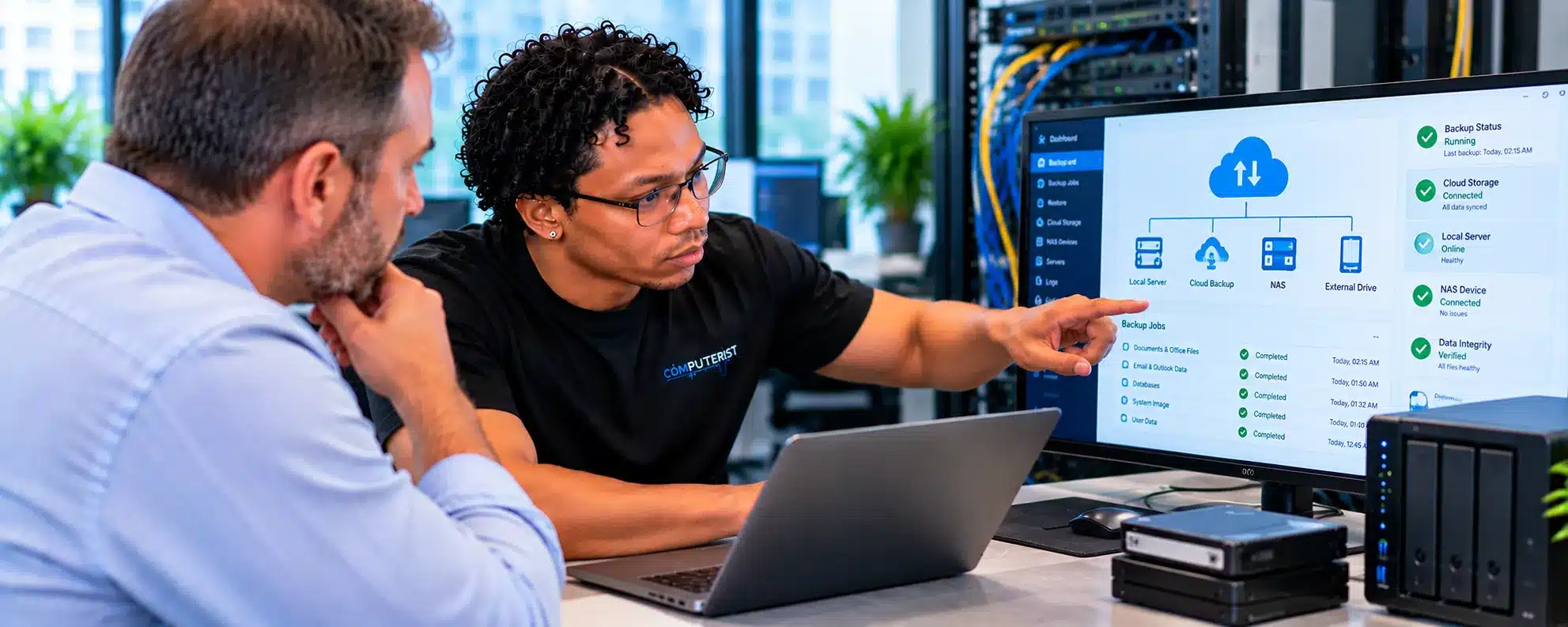
Important business information should have an appropriate protection strategy from the beginning. Computerist can help identify suitable backup requirements and configure supported backup solutions where appropriate. More comprehensive backup architecture and recovery planning is covered by our Backup & Disaster Recovery service.

Cloud Services SetupCloud Services Setup

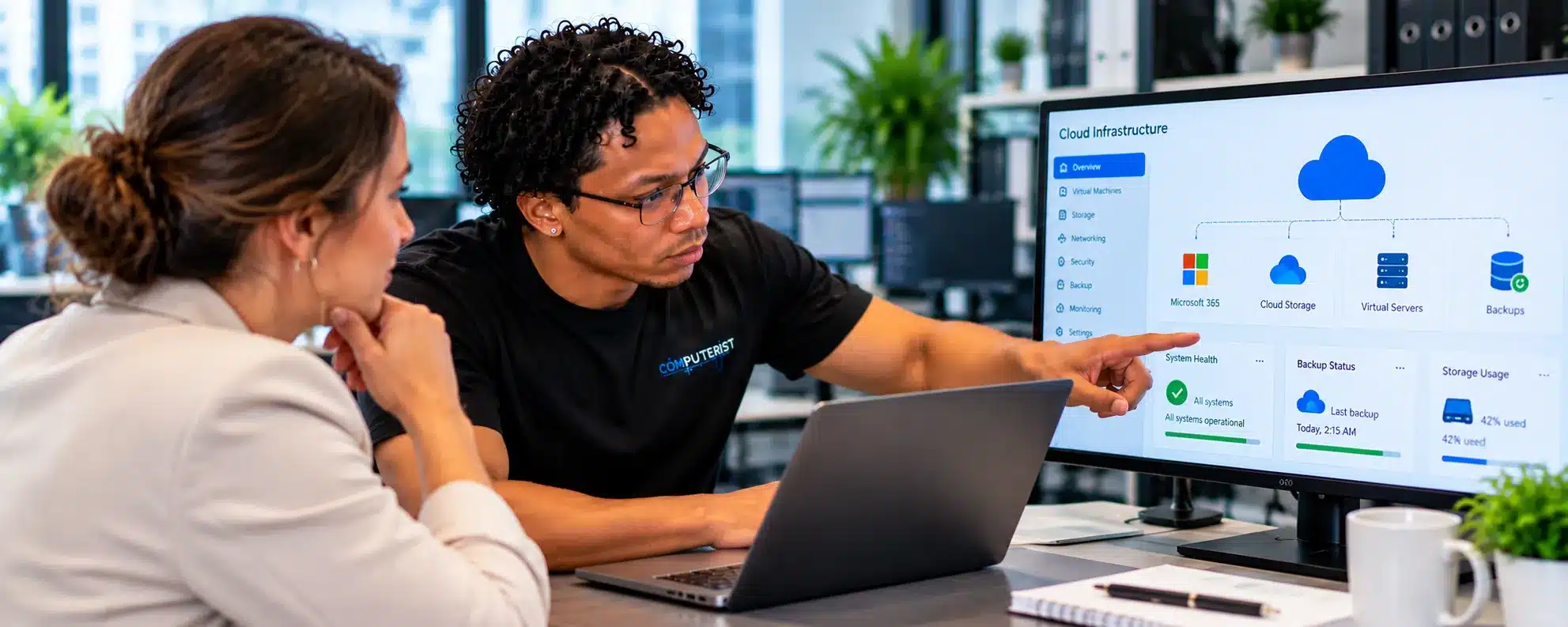
Many modern businesses depend on cloud services rather than traditional onsite infrastructure. Computerist can assist with suitable cloud application and service configuration and help connect supported devices and users to those services.

Setting Up Remote EmployeesSetting Up Remote Employees

Businesses increasingly have employees working from home or from different locations. Suitable remote-worker setup may involve laptops, Microsoft 365, email, cloud applications, security and remote access. Computerist can assist with appropriate technology configuration.

Business Moves & Technology Relocation Business Moves & Technology Relocation

Moving offices can be an opportunity to review and improve the existing IT environment. Computerist can assist with suitable technology relocation and configuration requirements, including computers, printers and network-connected devices.

Cloud & Server MaintenanceTechnology Setup for Small Businesses

Small businesses don’t necessarily need complicated technology. They need systems that are appropriate for their size, budget and way of working. Computerist focuses on practical solutions rather than adding unnecessary complexity.

Technology Setup for Home-Based BusinessesTechnology Setup for Home-Based Businesses

A home-based business may operate from a single laptop or desktop, but that computer can be critical to the entire business. Computerist can help configure suitable home-office technology, including computers, Microsoft 365, email, printers, Wi-Fi and security.

Setup & Ongoing IT Support Setup & Ongoing IT Support

Business System Setup is often the beginning of an ongoing relationship rather than the end of the project. Once your systems are operational, Computerist can provide suitable Business IT Support, Remote IT Support or Ongoing IT Maintenance.

Why Choose Computerist?

Security integrated with broader IT knowledge

Computerist understands that business technology needs to work in the real world. Our experience across computers, Microsoft 365, networking, cybersecurity, backup, cloud and servers allows us to consider how the different parts of your environment fit together.

Computerist IT Solution

A Better Start for Your Business Technology

A good technology setup can save time and frustration later. Accounts are created correctly, devices are configured consistently, applications are ready, and security is considered from the beginning. Whether you’re starting from scratch or expanding an existing business, Computerist can help establish a technology environment that is ready for work.

Real-world infrastructure experience

Computerist’s practical experience includes working with:

Routers

Switches

Firewalls

Wireless access points

Business networks

Endpoint environments

Microsoft 365

Network migrations

Infrastructure deployments

This includes involvement in wireless access-point rollouts and business infrastructure environments.

We explain technology in plain English

You shouldn’t need to be an IT professional to understand what is happening to your network. We’ll explain: What’s wrong. What can be done. What it is likely to cost. Whether it’s worth doing.

Microsoft 365 experience

Computerist has substantial practical experience supporting Microsoft 365 environments, users, endpoints and tenants. That matters because identity and cloud services are now central components of many business environments.

Network experience

Network security depends on understanding the network itself.

Computerist has practical experience with business networks, routers, switches, firewalls and wireless infrastructure.

Endpoint experience

A secure network doesn’t help much if the computers connected to it are poorly maintained.

Computerist understands endpoint deployment, configuration, monitoring and troubleshooting

Practical rather than theatrical

We’re not interested in frightening business owners into buying technology they don’t need.

We’ll explain:

What’s at risk.

What you’re already doing well.

What’s missing.

What should be fixed first.

What can wait.

Practical advice

Sometimes the best solution is a repair. Sometimes it’s an upgrade. Sometimes replacement is the better financial decision. We’ll explain the options.

Documentation matters

A network should be understandable.

We place importance on documenting relevant technical information so that future troubleshooting, upgrades and changes are easier.

Clear explanations

You don’t need to understand what every network or hardware component does. We’ll explain what matters and what doesn’t.

No Fix, No Fee

Where applicable, Computerist operates a No Fix, No Fee approach. The exact conditions depend on the nature of the work, so we’ll explain them before proceeding.

Business System Setup in Melbourne’s South-East

Serving Melbourne’s South-East

Computerist provides Business System Setup across Melbourne’s South-East, including Noble Park, Springvale, Dandenong, Clayton, Keysborough & Dandenong South. We may also support surrounding south-eastern suburbs where the service requirement is suitable.

Ready to Set Up Your Business Technology?

Whether you’re starting a new business, opening an office, adding employees or simply need to bring your existing systems together, Computerist can help. We provide practical Business System Setup for businesses across Melbourne’s south-east, helping configure the computers, accounts, software, email, Microsoft 365, printers and other technology your team relies on. Start with the technology you need today and build from there as your business grows.

Computerist IT Solutions

Business System Setup Melbourne South-East New Business Setup · Office Setup · New Computers · Microsoft 365 · Email · Software · Printers · Networks · Security

Need With Business System Setup

Whether you’re starting a new business, opening an office, adding employees or simply need to bring your existing systems together, Computerist can help you understand what needs to be set up and work out the most sensible next step.

NO FIX, NO FEE*

We charge an hourly rate for the time spent working on your technology. If we’re unable to resolve the problem, you won’t be charged for the diagnostic or travel component.

*Some exclusions and conditions may apply. We’ll explain applicable charges before work begins.