Business Printer Setup & Support Melbourne South-East
Business Printer Setup & Support in Melbourne’s South-Eastprint
Reliable Printing and Scanning for Your Business
Business Printer Support
Business Printing That Just Works
Printer problems can quickly become business problems when staff can’t print, scan or access shared devices. Computerist can help set up and configure business printers, connect them to your network, install the required drivers and software, configure scanning and troubleshoot printing issues across your workplace.
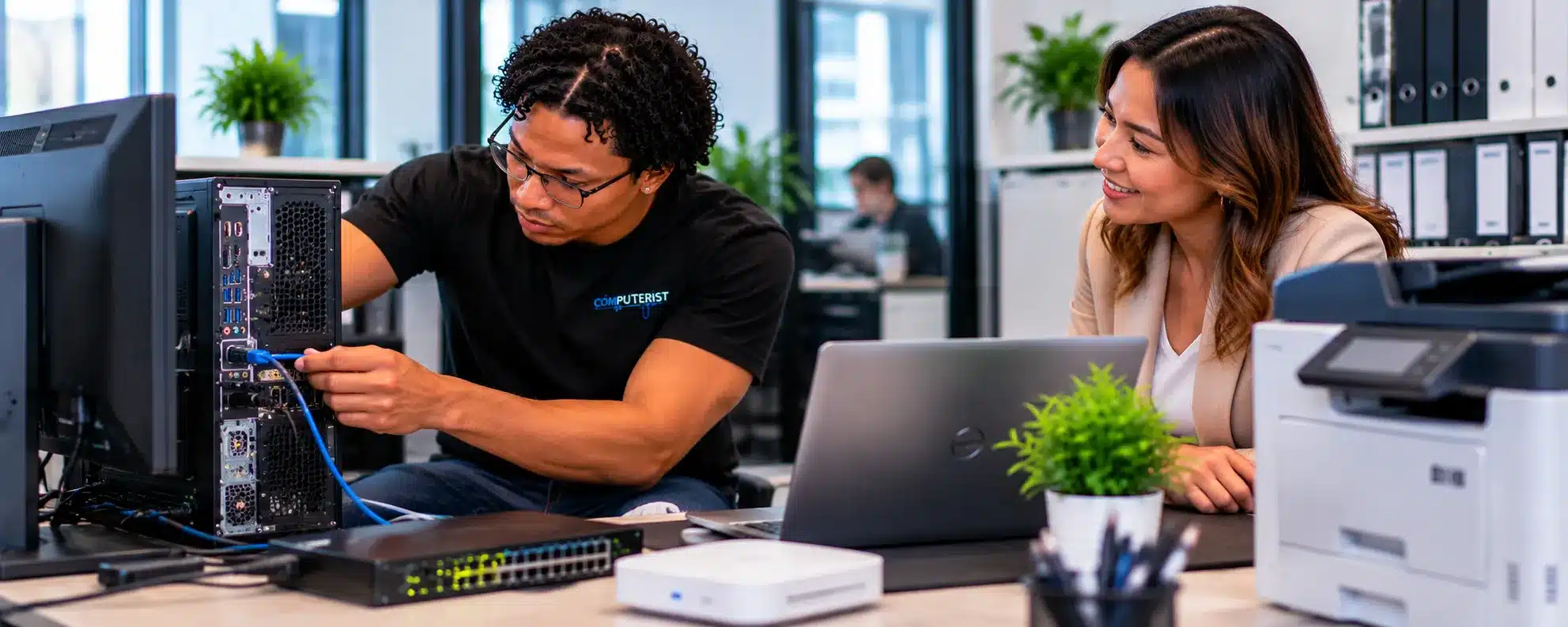
Printers may not be the most glamorous part of your business technology, but when an office printer stops working, the disruption can be immediate. Computerist provides business printer setup and support for businesses across Melbourne’s south-east, helping configure printers, multifunction devices and scanners so they work reliably with your computers and network. Whether you’re setting up a new office printer, connecting a wireless or network printer, configuring scanning or troubleshooting an existing device, we can help with the computer, software and network side of the setup. Our focus is simple: get your business printing and scanning without unnecessary technical frustration.
A business printer often needs more than a power cable and a driver. Network settings, user access, drivers, scanning software and computer configuration may all need to work together.
Computerist can assist with suitable printer setup and configuration for small businesses, offices and home-based businesses.
New Printer Installation
Bought a new printer for your business? We can help get it configured and ready for everyday use. A suitable setup can include connecting the printer, installing required software and drivers, configuring printing and testing the device with the computers that need to use it.
Network Printer Setup
Network printers allow multiple authorised users to access a shared printer without connecting every computer directly to it. Computerist can assist with suitable network printer configuration, connectivity and computer setup.
Multifunction Printer & Scanner Setup
Many modern business printers combine printing, scanning and copying in a single device. Computerist can assist with suitable multifunction device configuration, including printing, scanning software, drivers and connection to supported computers.
Wireless Printer Setup
Wireless printing can be convenient, particularly for smaller offices and flexible workspaces. We can assist with suitable wireless printer setup and troubleshoot connectivity problems where the issue is related to the computer or network.
Printer Drivers & Software
Printer drivers and manufacturer software allow computers to communicate correctly with the printer and can provide additional functions such as scanning and device management. Computerist can assist with suitable driver and software installation and configuration.
Printer Setup for Multiple Users
A business printer may need to be available to several employees using different computers. We can assist with suitable shared and network printer configuration so authorised users can access the device from their computers.
Windows Business Printer Support
Computerist can assist with suitable printer configuration on Windows computers, including adding printers, installing drivers, selecting default printers and troubleshooting printing problems.
Mac Business Printer Support
Businesses using Macs may also need printer and scanner configuration. We can assist with suitable macOS printer setup, drivers, software and connectivity where supported by the device.
Printer Troubleshooting
A printer that suddenly stops working does not necessarily have a hardware fault. The problem may involve Windows, drivers, the print queue, network connectivity, Wi-Fi or printer configuration. Computerist can investigate suitable printer problems and identify the appropriate next step.
Printer Offline Problems
A printer showing as offline can be caused by network changes, Wi-Fi problems, incorrect configuration, drivers or communication issues. We can investigate the setup and determine whether the problem can be resolved through configuration or troubleshooting.
Printer Not Printing
If documents remain stuck in the print queue or nothing comes out of the printer, the cause may be software, connectivity, configuration or hardware. Computerist can troubleshoot suitable printing problems.
Scanning Setup & Support
Scanning can be just as important as printing for many businesses. Computerist can assist with suitable scanner configuration, scanning software and scan-to-computer functionality where supported.
Printer & Wi-Fi Problems
A wireless printer is another device on your business network. If the Wi-Fi network changes or connectivity becomes unreliable, the printer may stop communicating with computers. Computerist can investigate suitable printer and network connectivity problems.
Printer Security
Network-connected printers can contain stored information, user credentials and configuration details, so security should not be overlooked. Computerist can help businesses consider appropriate printer access, network security and software update practices.
Printer Setup for New Offices
Opening a new office often means setting up computers, Wi-Fi, printers and other connected devices at the same time. Computerist can assist with suitable printer installation and configuration as part of a broader Business System Setup project. For official guidance on printer setup and troubleshooting in Windows, see Microsoft Support — Fix printer connection and printing problems in Windows
Printer Setup for Home-Based Businesses
Home-based businesses often rely on a multifunction printer for invoices, documents, scanning and everyday administration. We can help configure suitable printers with computers, Wi-Fi and supported business applications.
Printer Support for Remote Workers
Employees working from home may need reliable access to printing and scanning. Where appropriate, Computerist can assist remotely with suitable printer software, drivers and configuration problems.
Business Printer Maintenance
Regular attention can help identify recurring configuration and connectivity problems before they become a larger interruption. Physical mechanical faults may require a specialist printer repair provider, while Computerist can assist with suitable computer, software and network-related issues.
When a Printer Needs Specialist Repair
Not every printer problem can be solved through computer or network configuration. Mechanical failures, damaged print mechanisms and certain component faults may require specialist printer repair or manufacturer service. We’ll explain when the problem appears to be outside the scope of IT configuration.
A computerist looks at the whole setup rather than assuming every printer problem is a printer problem. We can consider the printer, computer, drivers, software, Wi-Fi and business network together.
Real-world infrastructure experience
Computerist’s practical experience includes working with: Printers Routers Switches Firewalls Wireless access points Business networks Endpoint environments Microsoft 365 Network migrations Infrastructure deploymentsThis includes involvement in wireless access-point rollouts and business infrastructure environments.
We explain technology in plain English
You shouldn’t need to be an IT professional to understand what is happening to your network.We’ll explain:What’s wrong.What can be done.What it is likely to cost.Whether it’s worth doing.
Microsoft 365 experience
Computerist has substantial practical experience supporting Microsoft 365 environments, users, endpoints and tenants.That matters because identity and cloud services are now central components of many business environments.
Network experience
Network security depends on understanding the network itself.
Computerist has practical experience with business networks, routers, switches, firewalls and wireless infrastructure.
A secure network doesn’t help much if the computers connected to it are poorly maintained.
Computerist understands endpoint deployment, configuration, monitoring and troubleshooting
Practical rather than theatrical
We’re not interested in frightening business owners into buying technology they don’t need.
We’ll explain:
What’s at risk.
What you’re already doing well.
What’s missing.
What should be fixed first.
What can wait.
Practical advice
Sometimes the best solution is a repair.Sometimes it’s an upgrade.Sometimes replacement is the better financial decision.We’ll explain the options.
Documentation matters
A network should be understandable.
We place importance on documenting relevant technical information so that future troubleshooting, upgrades and changes are easier.
Clear explanations
You don’t need to understand what every network or hardware component does.We’ll explain what matters and what doesn’t.
No Fix, No Fee
Where applicable, Computerist operates a No Fix, No Fee approach.The exact conditions depend on the nature of the work, so we’ll explain them before proceeding.
Local Printer Setup & Support in Melbourne’s South-East
Serving Melbourne’s South-East
Computerist provides Business Printer Setup & Support across Melbourne’s South-East, including Noble Park,Springvale, Dandenong, Clayton, Keysborough & Dandenong South. We may also support surrounding south-eastern suburbs where the service requirement is suitable.
Whether you’re installing a new office printer, connecting a multifunction device or dealing with a printer that has suddenly stopped working, Computerist can help.
We provide practical Business Printer Setup & Support for businesses across Melbourne’s south-east, including printer installation, network and Wi-Fi configuration, drivers, scanning and troubleshooting.
If the problem is with the printer, computer or network, we’ll help identify where the problem is and what needs to happen next.
Whether you need help setting up a new business printer, connecting printers to your network, configuring printing for staff, troubleshooting an existing printer or choosing the right setup for your business, Computerist can help you understand what’s happening and work out the most sensible next step.
We charge an hourly rate for the time spent working on your technology. If we’re unable to resolve the problem, you won’t be charged for the diagnostic or travel component.
Some exclusions and conditions may apply. We’ll explain applicable charges before work begins.




 Business Printer Setup
 New Printer Installation
 Network Printer Setup
 Wireless Printer Setup
 Printer Drivers & Software
 Windows Business Printer Support
 Mac Business Printer Support
 Printer Troubleshooting
 Printer Offline Problems
 Printer Not Printing
 Scanning Setup & Support
 Printer Security
 Printer Setup for New Offices
 Printer Setup for Home-Based Businesses
 When a Printer Needs Specialist Repair

 Printers